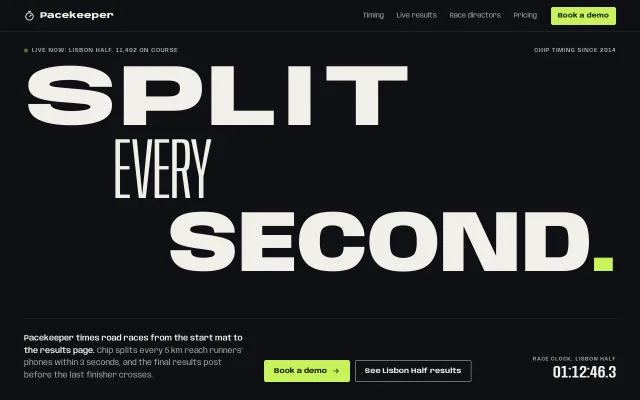
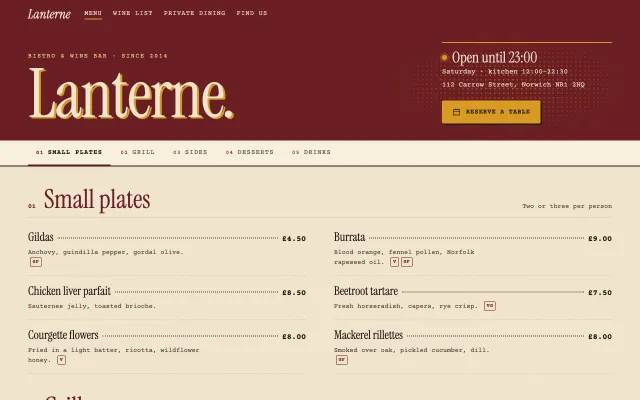
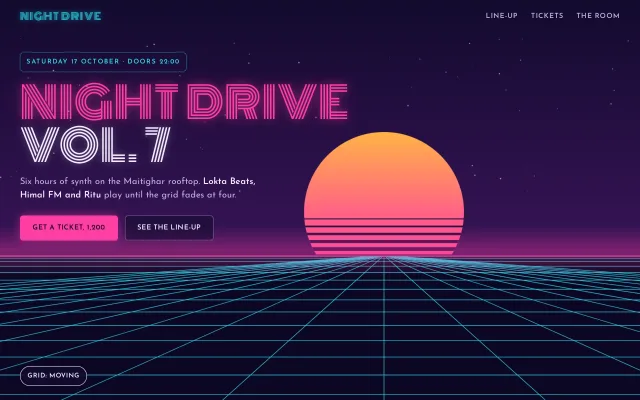
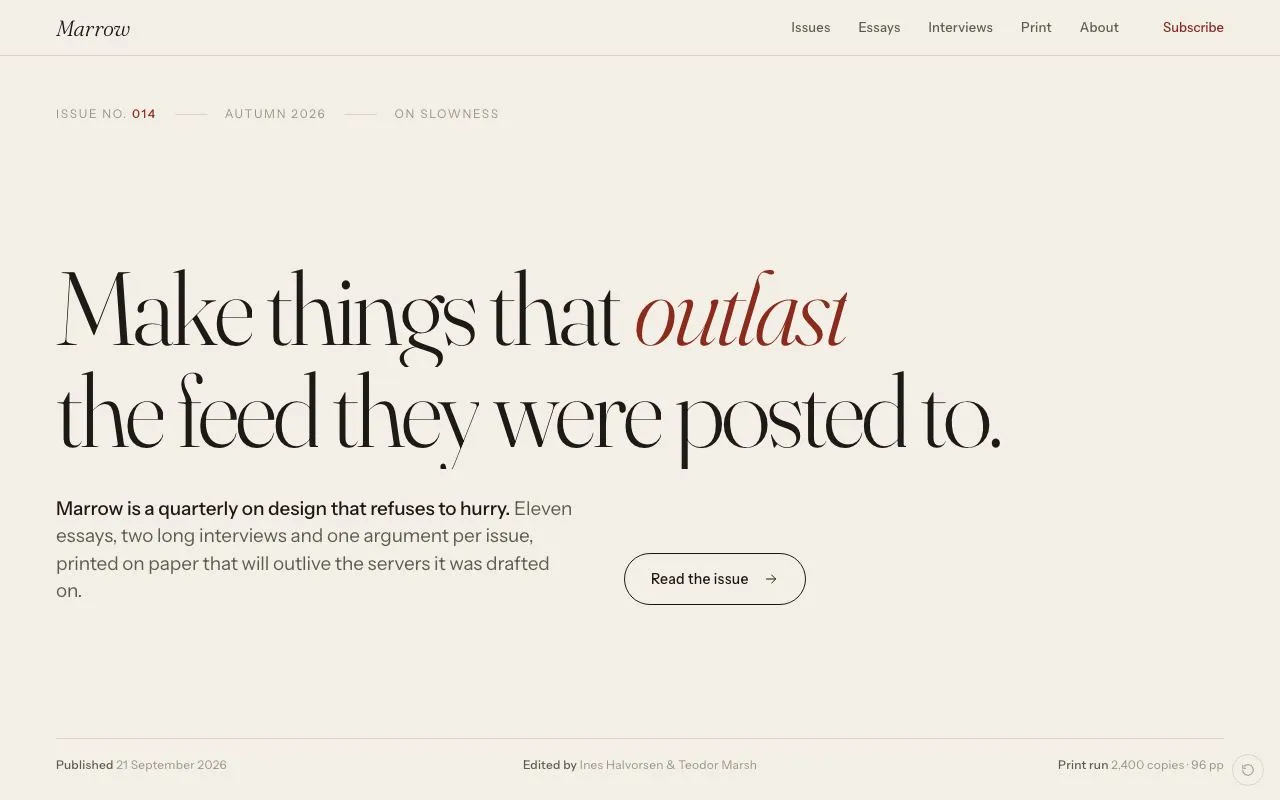
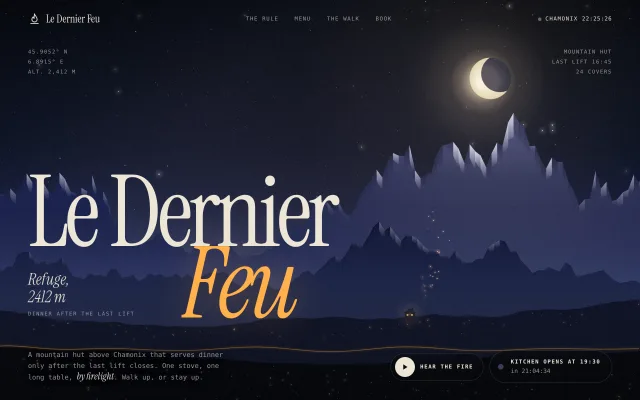
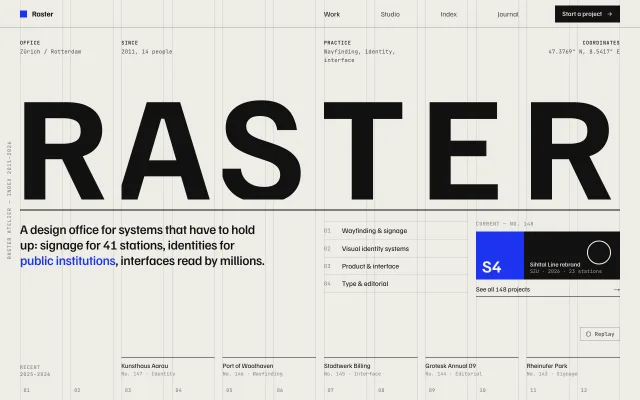
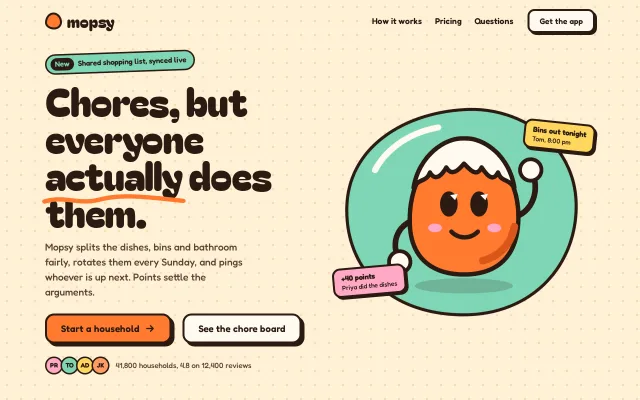
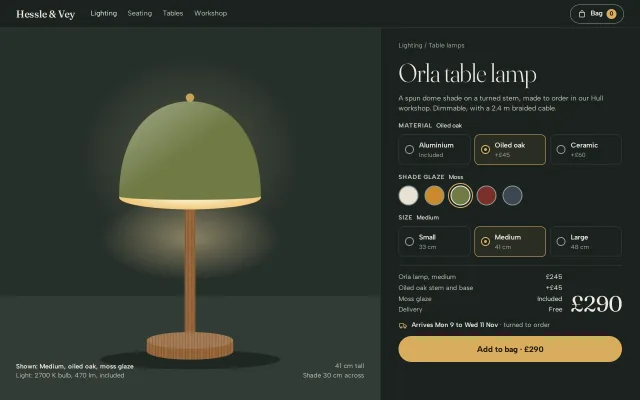
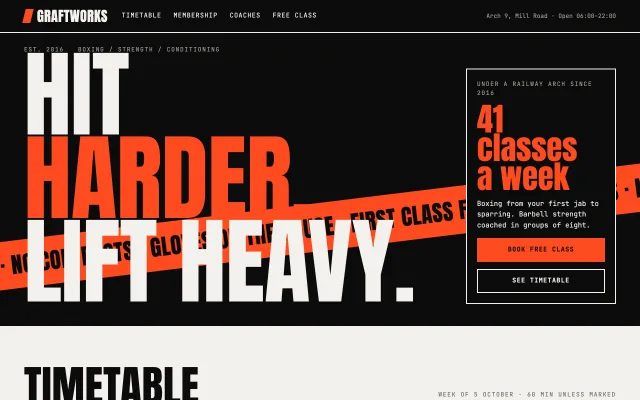
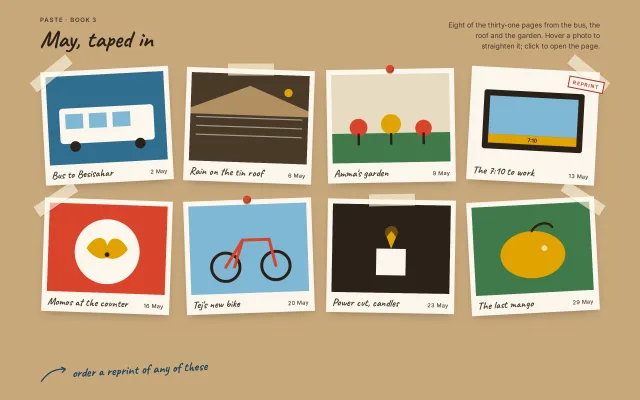
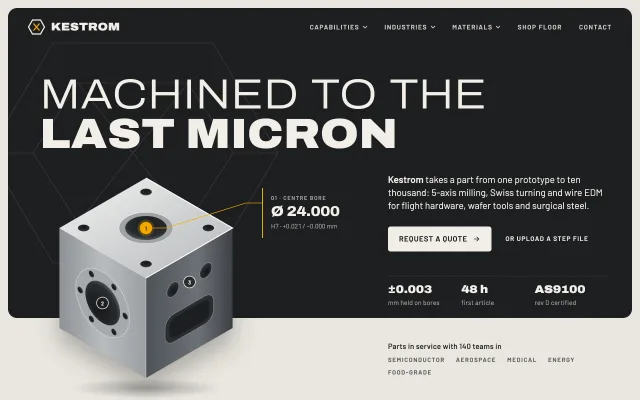
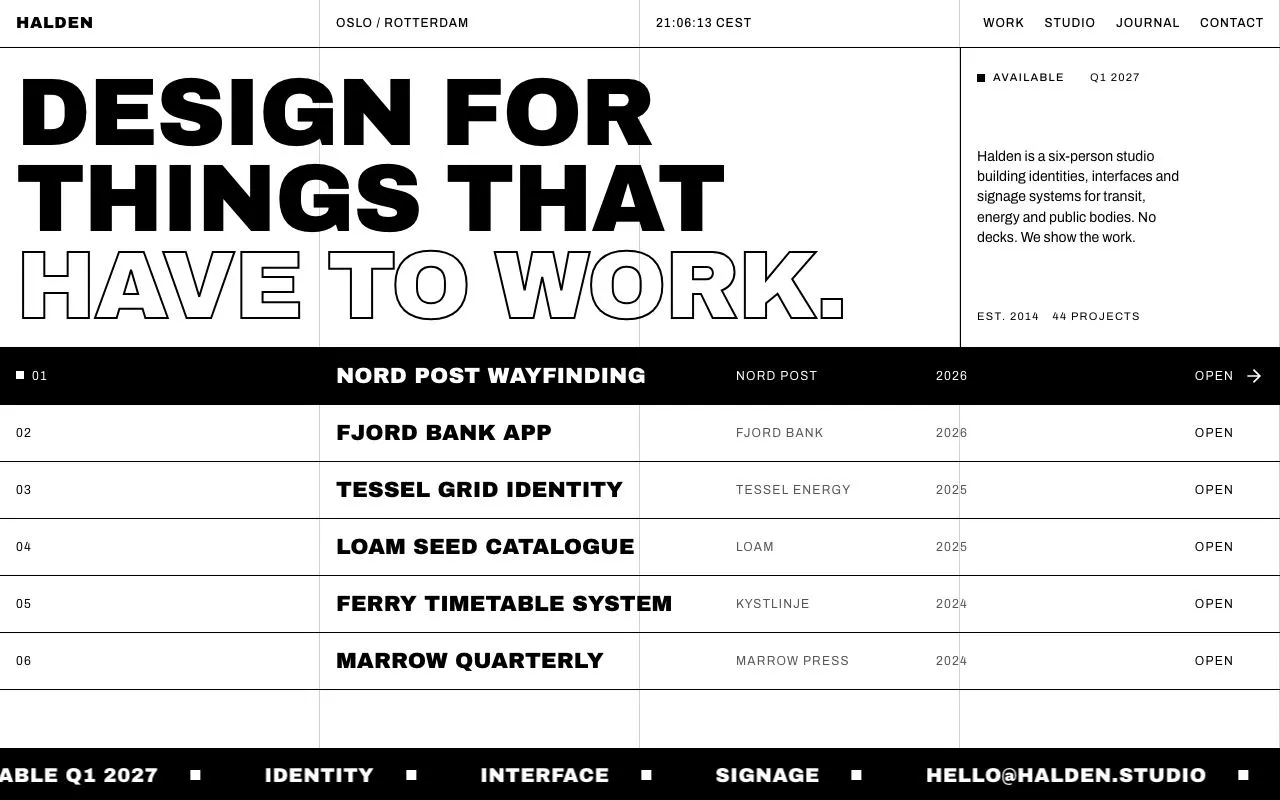
Give your AI agent design taste.
600+ live designs your agent builds from, so what it ships looks made on purpose.
claude mcp add -s user design-lounge -- npx -y design-lounge-mcp@latest For Claude Code, and it installs the skill too. Cursor, Codex and ChatGPT, or the skill alone.
One prompt, two builds.
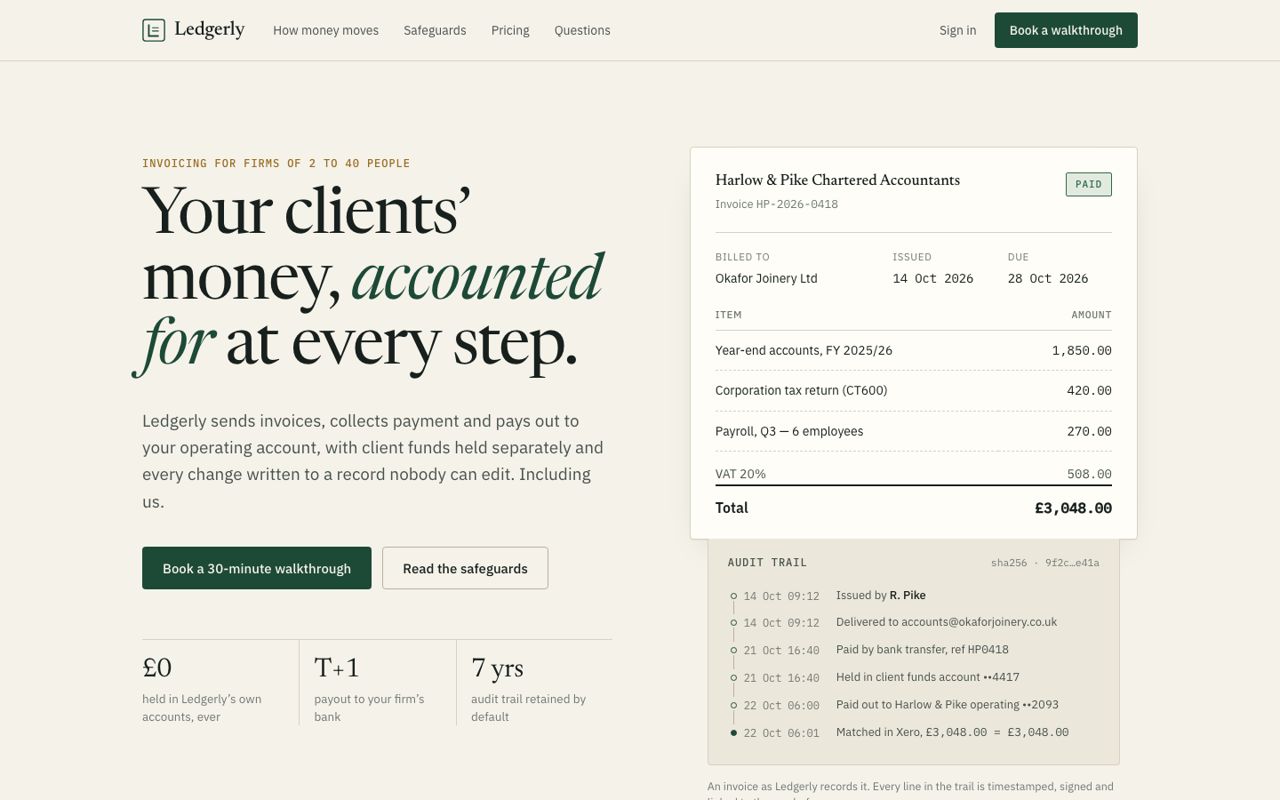
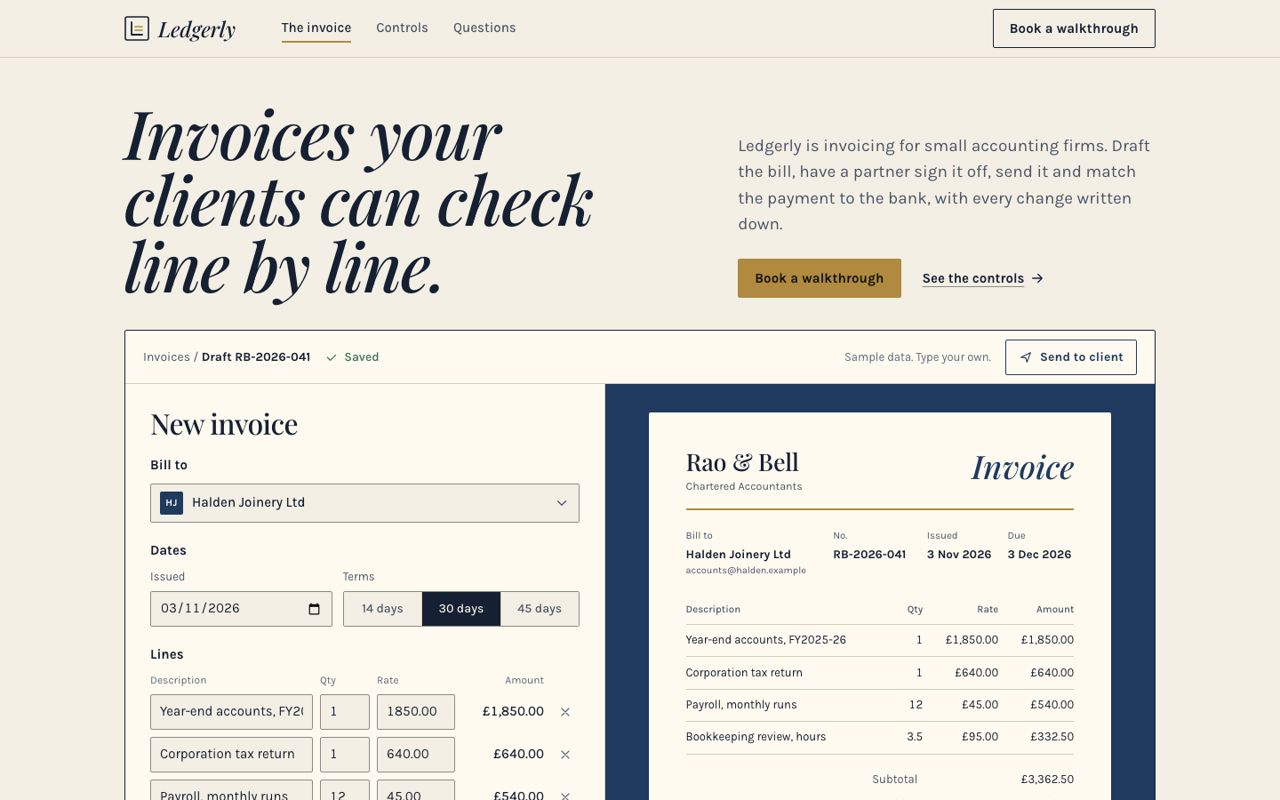
The same request to the same model. With Design Lounge, the agent locked one palette, one font pairing and one page plan, built each part from a live piece, then checked its own page. Drag the line to compare.
“Build a landing page for Ledgerly, invoicing software for small accounting firms. It should make people trust it with their clients' money.”
Claude Opus 5.5 alone4 review fails
- 41 text elements below readable contrast
- Invents an FCA licence, SOC 2 and 99.98% uptime
With Design Lounge0 review fails
- Every line of text readable
- Leaves certifications out and lists them as missing, instead of making them up
- 0 vs 16
- Review fails across all 3 builds, with the Lounge and without it
- 0 vs 92
- Lines of text too faint to read
- 100
- Accessibility score on every Lounge build, against 81 without
- 3 of 3
- Pairs where a blind design rating scored the Lounge build higher
Six sites, one prompt each.
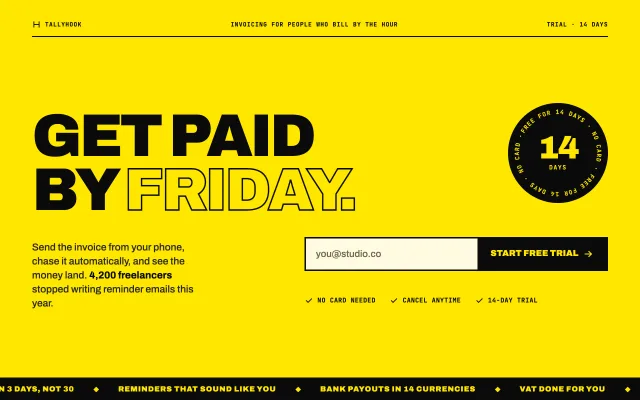
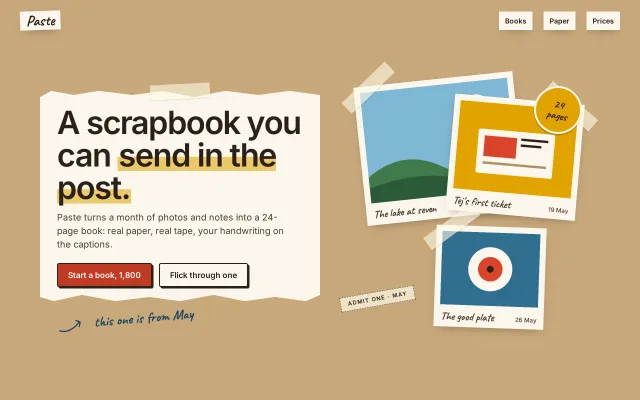
Each one built by a coding agent with Design Lounge, in one go. Open any of them and use it.
-
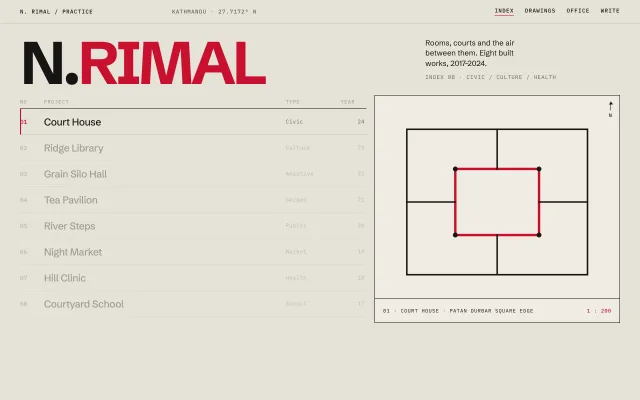
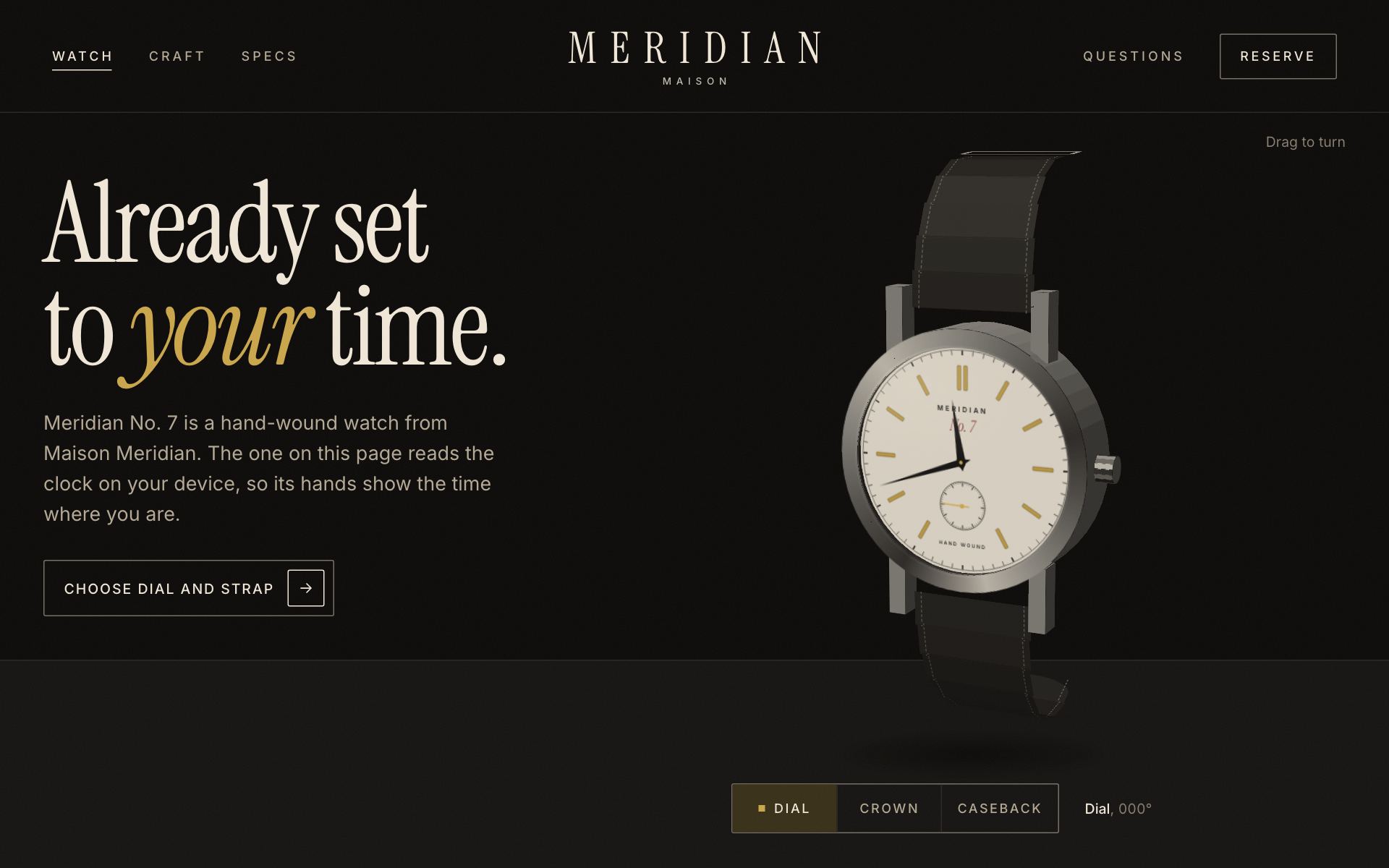 Meridian No. 7“A page for one mechanical watch, Meridian No. 7. Make it look expensive and let me turn it.”
-
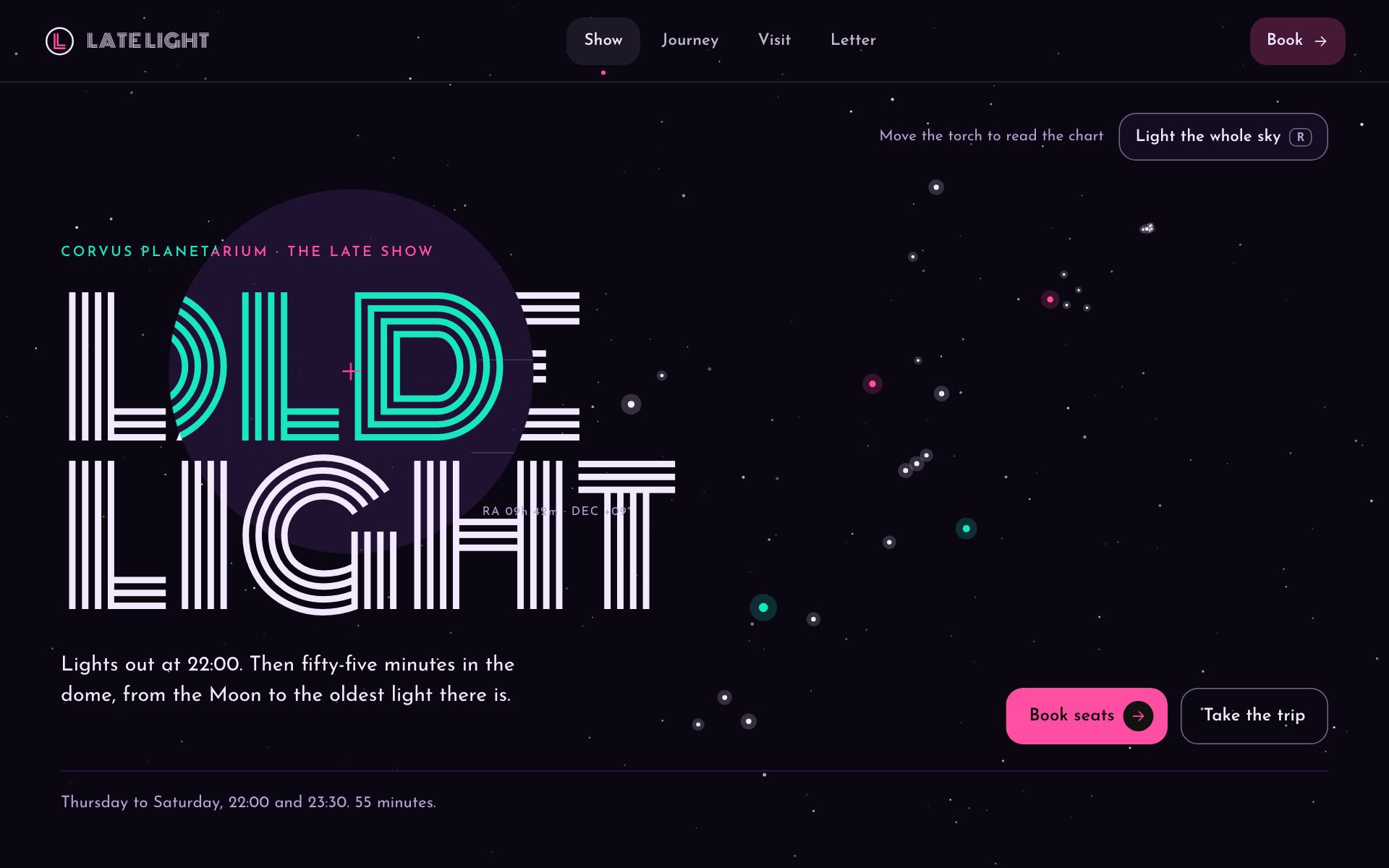 Late Light“A site for a planetarium's late-night show. You scroll and you travel through space. Make it unforgettable.”
-
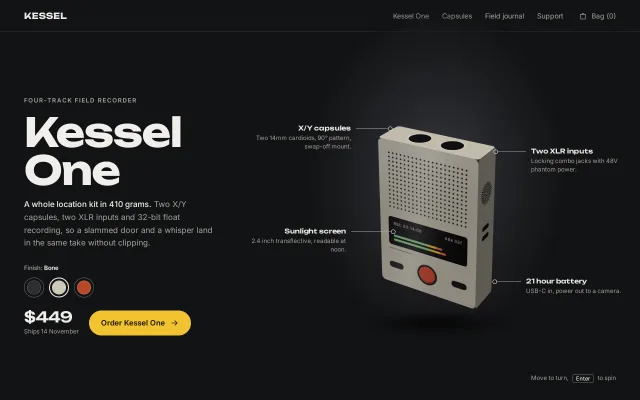
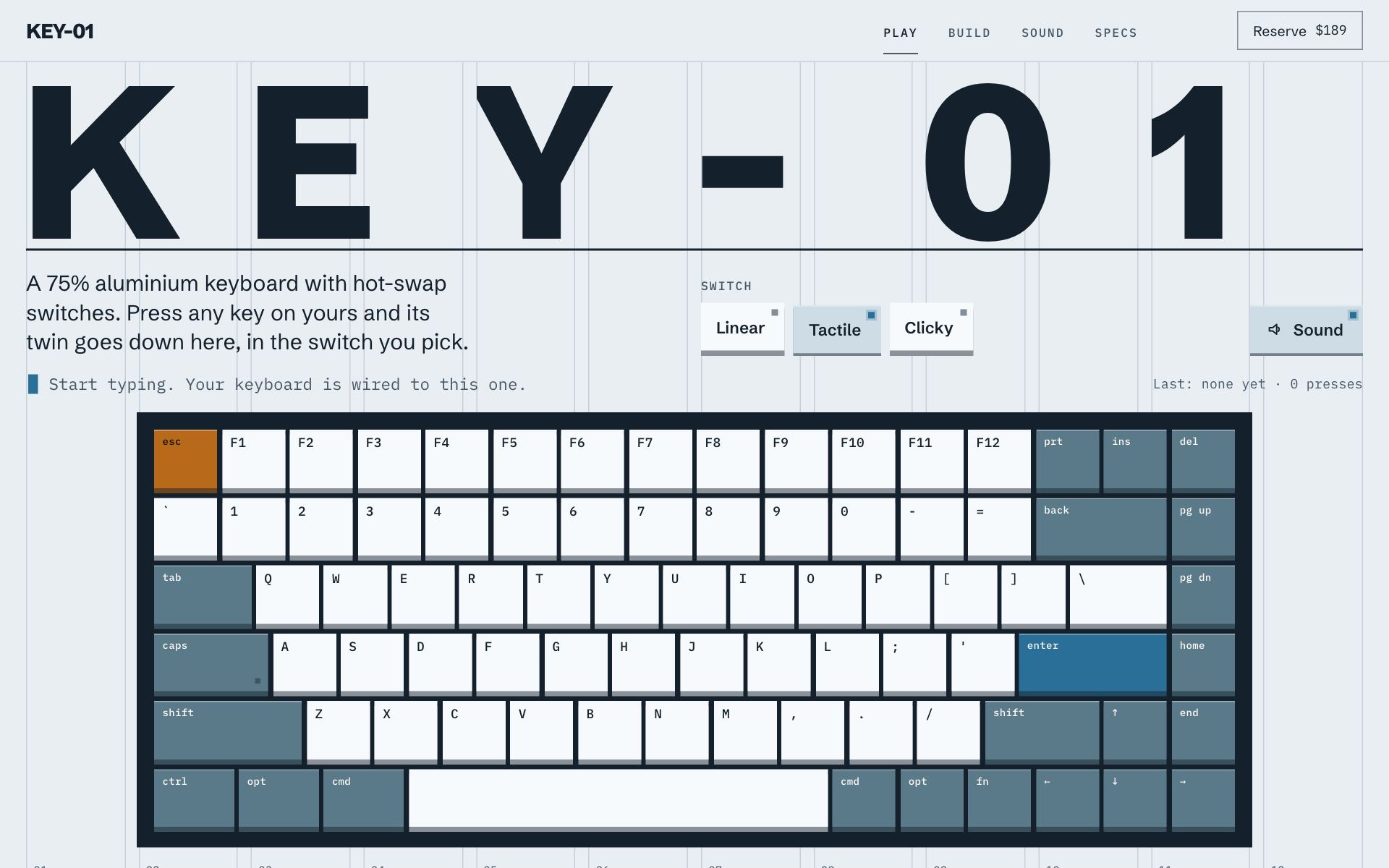 KEY-01“Build a launch page for a mechanical keyboard called KEY-01. I want people to be able to actually play with it on the page.”
-
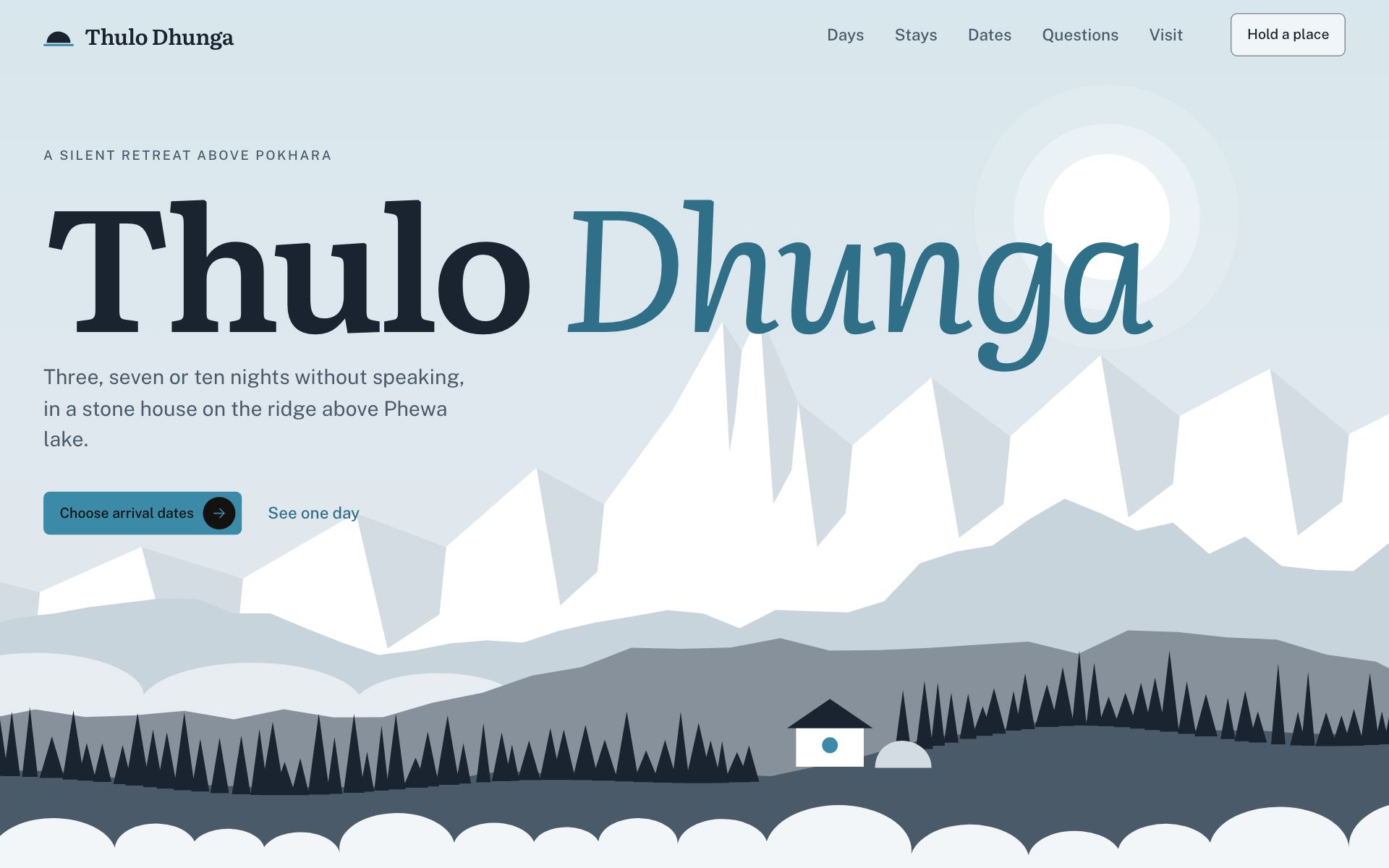 Thulo Dhunga“A site for a silent retreat in the hills above Pokhara. I want parallax.”
-
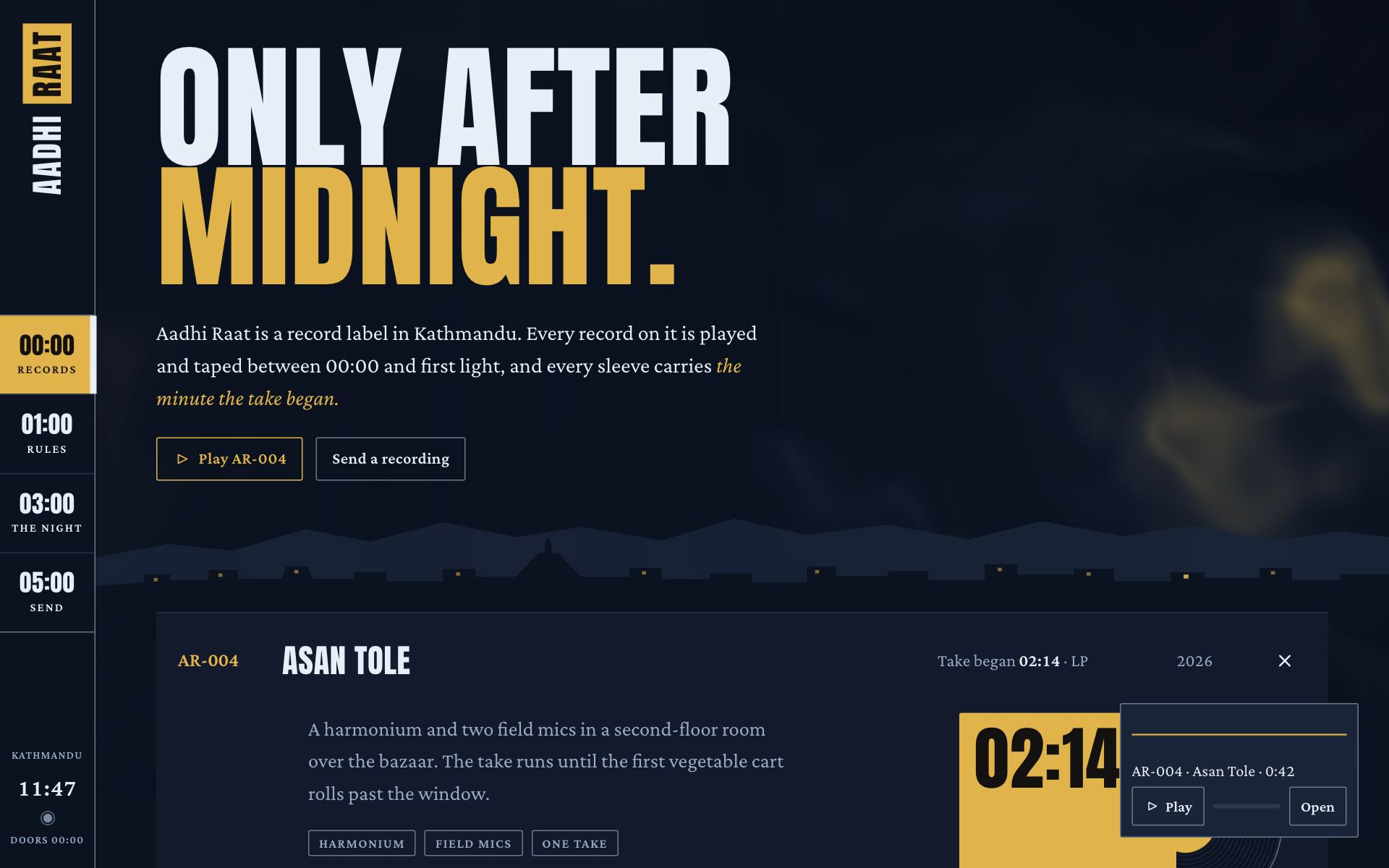 Aadhi Raat“Make a website for a record label that only releases music recorded after midnight in Kathmandu. Go wild, I want it to feel like an Awwwards site of the day.”
-
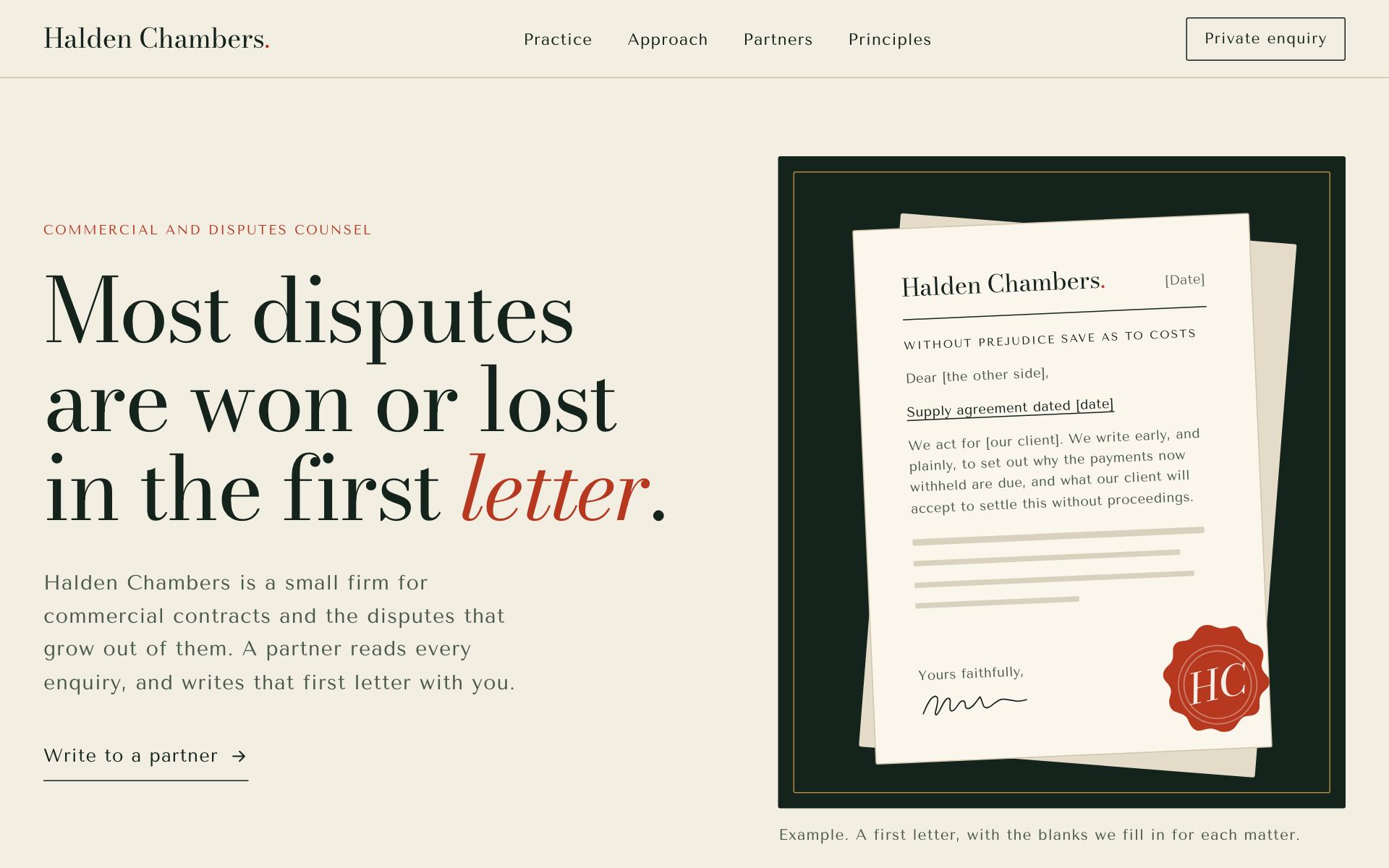 Halden Chambers“A site for Halden Chambers, a small commercial and disputes law firm. Serious, trustworthy.”
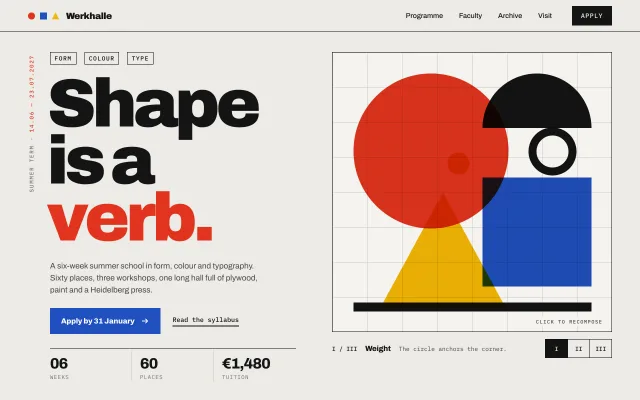
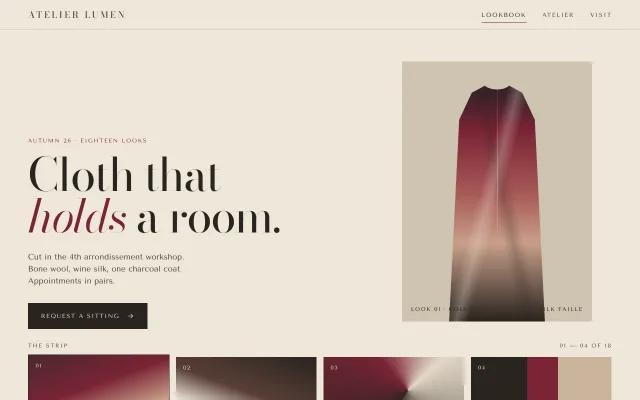
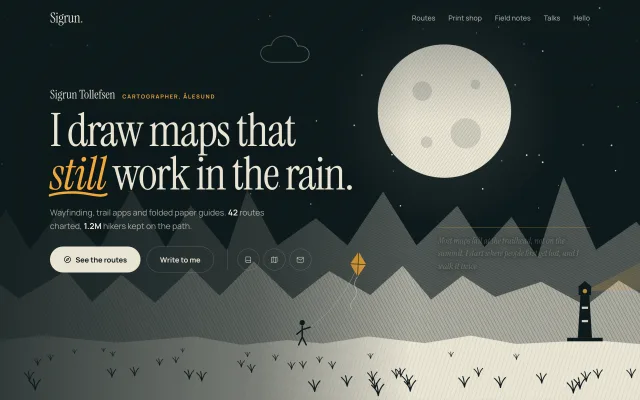
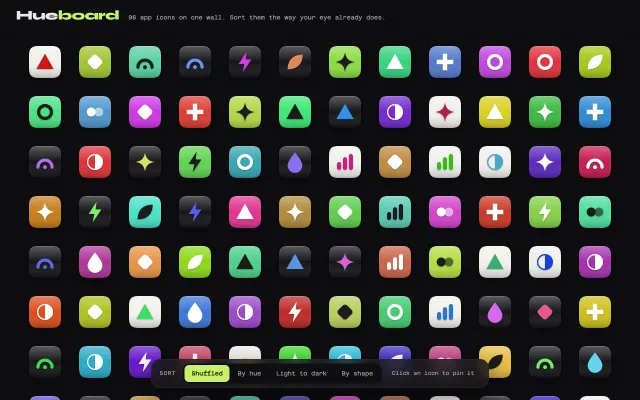
600+ designs your agent can build from.
Every piece runs live and comes with a written brief: sizes, colours, timing and states. Free to use in your own products.
Sections 113
Heroes, pricing, footers, menus. The blocks a website is built from.
Screens 194
Whole pages and app screens, end to end.
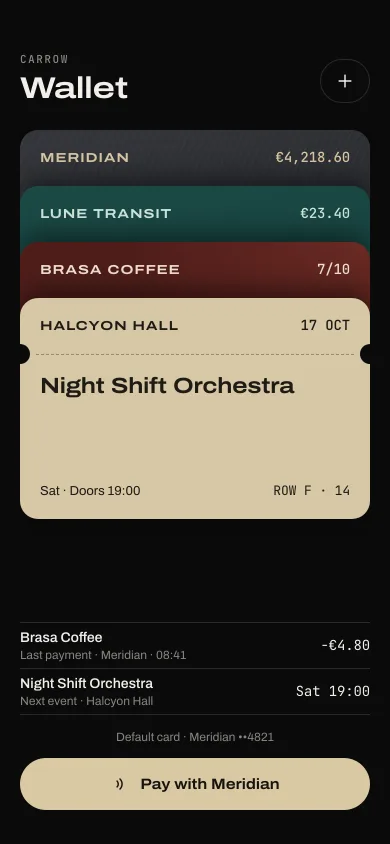
Animations 68
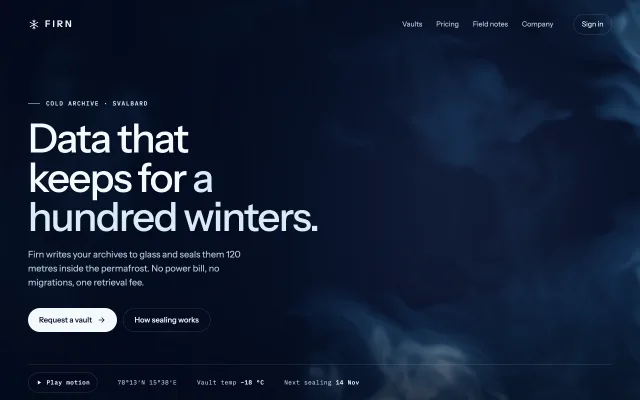
Components 242
Design languages 16
Whole visual dialects shown as a kit.
- Anime cel
- ASCII
- Bauhaus
- Clay soft
- Cyber HUD
- Deco hotel
- Letter hand
- Luxe serif
- Neo-brutalist
- Organic garden
- Paper and ink
- Pixel arcade
- Riso print
- Swiss poster
- Terminal UI
- Y2K chrome
A direction and a review, in one free MCP.
Other tools hand your agent components to install or screenshots to look at. Design Lounge gives it a palette, a pairing and pieces that agree, then reviews what it built. It works on top of the components you already use: shadcn/ui, Arc UI, or your own.
| Feature | Design Lounge | Mobbin | 21st.dev | shadcn/ui | Arc UI | Impeccable | taste-skill | UI UX Pro Max | Anthropic frontend-design |
|---|---|---|---|---|---|---|---|---|---|
| Live, working designs with a build brief | Yes | No | In part | In part | Yes | No | No | No | No |
| A whole direction: palette, type pairing, page recipe | Yes | No | No | No | In part | In part | Yes | Yes | In part |
| Reviews the page your agent built | Yes | No | In part | No | In part | Yes | Yes | No | No |
| SEO, AEO and GEO checks | Yes | No | No | No | No | No | No | No | No |
| MCP server | Yes | Yes | Yes | Yes | Yes | No | No | No | No |
| Agent skill | Yes | Yes | No | Yes | Yes | Yes | Yes | Yes | Yes |
| Price | Free | MCP on Pro, from $10 a month | Code retrieval from $6 a month | Free | Free tier; Pro from $149 a year | Free | Free | Free | Free |
Checked between 3 and 9 November 2026 on each product's own pages. Something out of date? Open an issue.
Questions
The short version of how the skill and the library work.
What is Design Lounge?
Design Lounge is a free UI design skill for AI coding agents, plus a library of 600+ design ideas: website sections, app screens, components and motion. Each one has a live demo and a written brief that an agent can build from.
How do I add the UI design skill to my agent?
Add the MCP server, which installs the skill too and adds tools that show your agent each piece and check the page it built. In Claude Code, run claude mcp add -s user design-lounge -- npx -y design-lounge-mcp@latest. Cursor, Codex, VS Code and Claude Desktop take npx -y design-lounge-mcp@latest in their MCP settings, and Claude.ai or ChatGPT can add https://www.designlounge.live/api/mcp as a connector for the library tools. For the skill alone, run npx skills add SusanAcharya/Design-Lounge in your project (it needs Node 22.20 or newer). Then ask for what you are making, such as a portfolio, a shop or a dashboard.
What does the skill do differently?
It makes your agent design from a real library instead of its own defaults. For a product, it picks a theme, a font pairing, a radius and motion from the library, builds the screens from piece briefs, then opens the page and checks it for the usual signs of AI-made design. When you ask for spectacle, it builds one centrepiece made for your subject, with real light and depth, and holds the rest of the page to the same craft.
Is it free to use in my products?
Yes. The pieces, themes, type pairings and icons are free to use in your own products and client work. A small credit line is appreciated. Please do not republish the library itself as a library.
Where do the design ideas come from?
Every piece is an original design with an invented brand. Some study the craft of public sites, such as Stripe or Linear, and those are listed on the Sources page. No piece copies another site's text, images or logo.
How many tokens does the Design Lounge MCP use?
About 12.7k tokens for a whole direction: the plan from start_design (about 3.3k), a recipe, a theme and a pairing (about 1.7k together), three piece briefs (about 2.3k each) and one review. The tool list itself is about 3.9k. The Benchmark page has the builds it was measured on.
Should I use the MCP server or the skill?
The MCP server, if your agent supports MCP. It installs the skill too, and adds tools that show your agent a picture of each piece, search the library, and review the page it built. The skill alone is a folder of files your agent reads, for agents without MCP.
Which agents does it work with?
Claude Code, Cursor, Codex, VS Code, Windsurf and Claude Desktop through the npm package design-lounge-mcp. Claude.ai, ChatGPT and other clients that take a remote connector can use https://www.designlounge.live/api/mcp, which has the library tools; page reviews run in the npm package. Agents without MCP can install the skill with npx skills add SusanAcharya/Design-Lounge.
Does it work with React, Flutter or SwiftUI?
Yes. Every demo is plain HTML, CSS and vanilla JavaScript, with no framework, packages or versions that could clash with your project. A brief describes the design in numbers, not in one framework, so your agent rebuilds it in your stack: React, Vue, Svelte, Astro, React Native, Flutter, SwiftUI or Compose. It sits well on top of a component library such as shadcn/ui.
How is it different from shadcn/ui, Arc UI, Mobbin or 21st.dev?
Those give your agent components to install or screenshots to look at. Design Lounge gives it a direction: a palette, a type pairing and a page recipe that agree, live pieces with numeric briefs, and a review of the finished page for design, SEO, AEO and GEO. It works alongside them. The comparison on this page shows what each one covers.
What does the review check?
It checks a built page for design, SEO, AEO and GEO in one pass, and lists the fails first. On design, review_page fails the usual signs of AI-made pages: gradient text, an icon over a title over a sentence three times, numbered eyebrows, glass everywhere, invented fonts. It checks that the page keeps its locked kit. On search, it scores titles, descriptions, headings, structured data, and answers that a search or AI engine can quote. The local server also screenshots the page and runs accessibility checks.
Does the MCP server see my code?
No. The npm package runs on your machine and bundles the library and thumbnails, so nothing is sent to Design Lounge and there is no tracking. review_page reads only the file or URL your agent gives it. The hosted connector receives only the words your agent sends it, such as a request or a piece name, and does not store them.
Who made Design Lounge?
Susan Acharya, a product lead, designer and builder based in Kathmandu, Nepal.