Index
Sections
Sections is the Design Lounge library sorted by kind of interface: 600+ pieces in 40+ categories, from hero sections and footers to charts, loaders and full app screens. Open a category to see every piece in it with a live demo and a brief your agent can build from.
Website sections
The parts of a website, top to bottom: the hero, the proof, the price, the footer.
- Hero sections 31 The first 800 pixels. Headlines, entrances, the promise.
- Nav bars & menus 11 Top bars, mega menus, full-screen mobile menus.
- Feature sections 22 Grids, tabs, sticky steps. How a product explains itself.
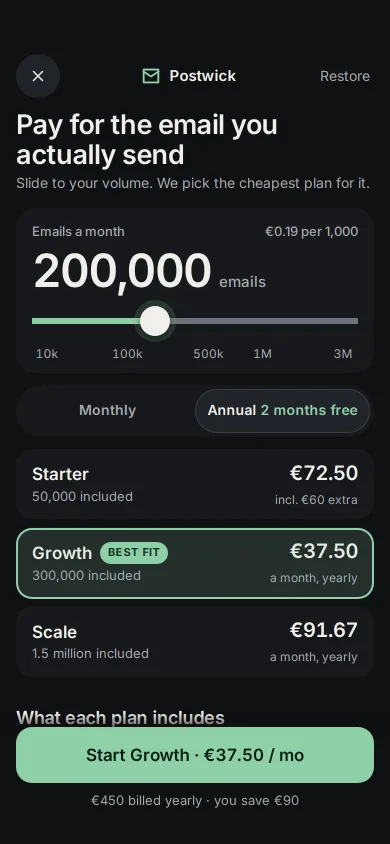
- Pricing 7 Plans, toggles, comparison tables, usage sliders.
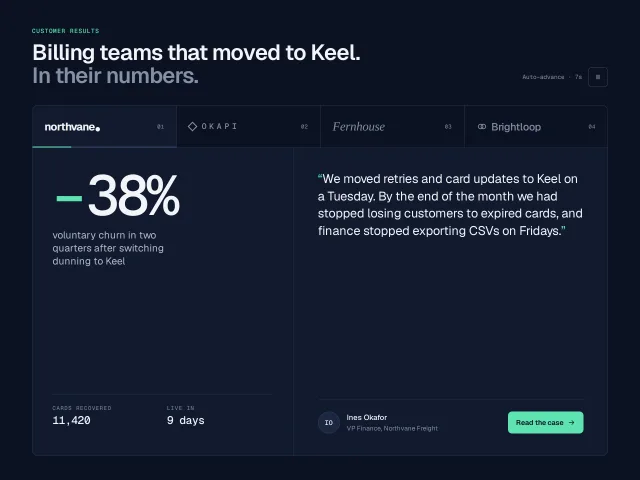
- Testimonials 5 Quotes, walls of love, proof that people use it.
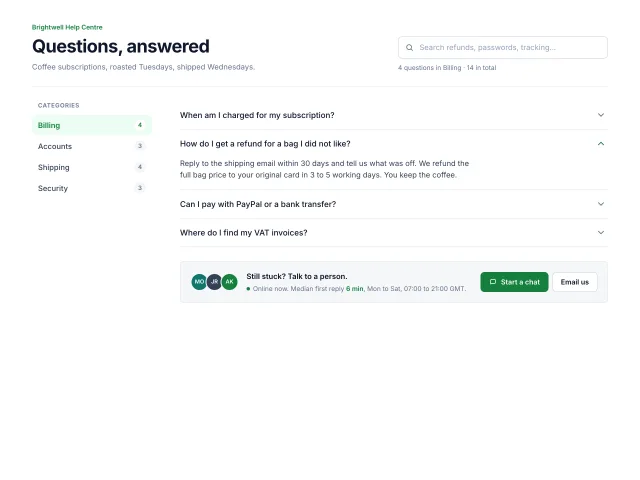
- FAQ 3 Accordions and answer pages people actually read.
- Calls to action 4 Banners and closers that ask once, clearly.
- Contact 6 Forms, booking, studio cards, the big email address.
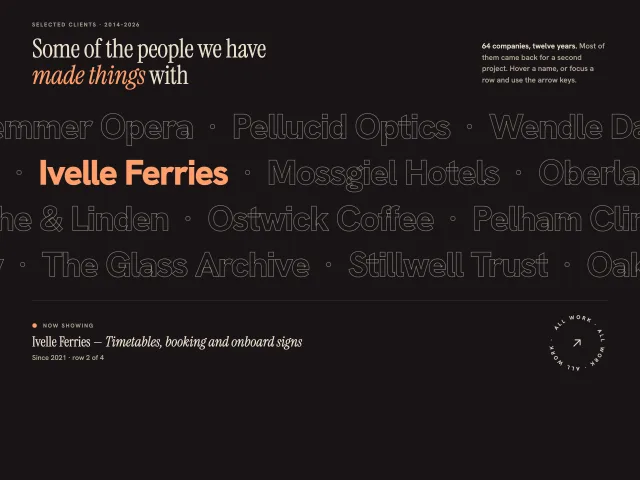
- Logo clouds 3 Customer walls and marquees that stay quiet.
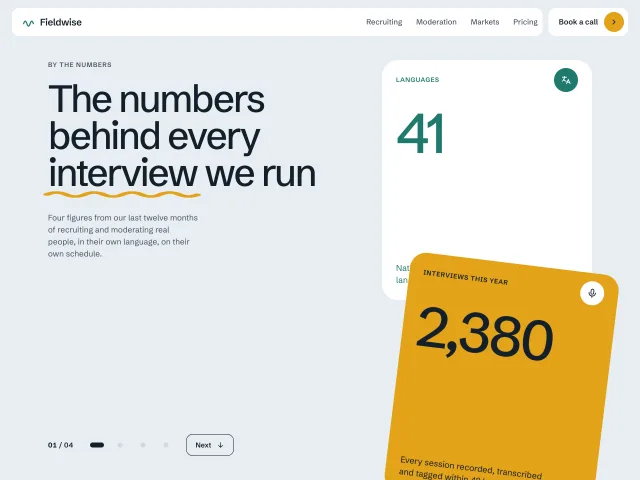
- Stats & numbers 4 Counters, bands and figures that roll into place.
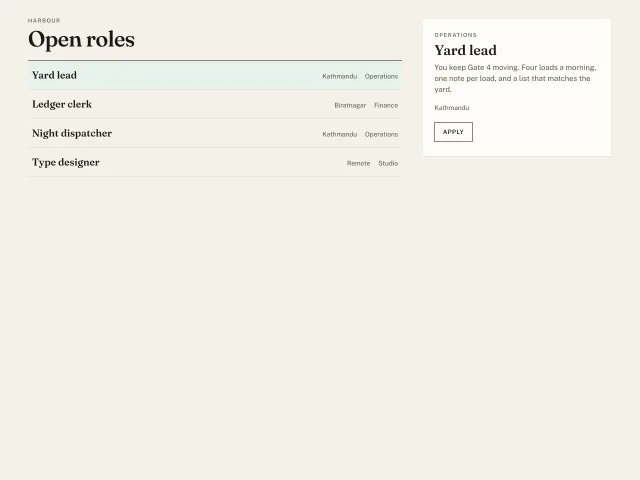
- Team 4 People grids, bios, hover reveals.
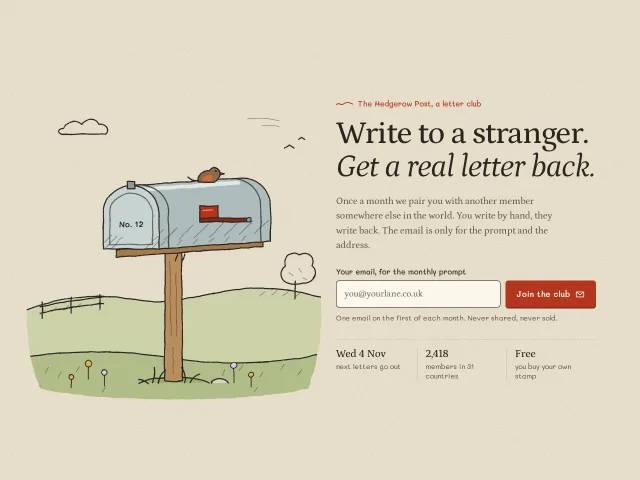
- Newsletter 7 Sign-ups with a reason to subscribe.
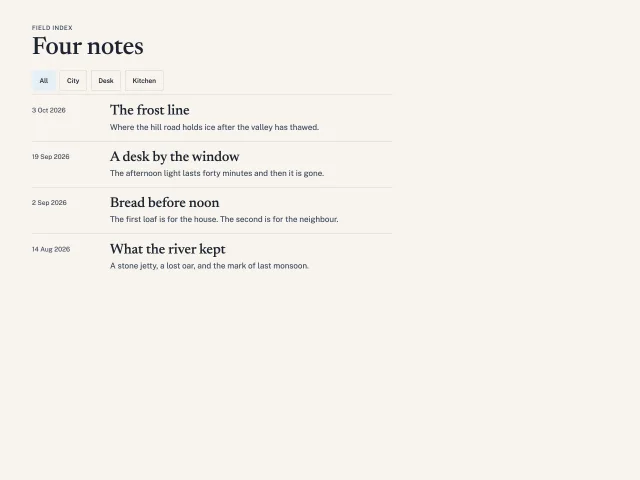
- Blog & editorial 3 Indexes, magazine grids, changelogs.
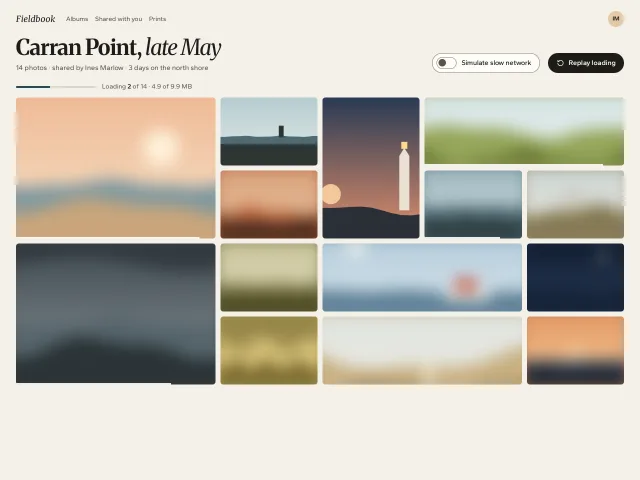
- Galleries 14 Masonry, horizontal rails, lightboxes.
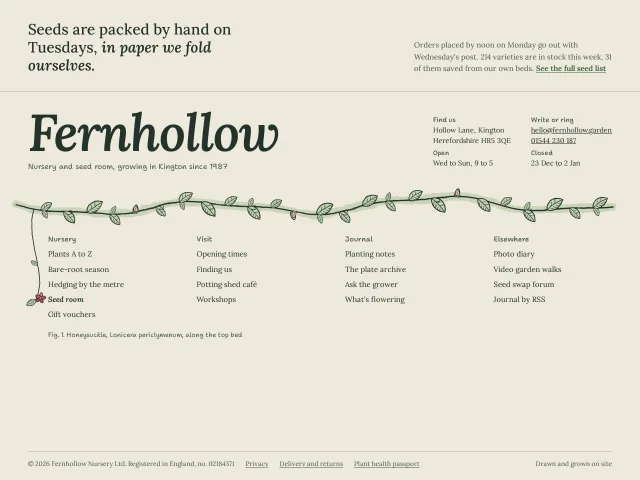
- Footers 12 Where the page signs off: sitemaps, wordmarks, last calls.
Pages & screens
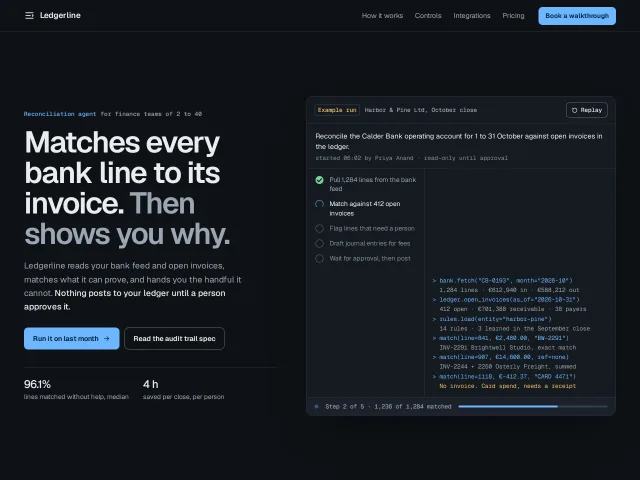
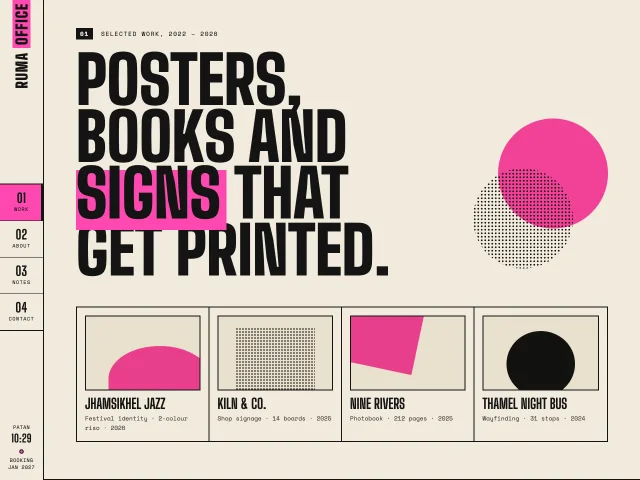
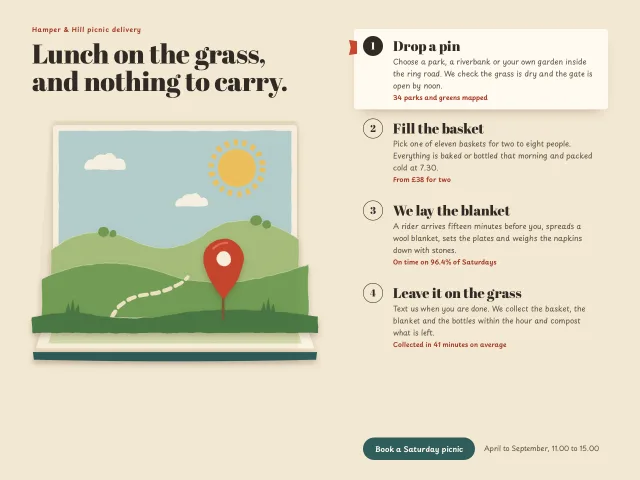
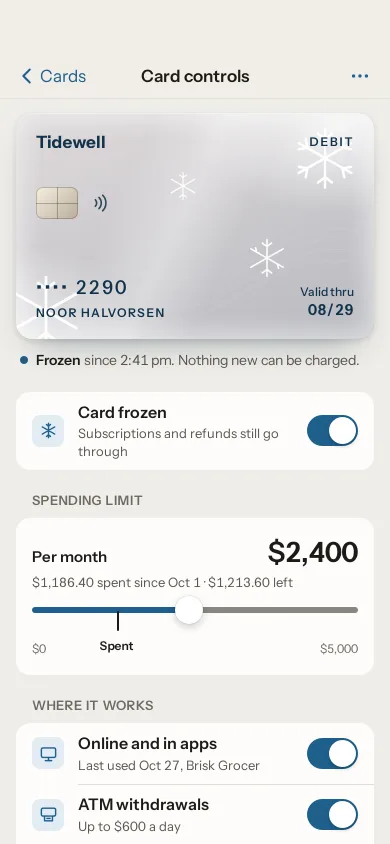
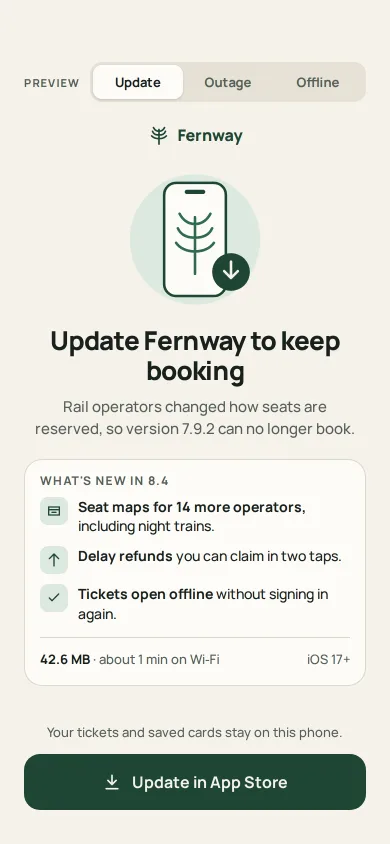
Whole pages and app screens: a portfolio, a checkout, a dashboard, a settings list.
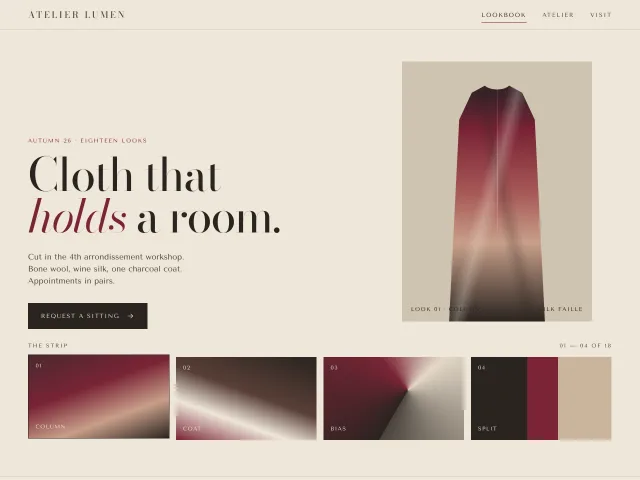
- Portfolio sites 10 Personal sites for designers, developers, photographers and studios.
- Landing pages 17 Full pages, top to bottom, for products and launches.
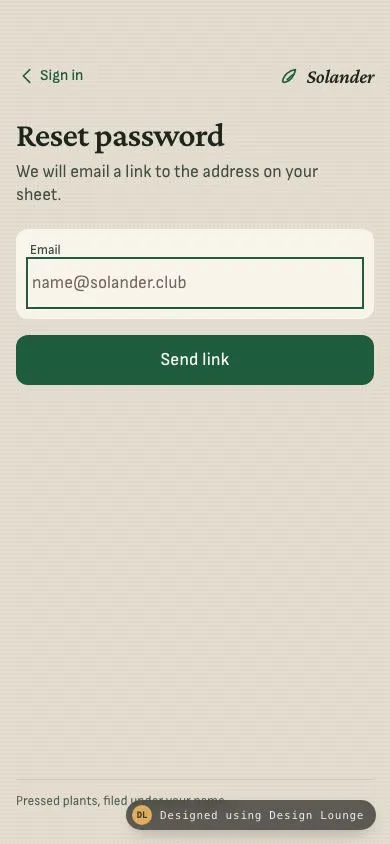
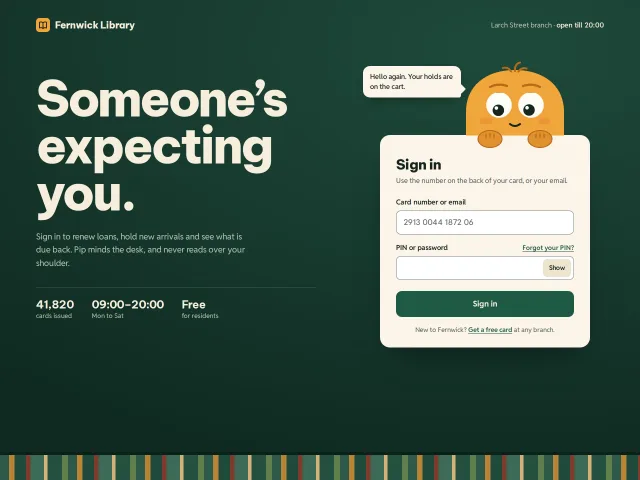
- Sign in & auth 10 Sign-in, magic links, passkeys, verification.
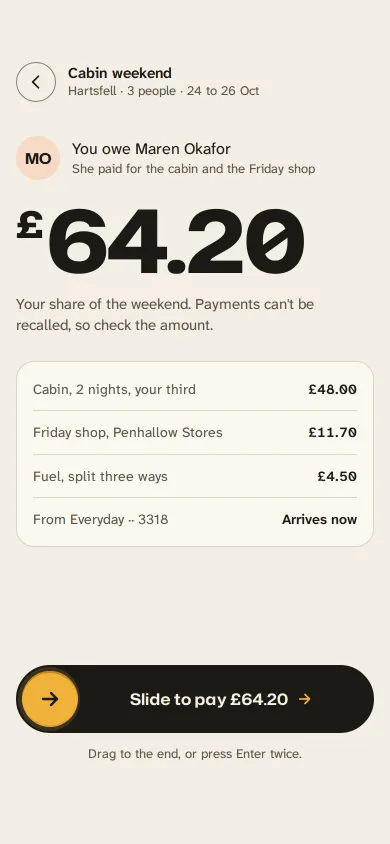
- Commerce 24 Product pages, carts, checkout, filters.
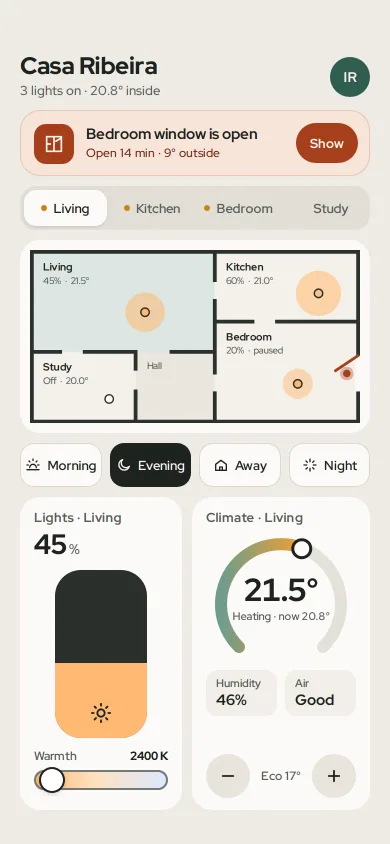
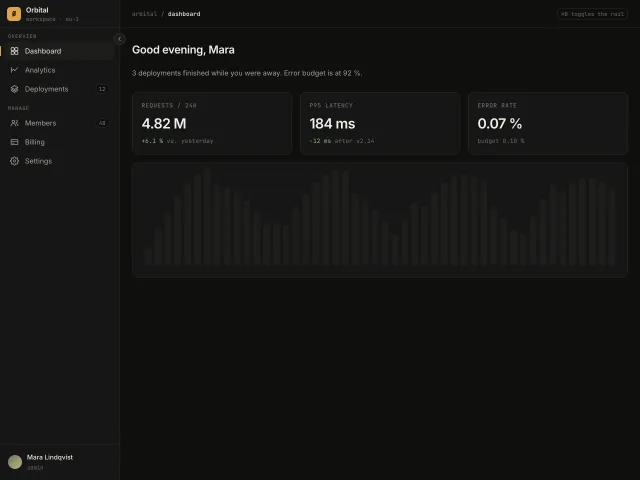
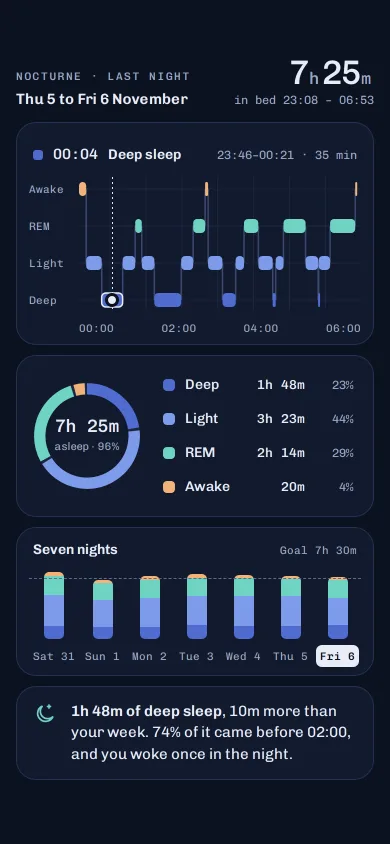
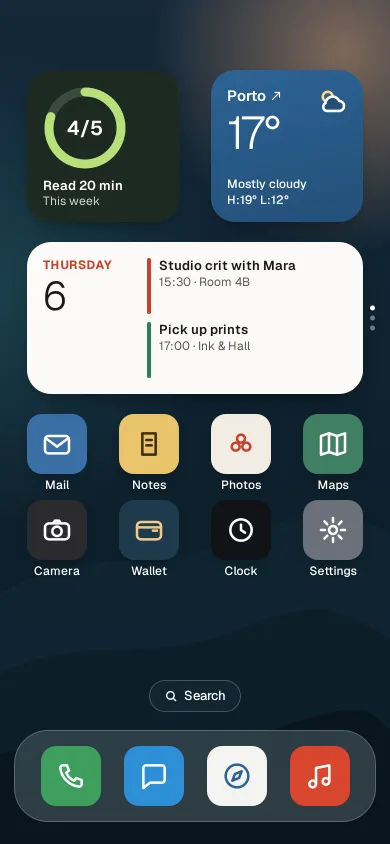
- Dashboards 14 Overviews, KPIs, boards, home screens.
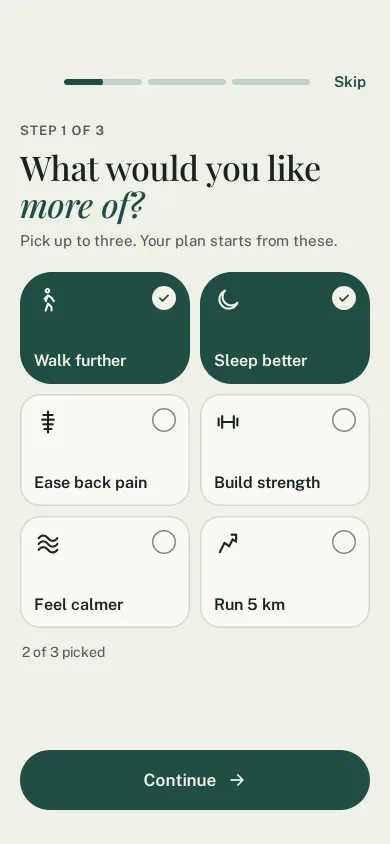
- Onboarding 5 First-run carousels, checklists, permission asks.
- Settings 11 Preferences and account pages done properly.
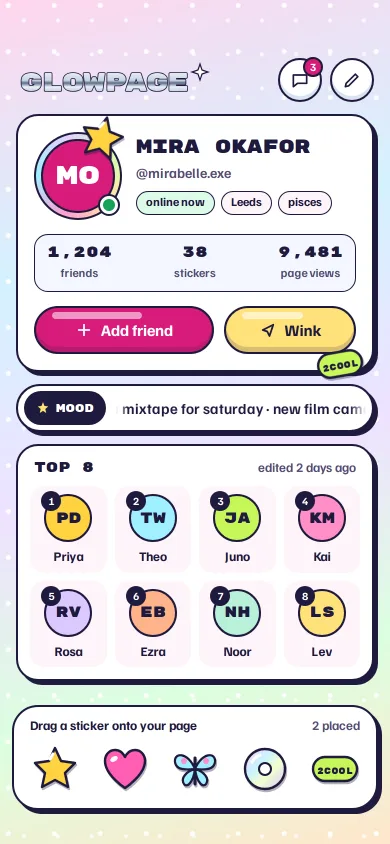
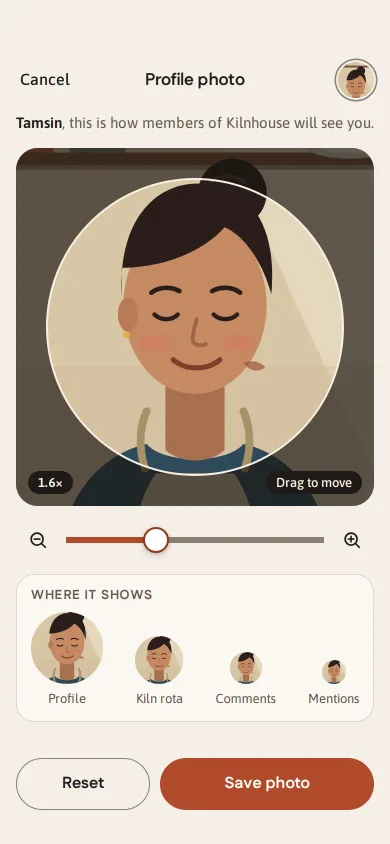
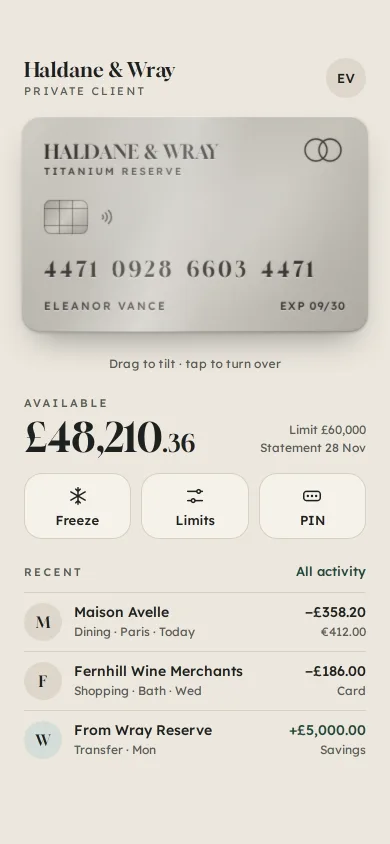
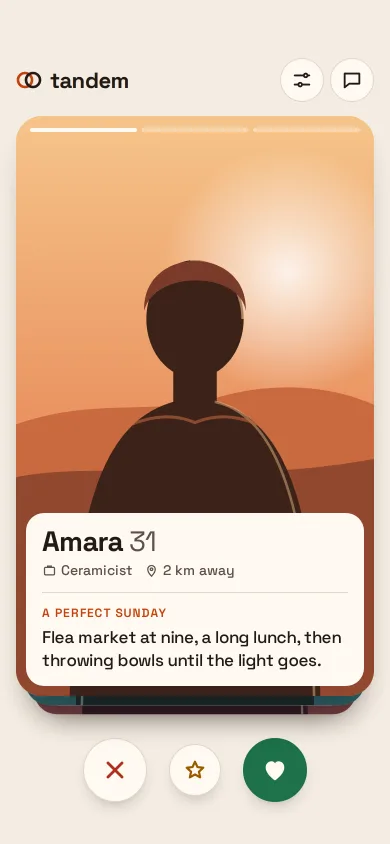
- Profiles 7 Accounts, cards, people.
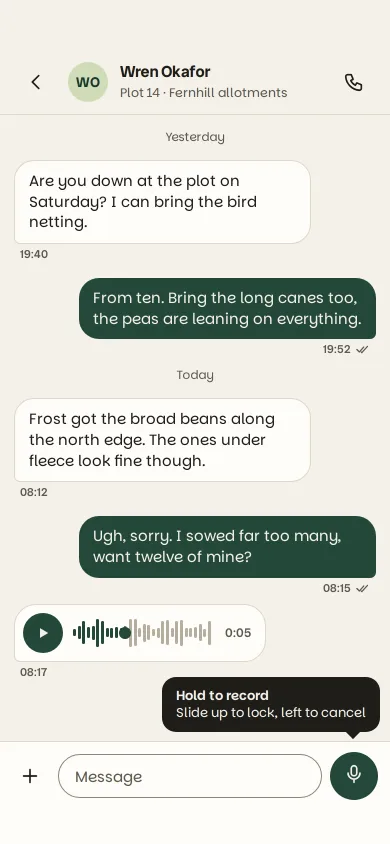
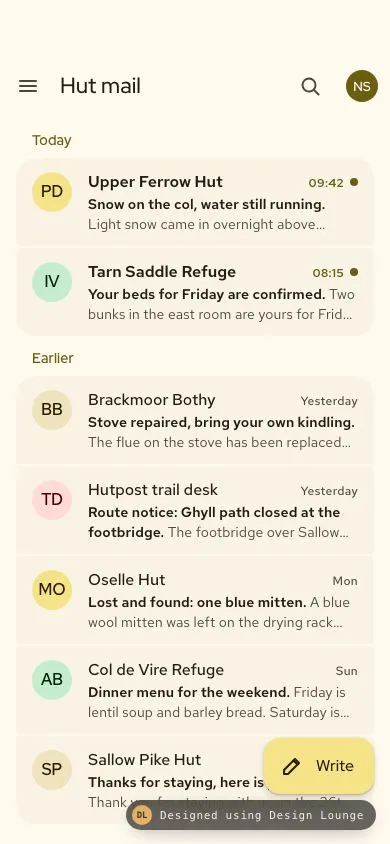
- Messaging & mail 7 Chat threads, inboxes, comments.
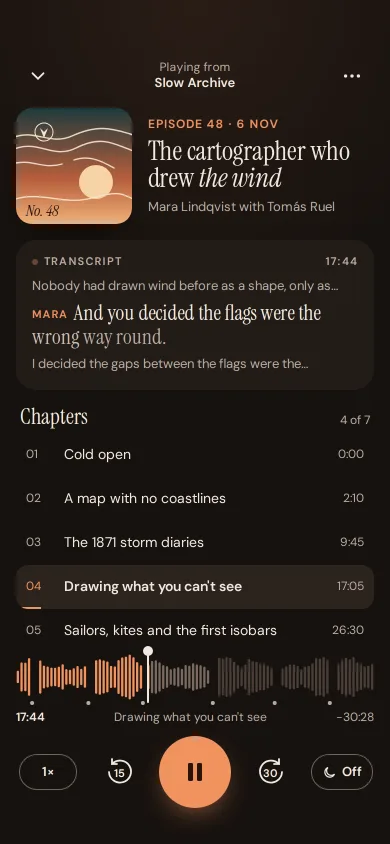
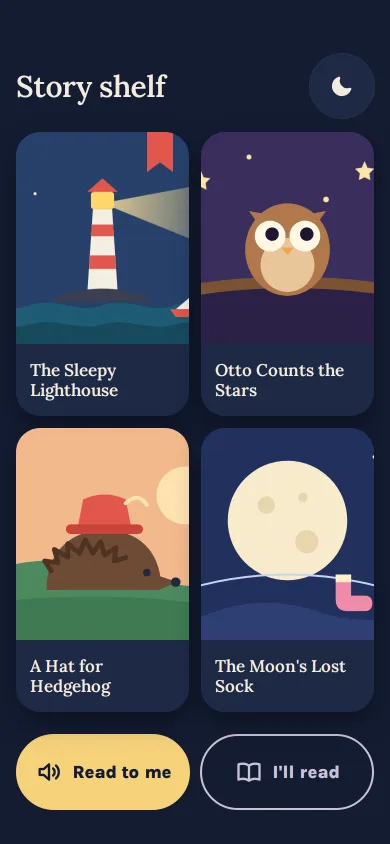
- Media & players 17 Music, video, stories, podcasts.
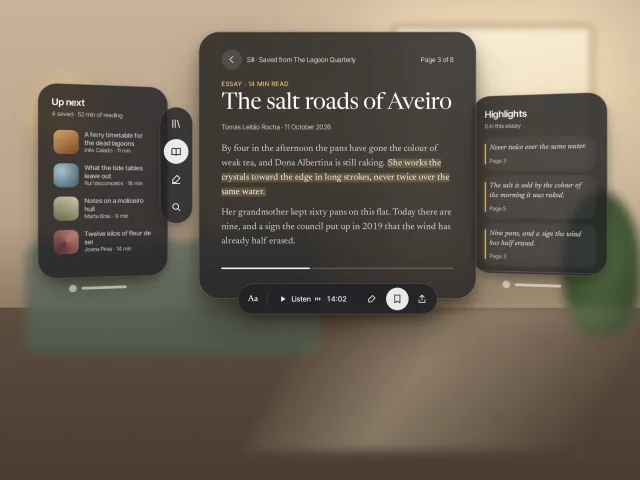
- Reading & docs 16 Articles, readers, documentation.
- Errors & 404s 5 The pages nobody plans for, planned.
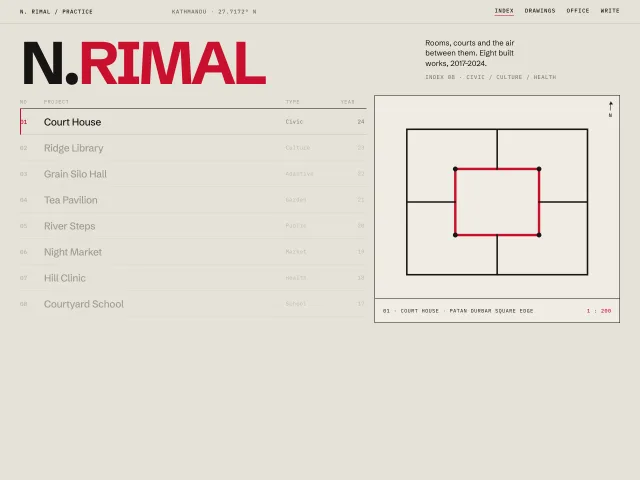
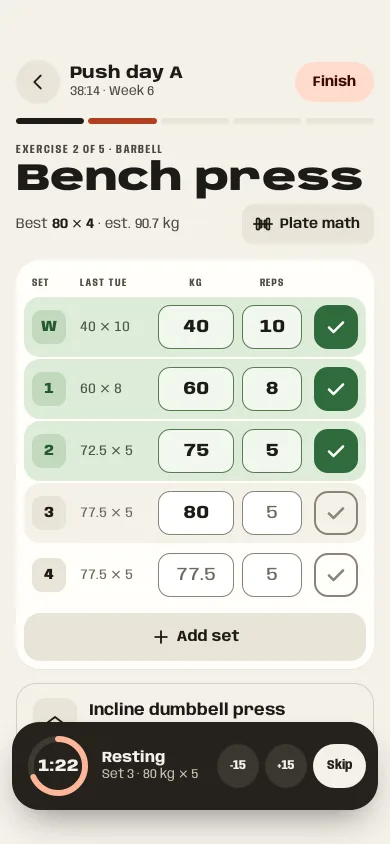
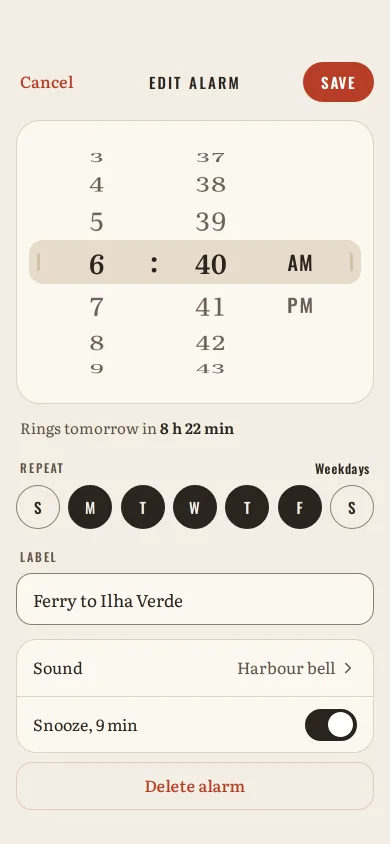
- Tools & utilities 31 Editors, palettes, calculators, trackers.
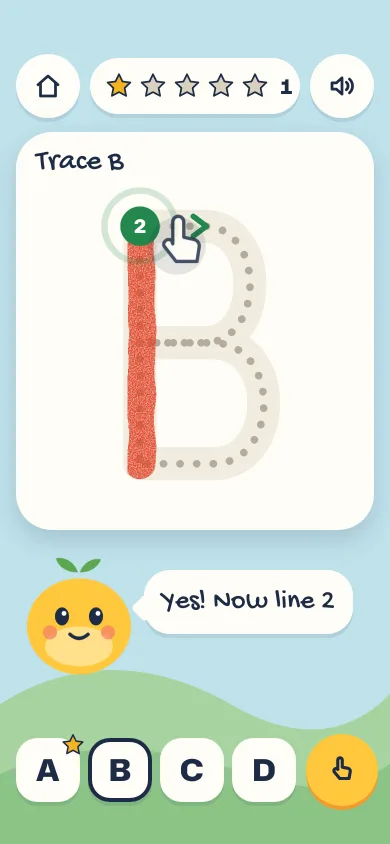
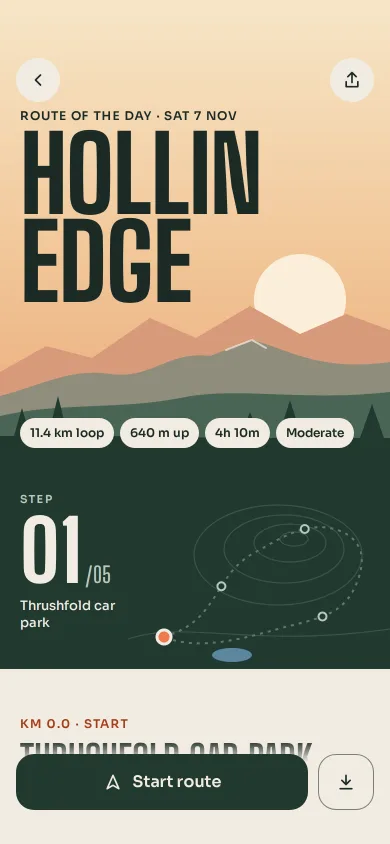
- Games 28 Level maps, results, shops, HUDs and small games you can play to the end.
Components
The smaller parts every interface reuses: buttons, inputs, cards, charts, overlays.
- Navigation 26 Sidebars, tabs, rails, palettes, breadcrumbs.
- Buttons & toggles 21 Every way to press something.
- Inputs & forms 31 Fields, validation, steppers, uploads.
- Cards 35 Tilting, flipping, stacking, expanding.
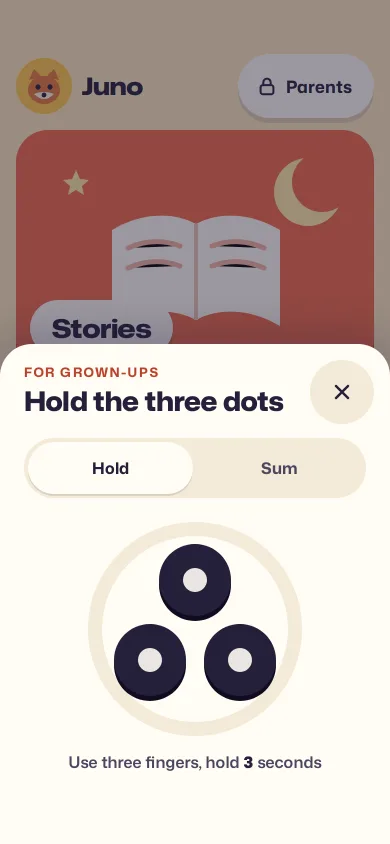
- Overlays 25 Sheets, dialogs, popovers, context menus.
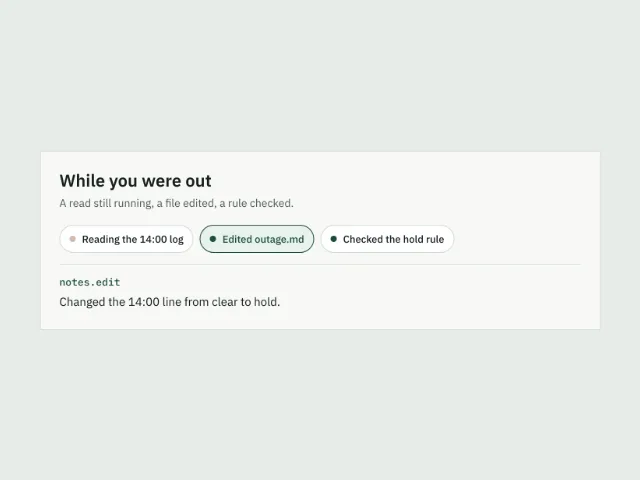
- Feedback & status 22 Toasts, banners, empty states, alerts.
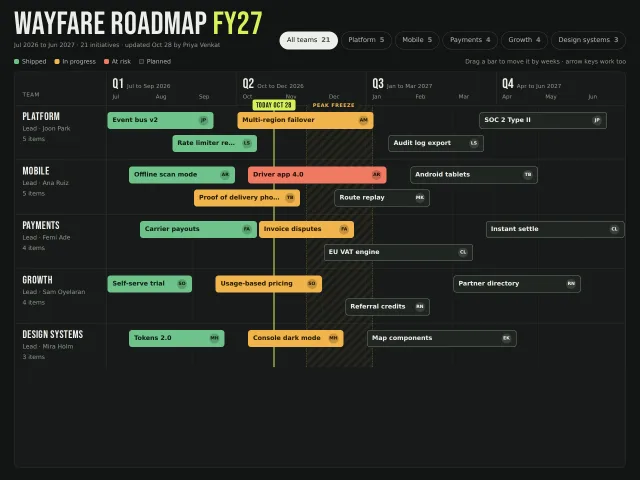
- Data display 16 Tables, lists, timelines.
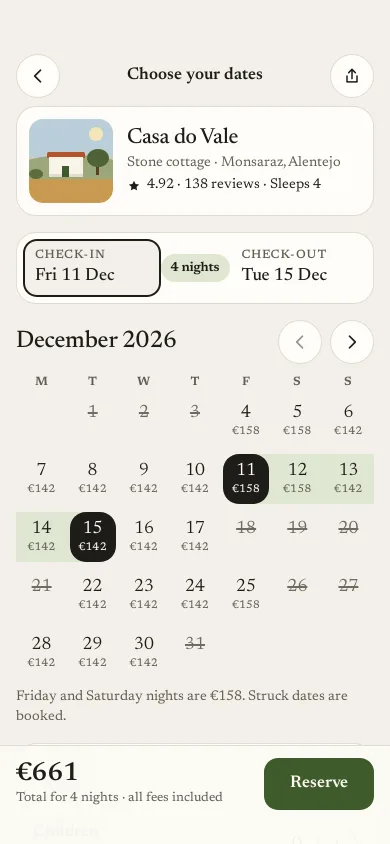
- Pickers 8 Dates, colours, ranges, options.
- Charts 12 Lines, bars, donuts, heatmaps with real interaction.
- Widgets 18 Clocks, rings, timers, tiles. Small live faces of a bigger app.
- Social cards 12 Posts, profiles and repo cards in the shape people already know.
- Device mockups 7 Phones, laptops, watches and browsers to present work in.
Motion
Movement on its own: text that animates, scroll effects, cursors, loaders, transitions.
- Text animation 13 Reveals, scrambles, marquees, variable type.
- Scroll effects 26 Scroll as the timeline: stacks, pins, reveals.
- Cursor & hover 6 Things that answer the pointer.
- Transitions 7 Page, view and shared-element moves.
- Loaders & skeletons 13 Waiting, made honest.
- Micro-interactions 11 Likes, toggles, swipes. One small moment each.
- Backgrounds 14 Generative grids, lines and textures behind content.

Kits
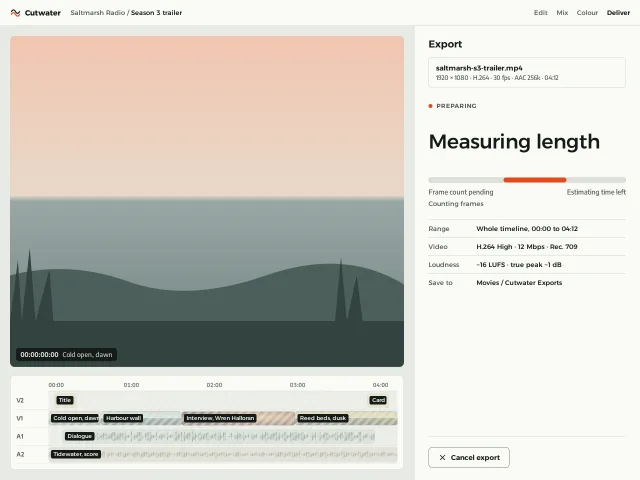
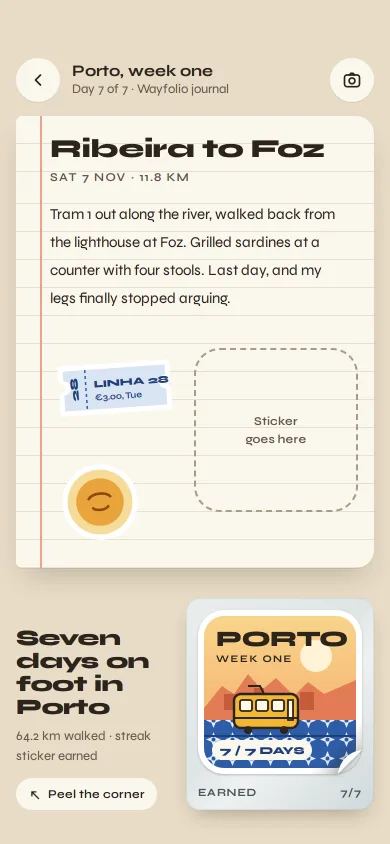
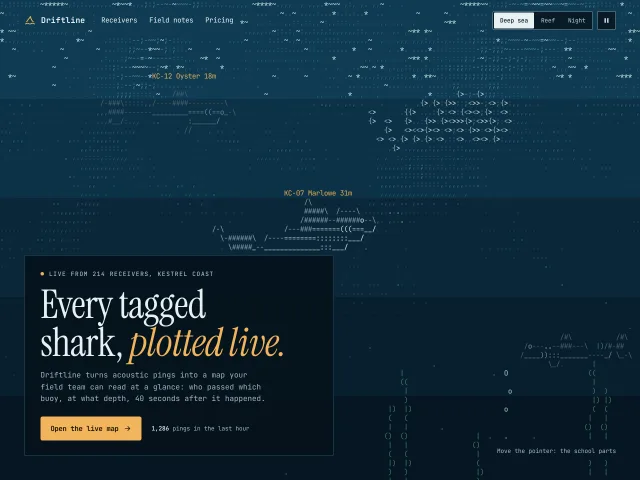
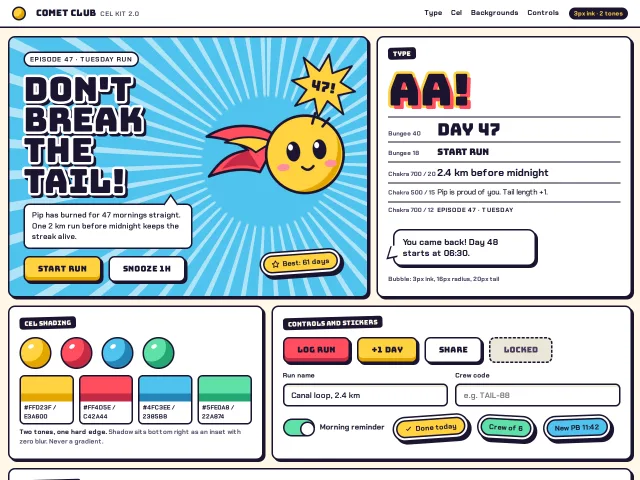
Complete design languages that set the type, colour and components before any screen.
Other ways in
Questions
What are the sections in Design Lounge?
Sections are the categories of the library, 40+ in all, grouped into website sections, pages and screens, components, motion and kits. Each category lists every piece of that kind with a live demo and a brief an AI agent can build from.
How is a section different from a recipe?
A section holds one kind of piece, such as every footer. A Start recipe gathers the pieces, theme and type pairing for one kind of product, such as a SaaS site.