Sign-in mascot with following eyes
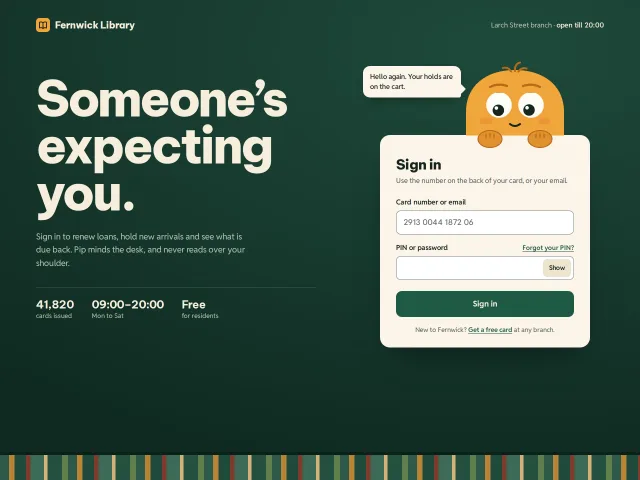
A library sign-in where Pip's pupils trail the pointer, read along the caret, cover up for the PIN, peek when it's shown, blink and squint.
Motion
A library sign-in where Pip's pupils trail the pointer, read along the caret, cover up for the PIN, peek when it's shown, blink and squint.
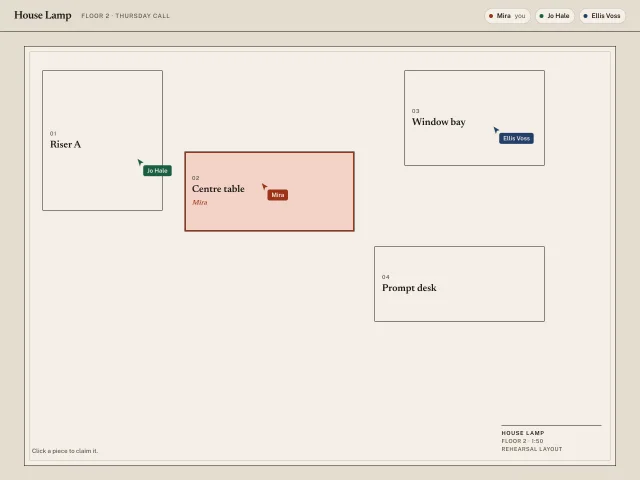
Three named cursors on a rehearsal floor plan. Yours follows the pointer. Click a set piece to claim it.
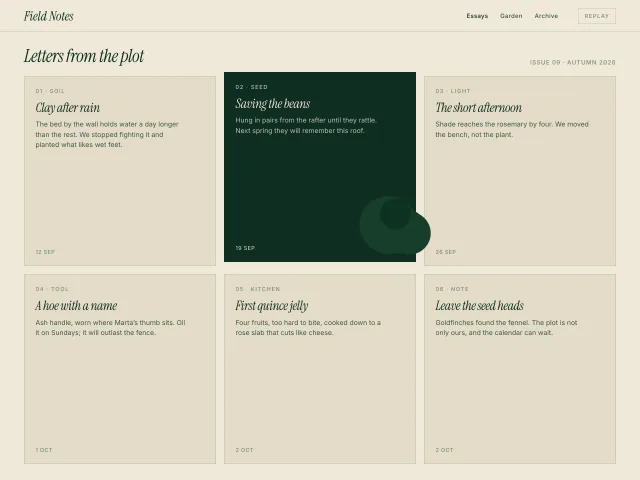
A gooey deep-green ink blob lags the pointer across six editorial cards; overlapping cards invert to ink and lift 8px. Replay recenters the blob.
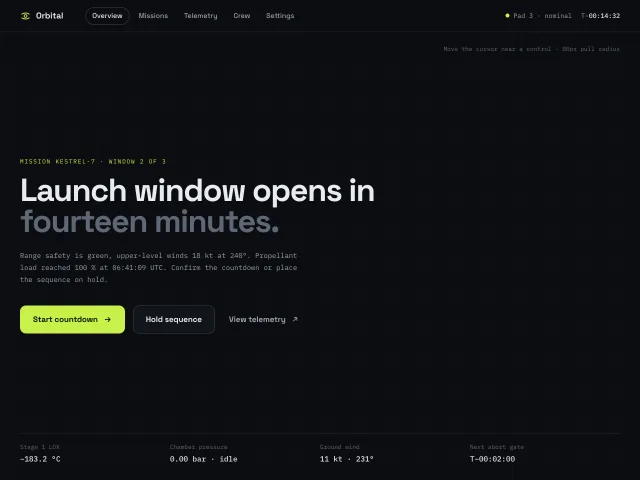
Three CTAs and a nav row whose outlines and labels are pulled toward the cursor inside an 80px radius (up to 10px) and spring back over 500ms; keyboard focus works without the effect.
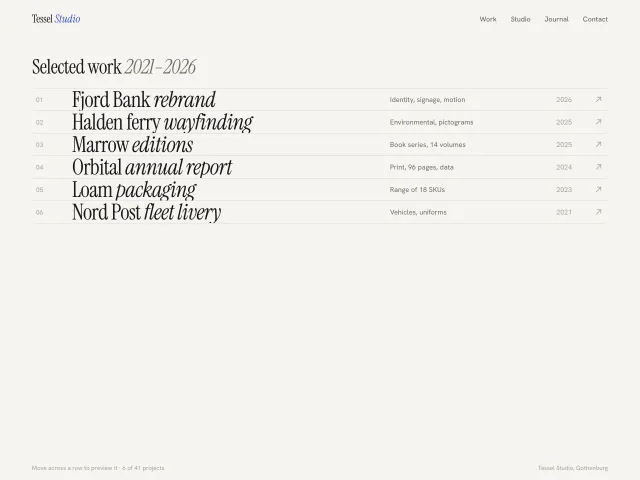
An editorial index of 6 project rows; dragging the cursor across a row spawns 180×124px gradient thumbnails every 48px that pop in, drift up and fade, never more than 6 alive.
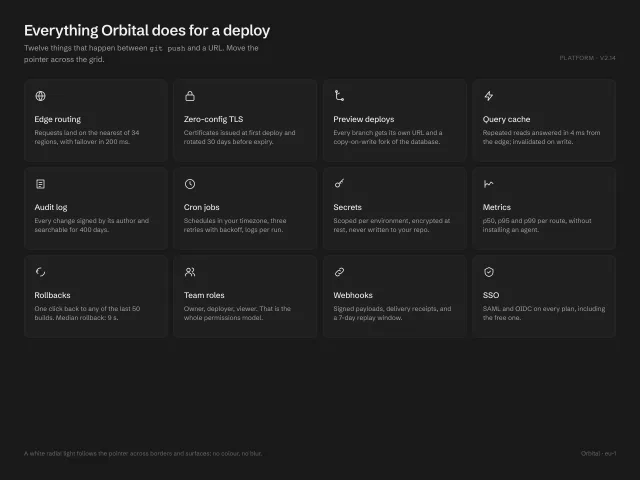
A 4×3 grid of feature cards where a white radial light follows the pointer across card borders (1px mask-composited ring) and surfaces (6% wash); white-on-charcoal, no colour, no blur.
No pieces match those filters. and try again.
The MCP server gives your agent 600+ pieces, the themes and the review tools. It installs the skill too. Free, no account.
claude mcp add -s user design-lounge -- npx -y design-lounge-mcp@latest For Claude Code. Cursor, Codex, VS Code and ChatGPT, or the skill alone.