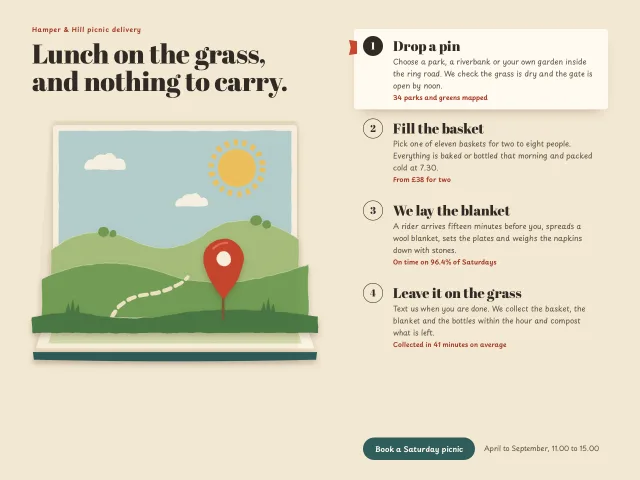
Paper cutout steps
Four picnic delivery steps beside a pop-up book whose stacked paper layers rise, bounce and parallax with the pointer as each step is chosen.
Website sections
Four picnic delivery steps beside a pop-up book whose stacked paper layers rise, bounce and parallax with the pointer as each step is chosen.
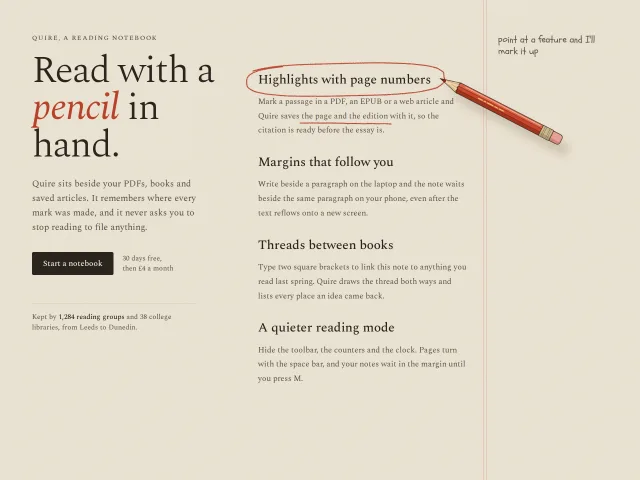
A drawn red pencil travels to the hovered feature and sketches a loose circle, an underline, an arrow, a margin note and a doodle in real time.
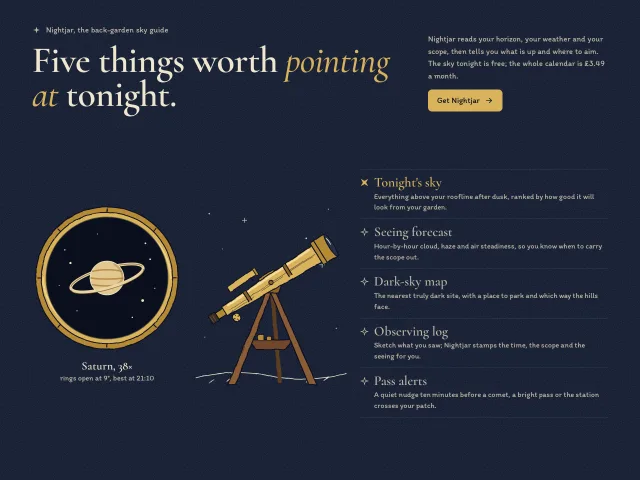
Features section for a stargazing app: a hand-drawn brass telescope swivels toward the hovered feature while a round eyepiece view pulls a drawn scene from blur to sharp.
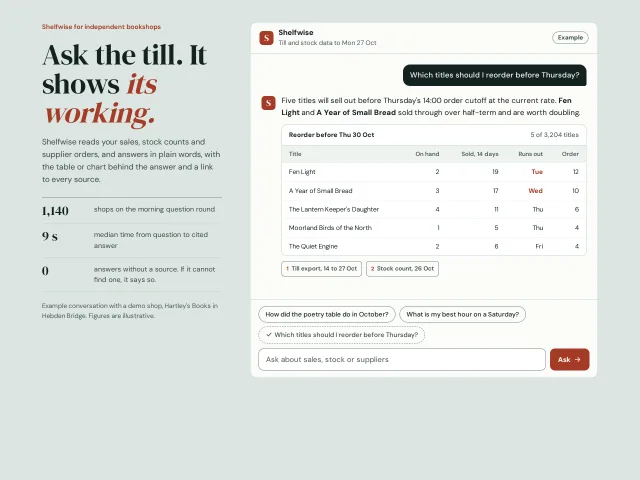
A features section whose centrepiece is a working, labelled example chat: click a suggested question and a scripted answer streams in with a table or chart and its sources.
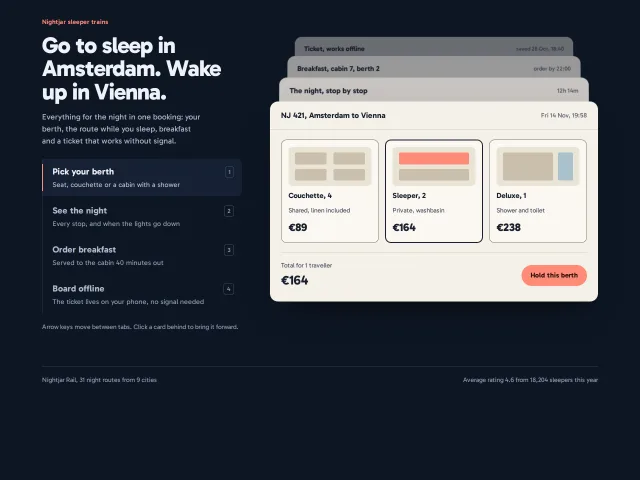
Vertical tabs whose panels sit as a perspective stack of product cards; choosing a tab, a number key or a card behind brings that card to the front.
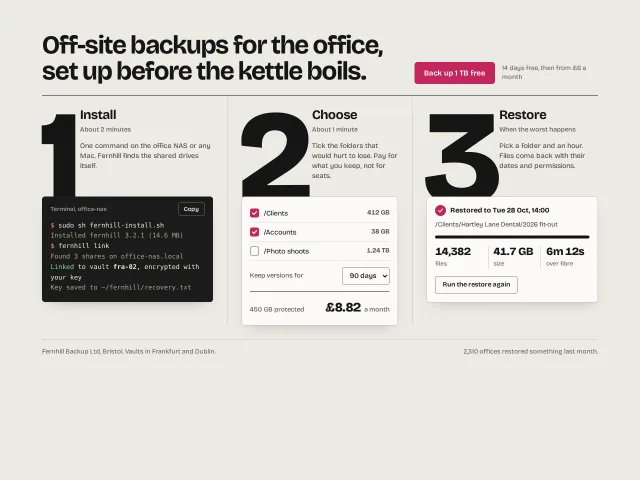
How it works in three steps: 250px numerals on hairline columns, each tucked behind a real artefact: a terminal, a priced form, a restore result.
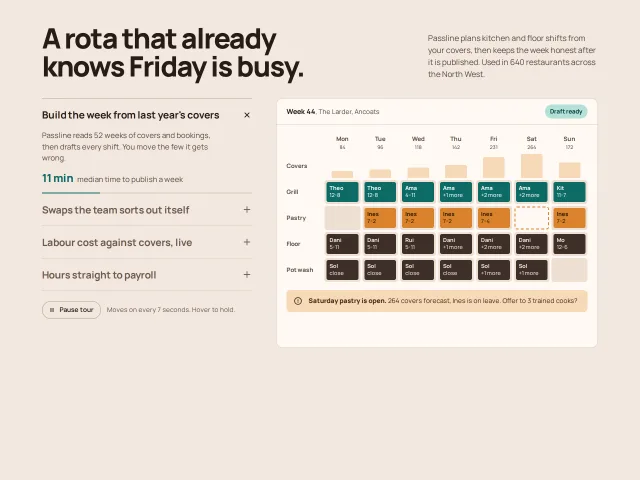
Four features in a vertical accordion; opening one crossfades a drawn product screen on the right, and a 7s progress bar advances the tour until you hover.
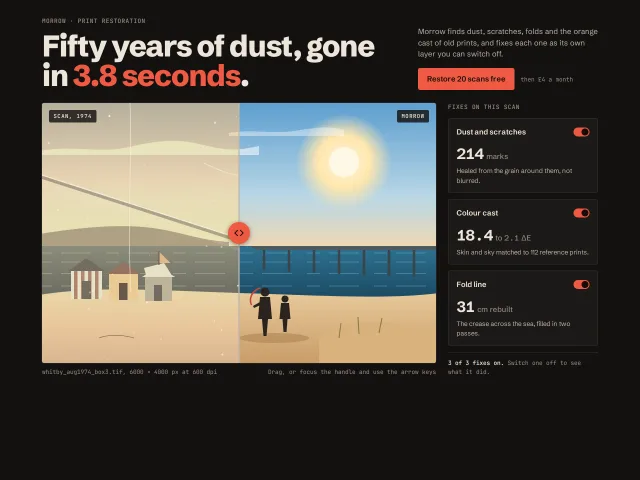
One large before/after photo comparison with a draggable, keyboard-driven divider, beside three proof chips that switch each fix off and on.
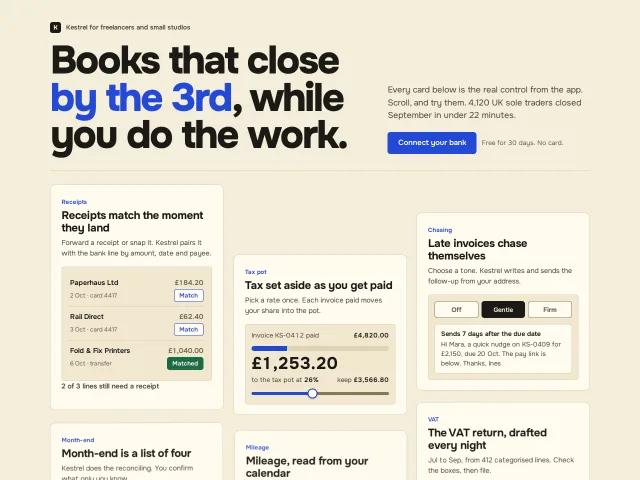
Six feature cards, each a small working control, that rise, untilt and settle as they enter on a CSS view() timeline, with a static fallback.
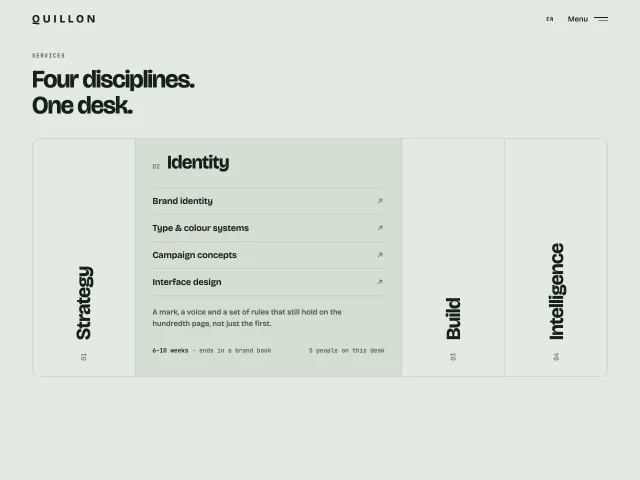
Four tall columns with rotated service names. Hover, click or Enter widens one into a list of services with arrows; the others stay as labels.
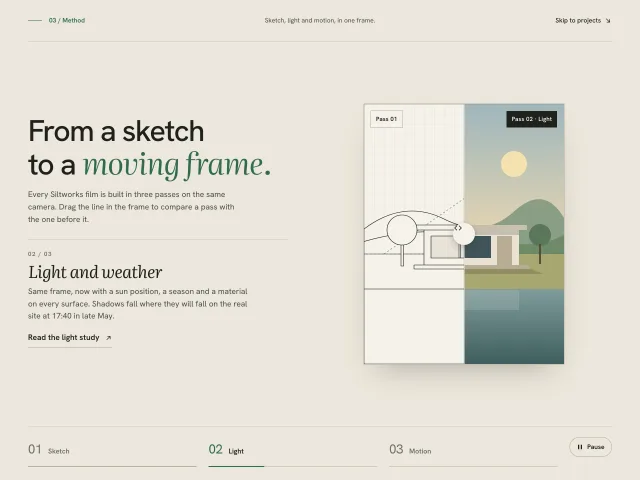
A method section: one portrait frame shown as sketch, light and motion passes, with timed tabs and a drag line that compares each pass with the one before.
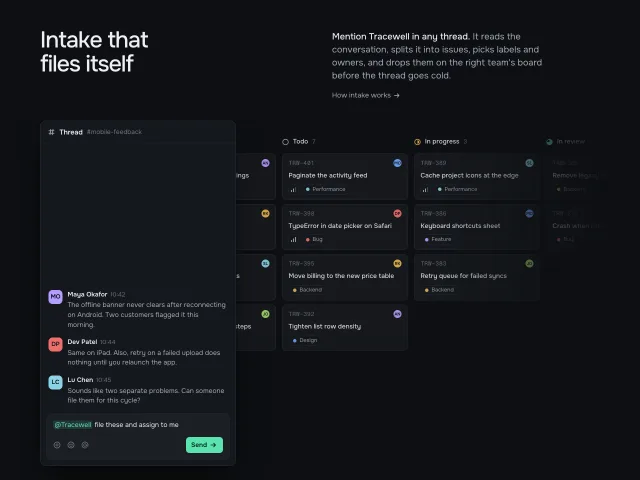
A dark intake section: a chat thread floats over a faded kanban board; sending an @mention makes a bot file two issues that drop into Todo, linked back to the reply.
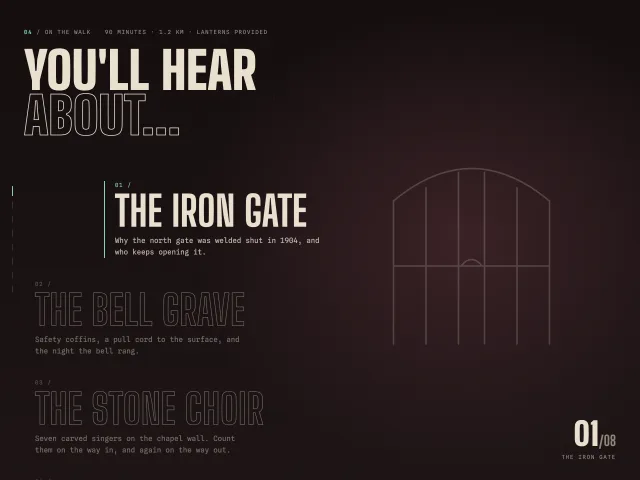
A long list of topics in huge condensed outline type. The one at the centre of the screen fills solid, steps right with a mint bar, and swaps the backdrop.
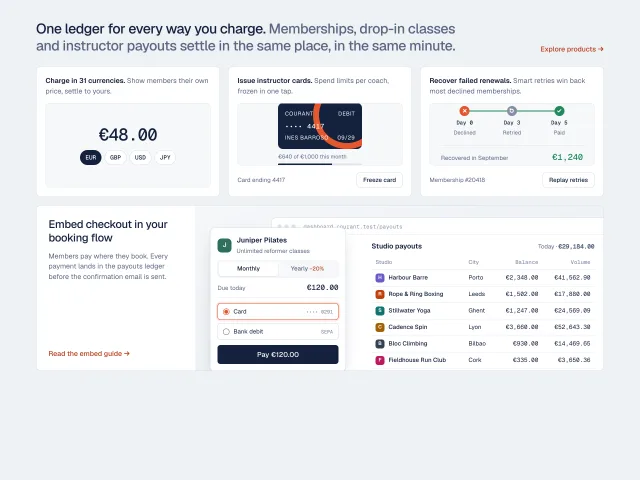
A product bento where every cell is working UI: a currency switcher, a freezable issued card, a retry timeline, and a checkout that posts its payment into a payouts ledger.
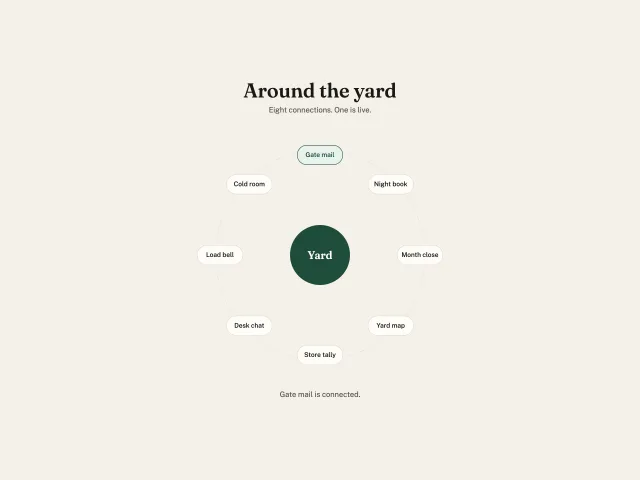
Eight yard connections on a ring around a Yard hub. One starts pressed. Choosing another rewrites the line.
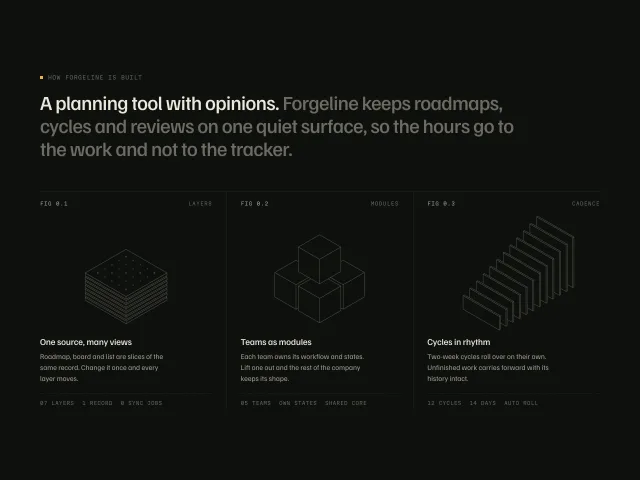
Three hairline isometric drawings captioned FIG 0.1–0.3 under a two-tone statement; hovering a column explodes its drawing, lights one amber part and dims the others.
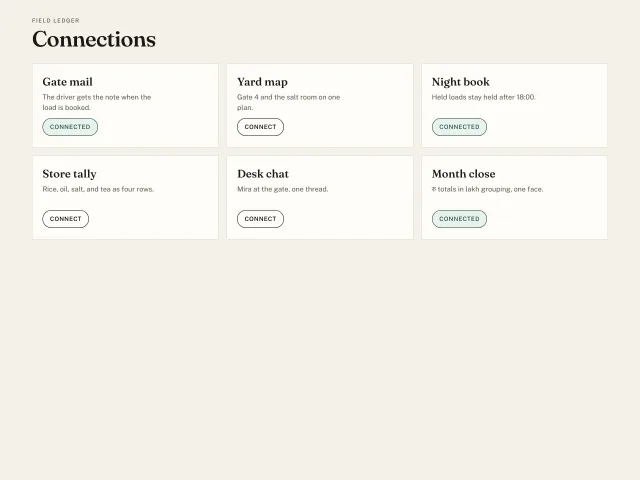
Six Field ledger connections. Three start connected. Connect and Connected are the same button, and the pressed one uses the soft green.
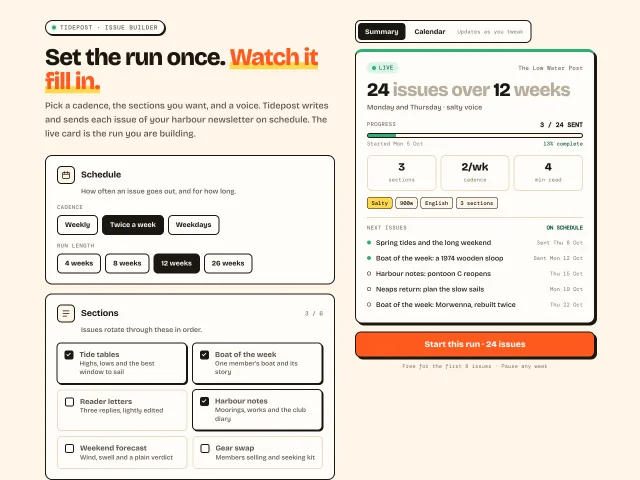
A settings form on the left drives a sticky preview card on the right: headline count, progress, next issues and a calendar view, all in hard-shadow ink.
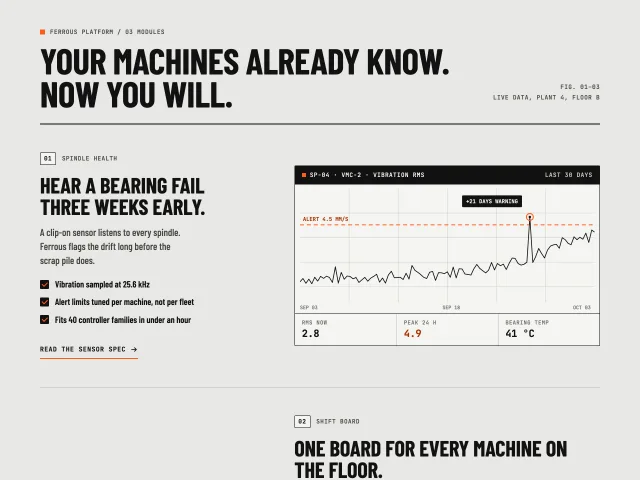
Three Swiss industrial feature rows that swap sides, each with a numbered eyebrow, three checks, a text link and a drawn product panel that slides in 24px on view.
Four vertical feature tabs with 6s autoplay progress hairlines; the preview pane crossfades between CSS-built product UIs, with a giant outlined step numeral.
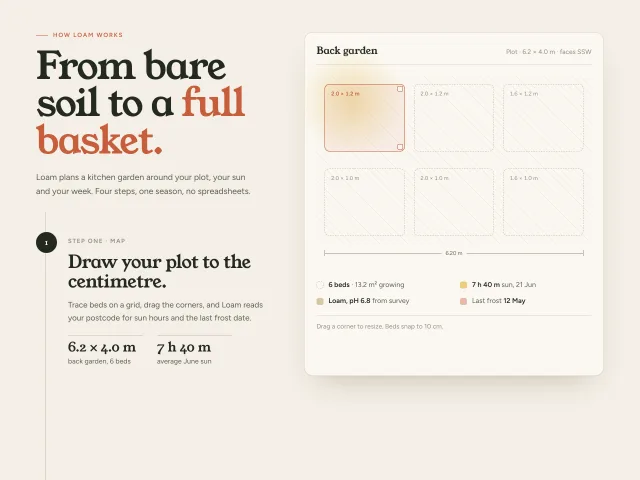
Four Loam garden-planning steps scroll on the left while a 600px plot preview sticks on the right and morphs beds, crops, calendar and harvest tally.
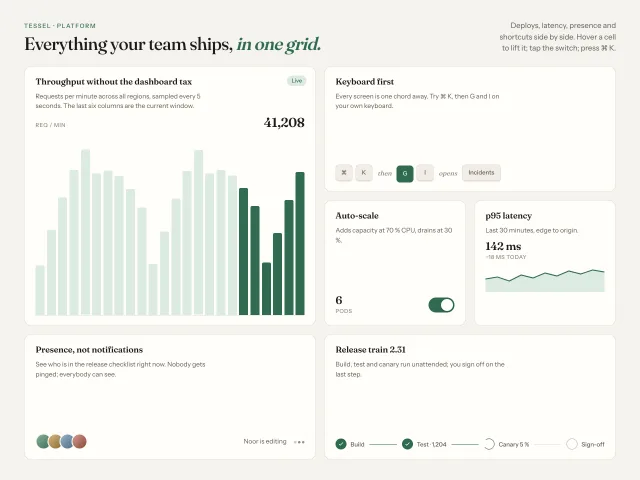
Six feature cells of varied spans on a 4-column grid, each with a small live CSS illustration; hover lifts a cell 2px and brightens its hairline.
No pieces match those filters. and try again.
The MCP server gives your agent 600+ pieces, the themes and the review tools. It installs the skill too. Free, no account.
claude mcp add -s user design-lounge -- npx -y design-lounge-mcp@latest For Claude Code. Cursor, Codex, VS Code and ChatGPT, or the skill alone.