Kids bedtime story shelf
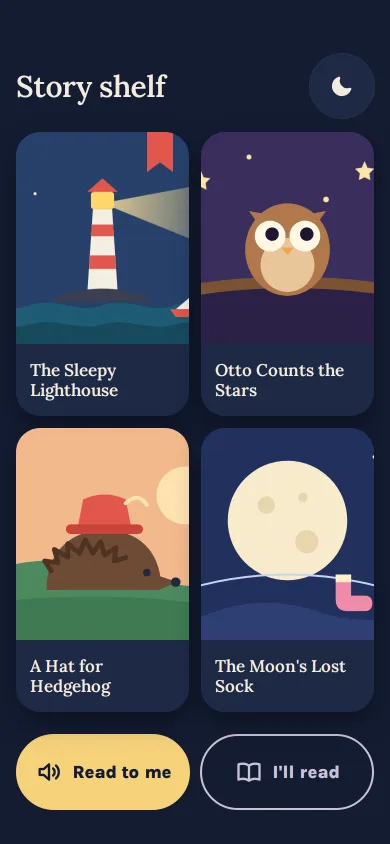
A bedtime shelf of four SVG-drawn covers, read-to-me or I'll-read, big story text where each word lights as it is read, swipe page turns and a calm The end.
Pages & screens
A bedtime shelf of four SVG-drawn covers, read-to-me or I'll-read, big story text where each word lights as it is read, swipe page turns and a calm The end.
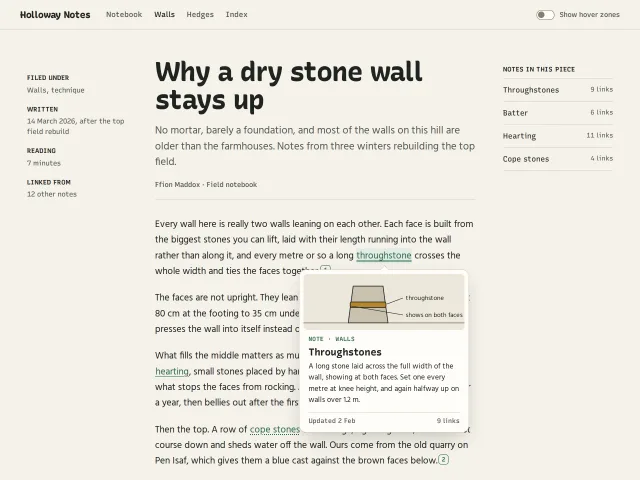
Hover a note link or footnote in a long read and a drawn preview card opens after 300ms, survives the trip into it, and never flickers between neighbours.
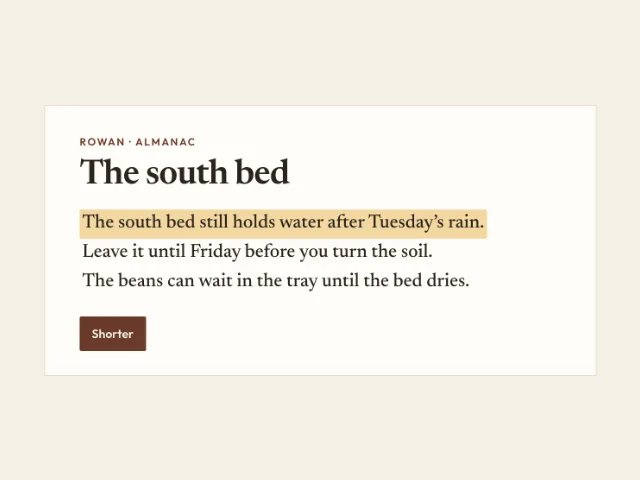
Three sentences. The first is marked. Shorter replaces it. Restore puts it back. The other two can be marked the same way.
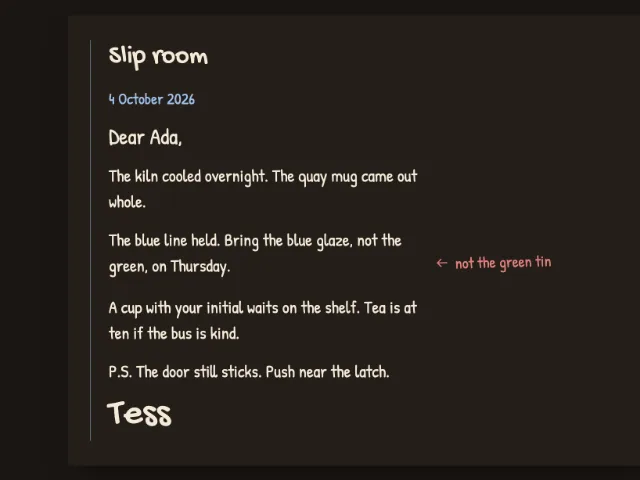
One night letter on a warm dark desk: date, salutation, three short paragraphs, a red margin note, a P.S., and a signature.
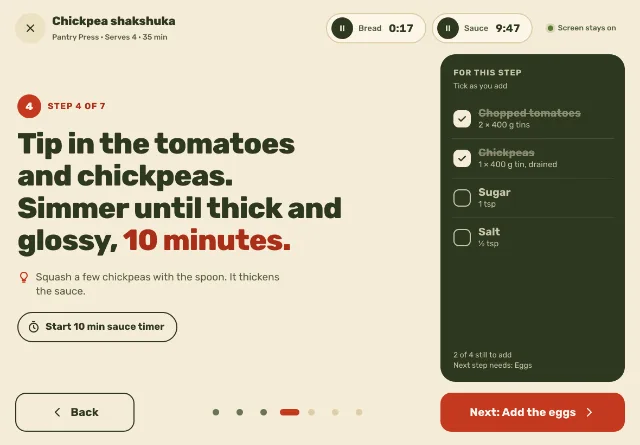
A 1180×820 kitchen cook mode: one step in 54px heavy type, tickable ingredients for that step, two timer chips that ring, swipe or big buttons between steps.
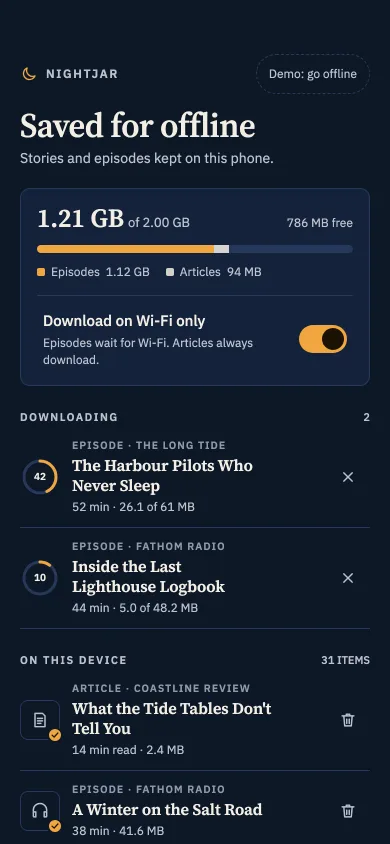
A saved-for-offline screen at night: storage meter, Wi-Fi-only switch, download rings, remove buttons, dimmed items with a reason, and an offline badge.
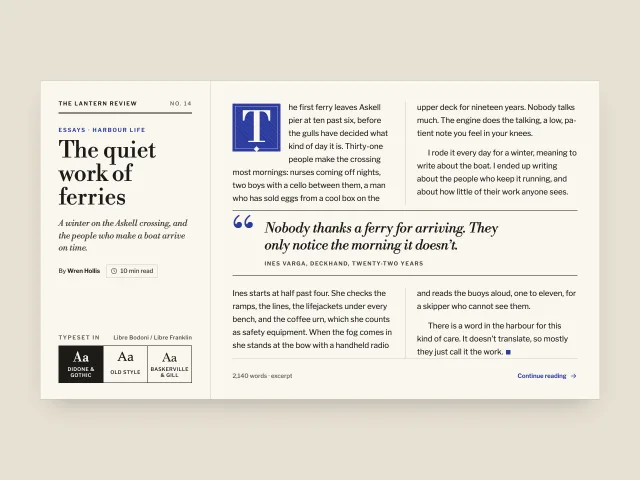
An essay card with a tiled ultramarine drop cap, a column-spanning pull quote, a column rule, reading time and a three-way classic type pairing switcher.
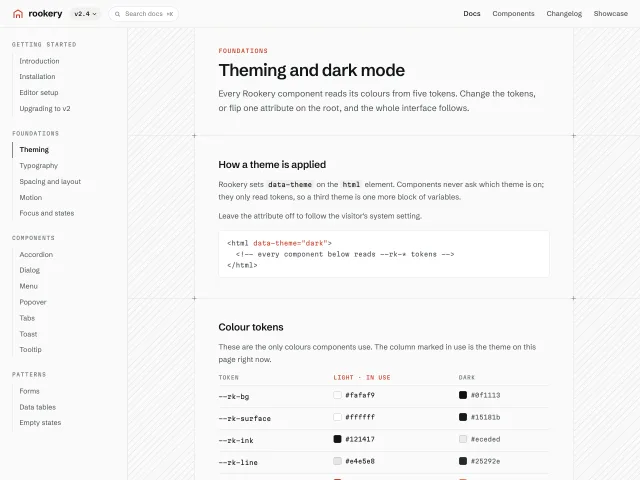
A docs page frame: sticky nav rail, a hairline-bordered content column with diagonal hatching in the gutters, crosshair marks, a version menu and a 3-way theme switch.
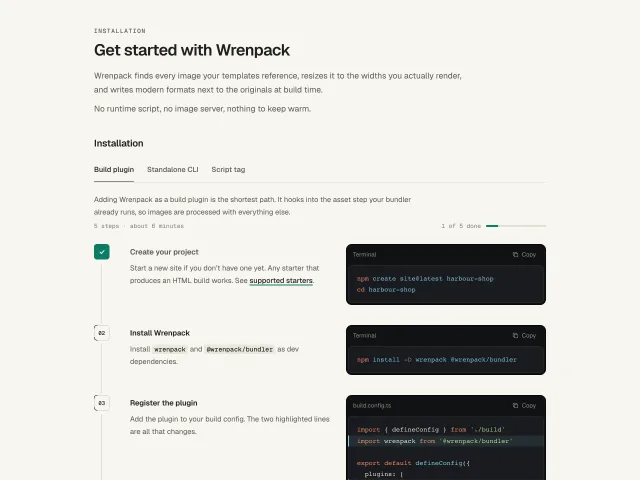
Numbered install steps for a docs page: prose on the left, a dark code panel on the right with highlighted added lines, guide tabs and tick-off numbers.
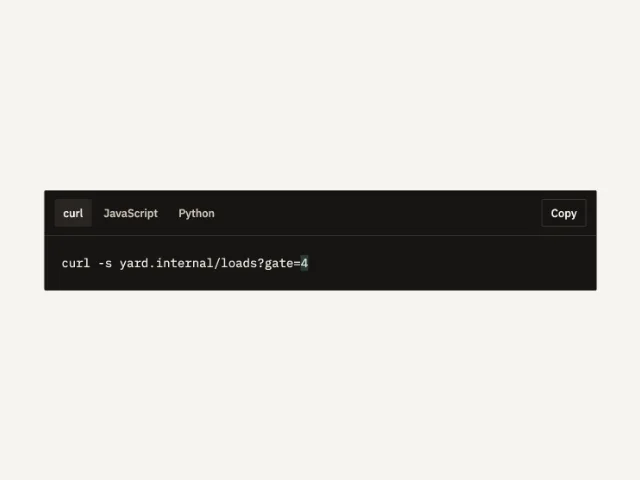
One request in curl, JavaScript, and Python. The active tab is a 32px pill. Copy writes that panel.
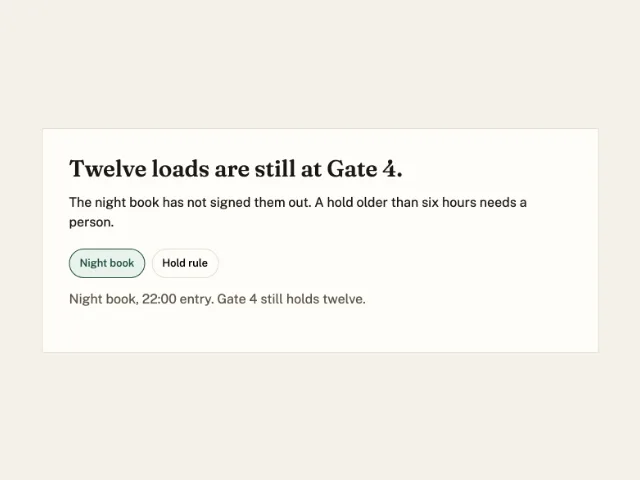
A sentence about Gate 4. Night book starts pressed and shows its line. Hold rule swaps the quote.
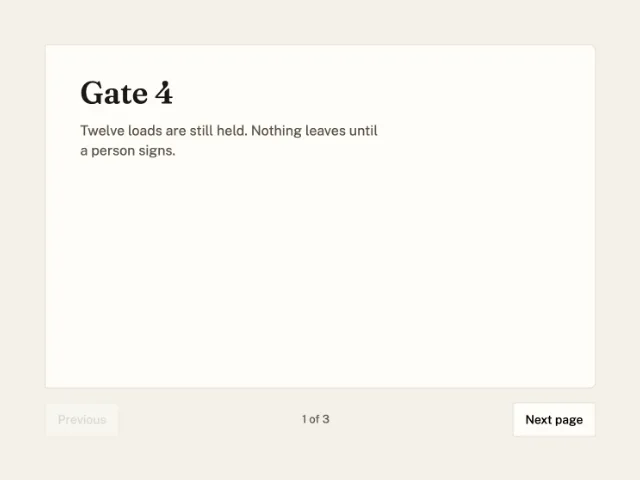
A 640 by 400 ledger. Next turns the page on its left edge. Three yard notes, one at a time.
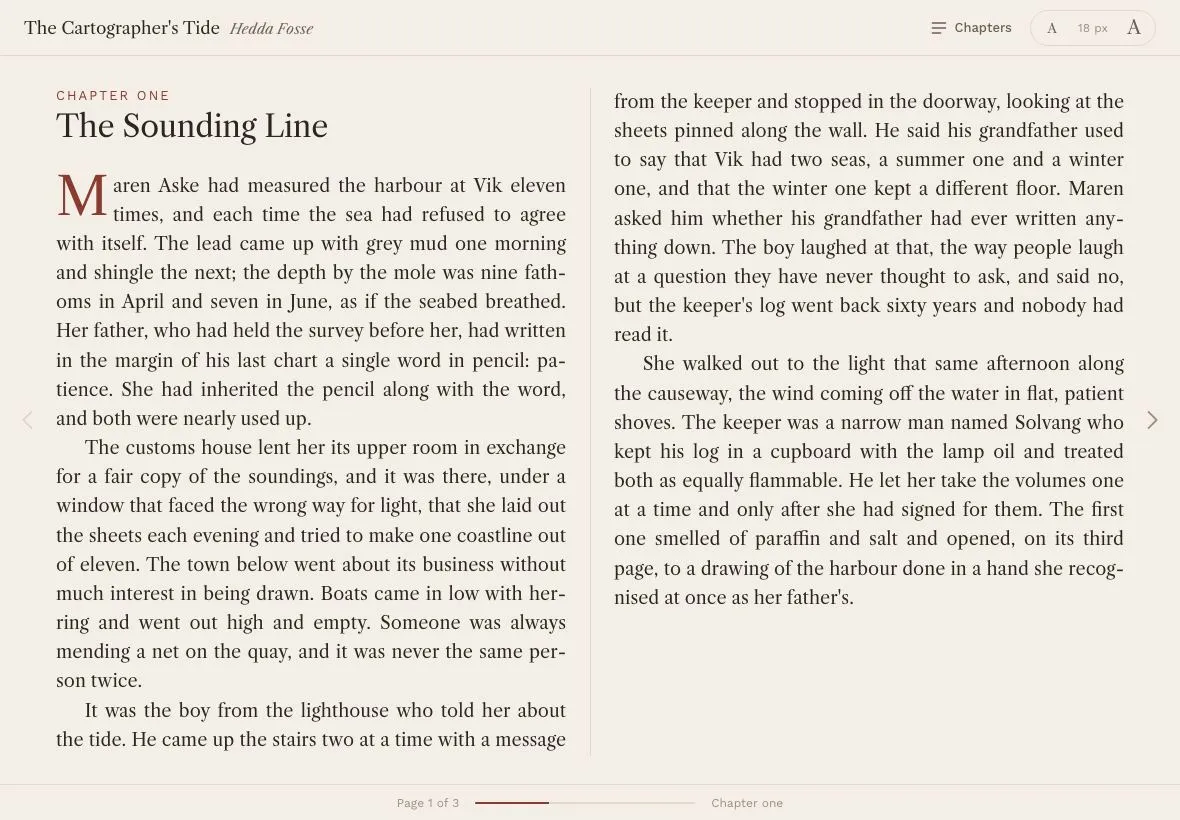
A 1180×820 book reader that flows a chapter into two CSS columns, turns pages by sliding the column container, with a chapter overlay, a 16–22px size stepper and Libre Caslon body text.
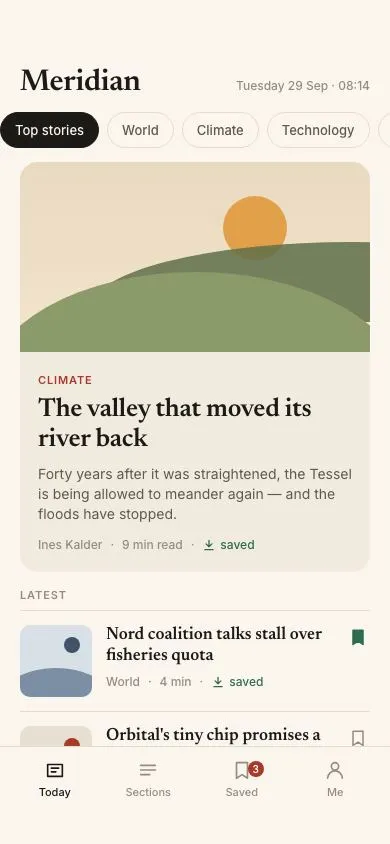
A paper-toned news front with serif headlines: scrolling section chips, a lead card with a CSS-illustrated landscape, a story list with reading times and saved-for-offline marks, and a bottom nav.
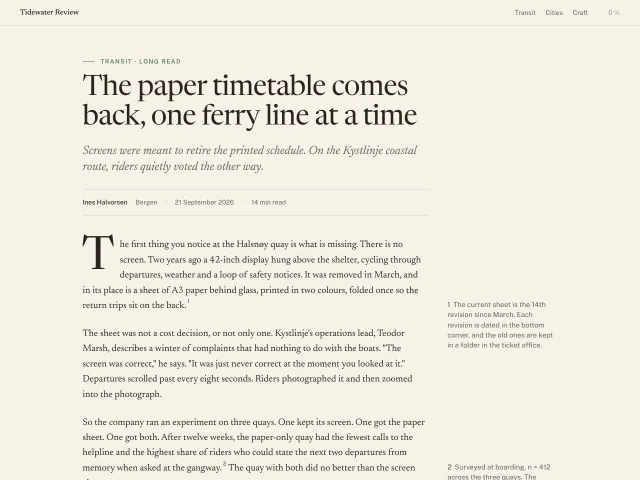
Long-form article page on warm paper: Newsreader body at 19px/1.6 on a 66ch measure, a four-line drop cap, a pull quote, floated margin notes at ≥1100px and a 2px sticky reading-progress hairline.
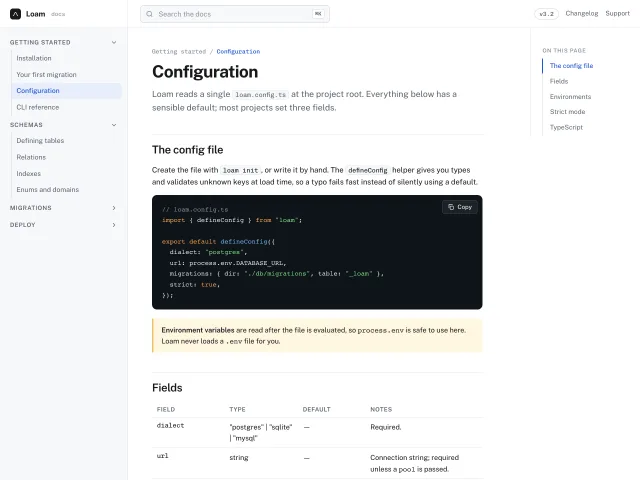
A docs shell: 256px collapsible nav tree, 72ch prose column, sticky 'On this page' TOC with scroll-spy, ⌘K search and a code block with a copy button.
No pieces match those filters. and try again.
The MCP server gives your agent 600+ pieces, the themes and the review tools. It installs the skill too. Free, no account.
claude mcp add -s user design-lounge -- npx -y design-lounge-mcp@latest For Claude Code. Cursor, Codex, VS Code and ChatGPT, or the skill alone.