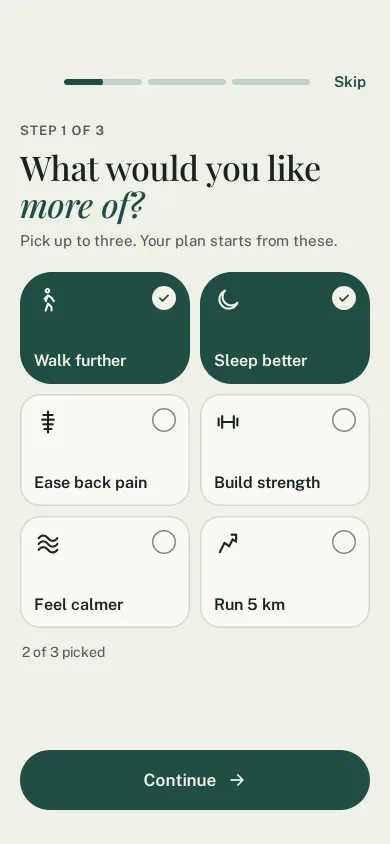
Goal setup that builds your plan
Three-step onboarding: goals as large chips, a level slider, a week row of days, then a plan card that assembles from the answers with a staggered build.
Pages & screens
Three-step onboarding: goals as large chips, a level slider, a week row of days, then a plan card that assembles from the answers with a staggered build.
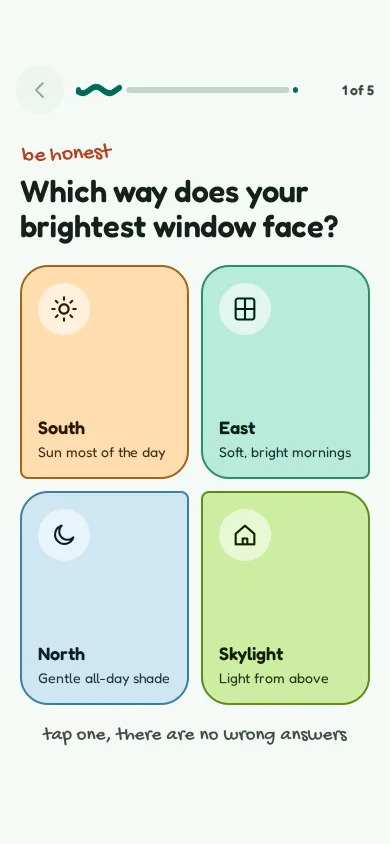
A five-question Material 3 Expressive onboarding quiz with big tonal answer cards, a wavy progress bar, back, and a result card that says what the app will set up.
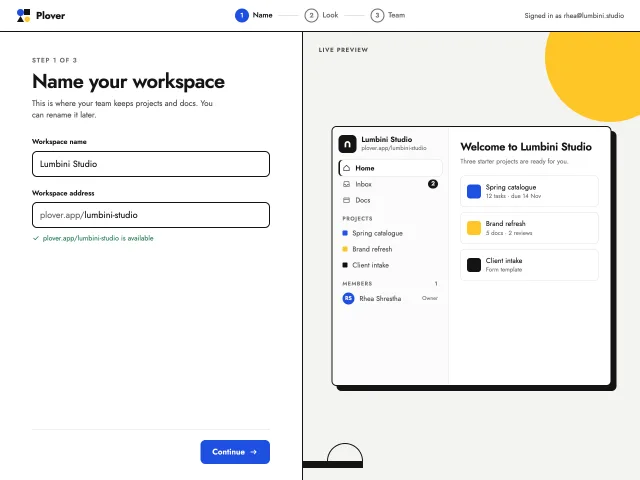
A three-step create-your-workspace flow: name and checked URL, colour and mark, email invites. A live sidebar preview updates as you type, then builds itself.
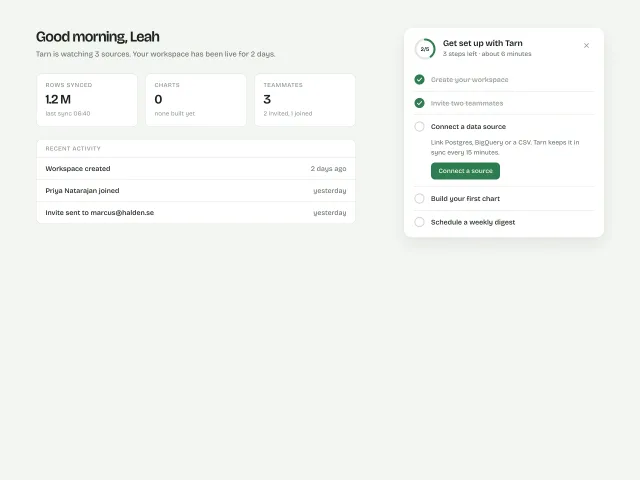
A 400px setup card with a 44px progress ring and five tasks; completing one draws a tick and collapses it, 100% dissolves into a calm 'You're set' state, and the card is dismissable.
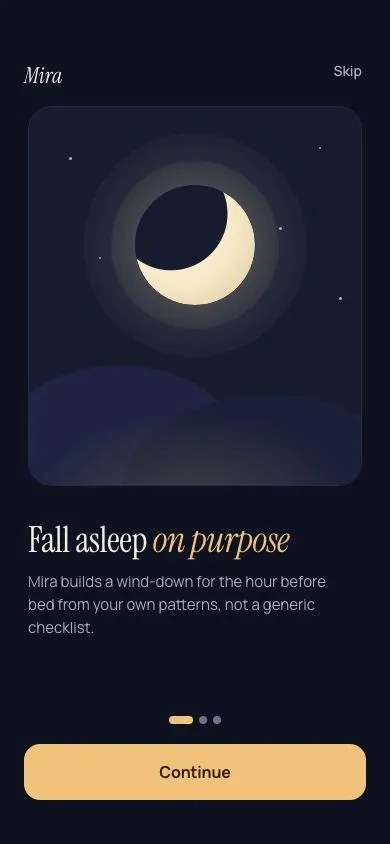
Three snap-scrolled onboarding slides with CSS-drawn illustrations, page dots that stretch into a 24px pill, and a Continue button that becomes Get started on the last slide.
No pieces match those filters. and try again.
The MCP server gives your agent 600+ pieces, the themes and the review tools. It installs the skill too. Free, no account.
claude mcp add -s user design-lounge -- npx -y design-lounge-mcp@latest For Claude Code. Cursor, Codex, VS Code and ChatGPT, or the skill alone.