Collapsing sidebar rail
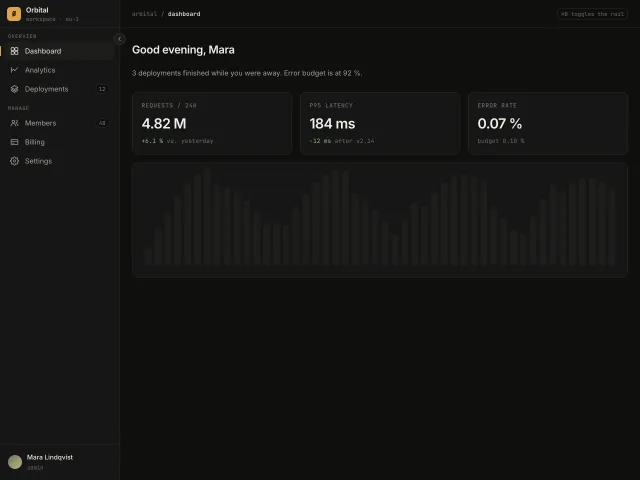
A 240px app sidebar that collapses to a 64px icon rail with hover tooltips, an accent active-route bar and a ⌘B shortcut.
Shelf
A 240px app sidebar that collapses to a 64px icon rail with hover tooltips, an accent active-route bar and a ⌘B shortcut.
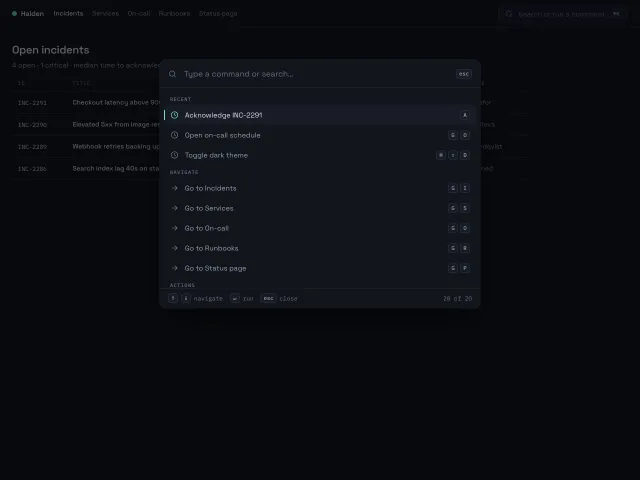
A ⌘K command palette that opens with a 200ms scale-and-fade, fuzzy-filters 20 grouped commands, and is fully driven from the keyboard with shortcut hints on the right.
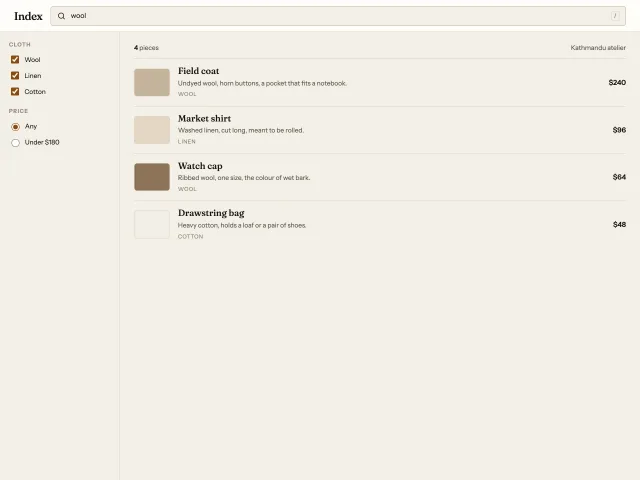
A catalogue search with a 240px filter column, live text match, cloth and price filters, and an empty state when nothing qualifies.
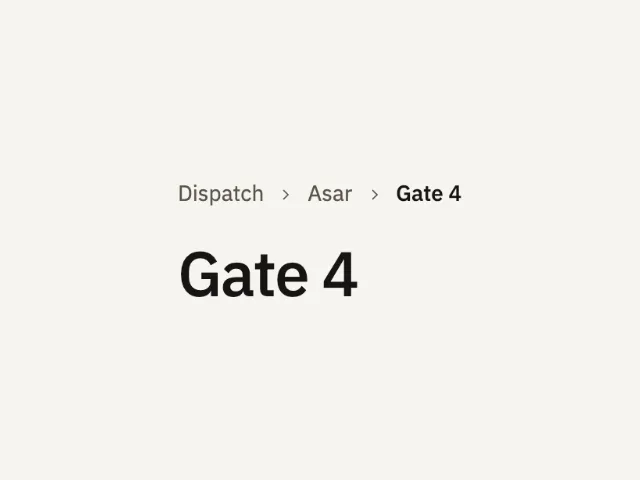
Dispatch, Asar, then Gate 4 as the current page. The current crumb is text. The earlier crumbs are links. A click names what opened.
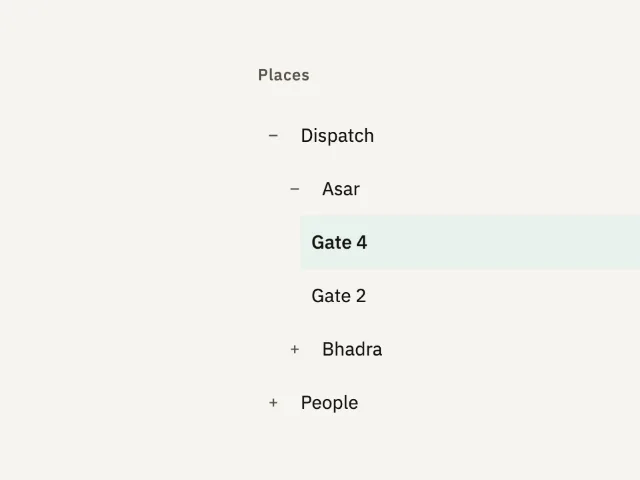
A place tree. Dispatch and Asar start open, Gate 4 is current, and Bhadra and People start closed. A click opens a branch or moves the current page.
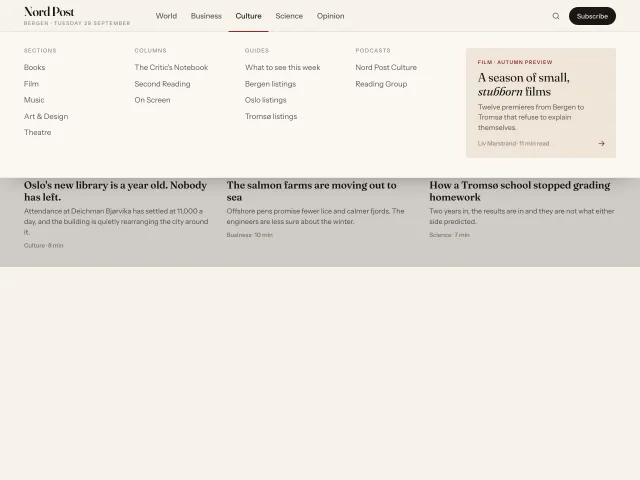
A newspaper-style top nav whose full-width panel animates its height between sections, with a 2px underline that slides between labels and a featured story card.
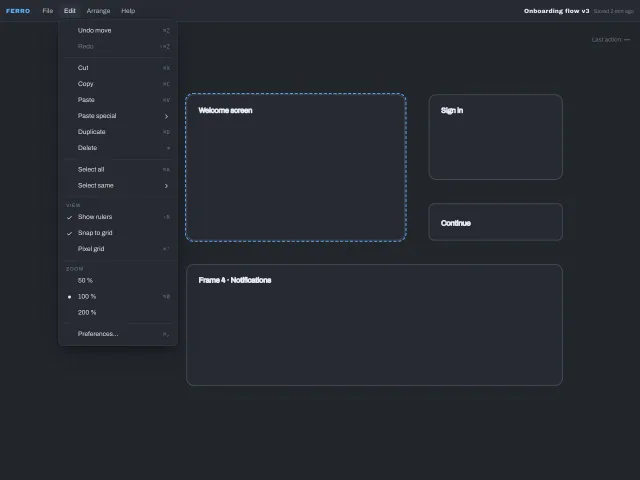
An application menubar with click-to-open menus, hover submenus guarded by a safe-triangle delay, check and radio items, a shortcuts column and complete keyboard support including typeahead.
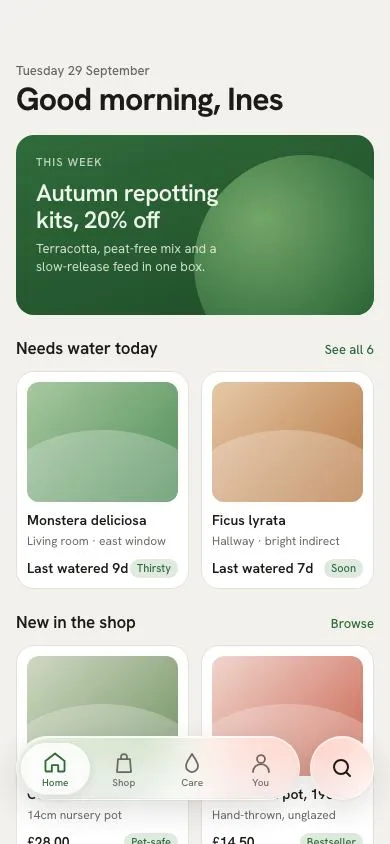
An inset Liquid-glass tab capsule with four tabs and a separate round search island; a glass lens squashes and slides between tabs while content scrolls under it.
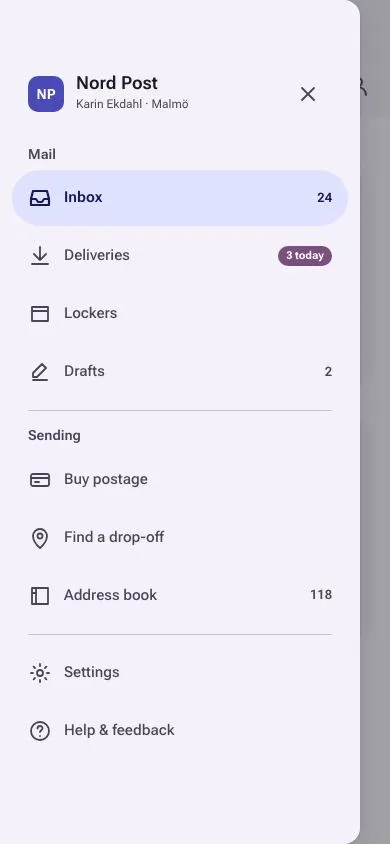
A 360px Material 3 Expressive modal drawer that slides in under a scrim from a top-app-bar hamburger, with full-width tonal pill for the active item, section headers, dividers and badges.
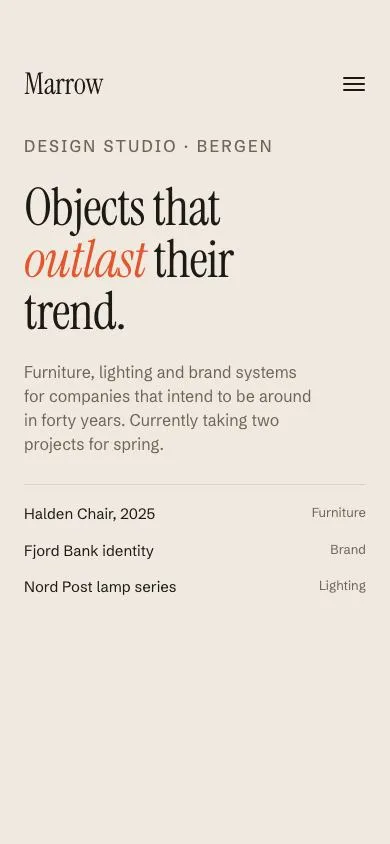
A hamburger that morphs into an X while the page fades, the background shifts from cream to navy and five 64px serif links rise in with a 55ms stagger, plus a small-links row and a language switch.
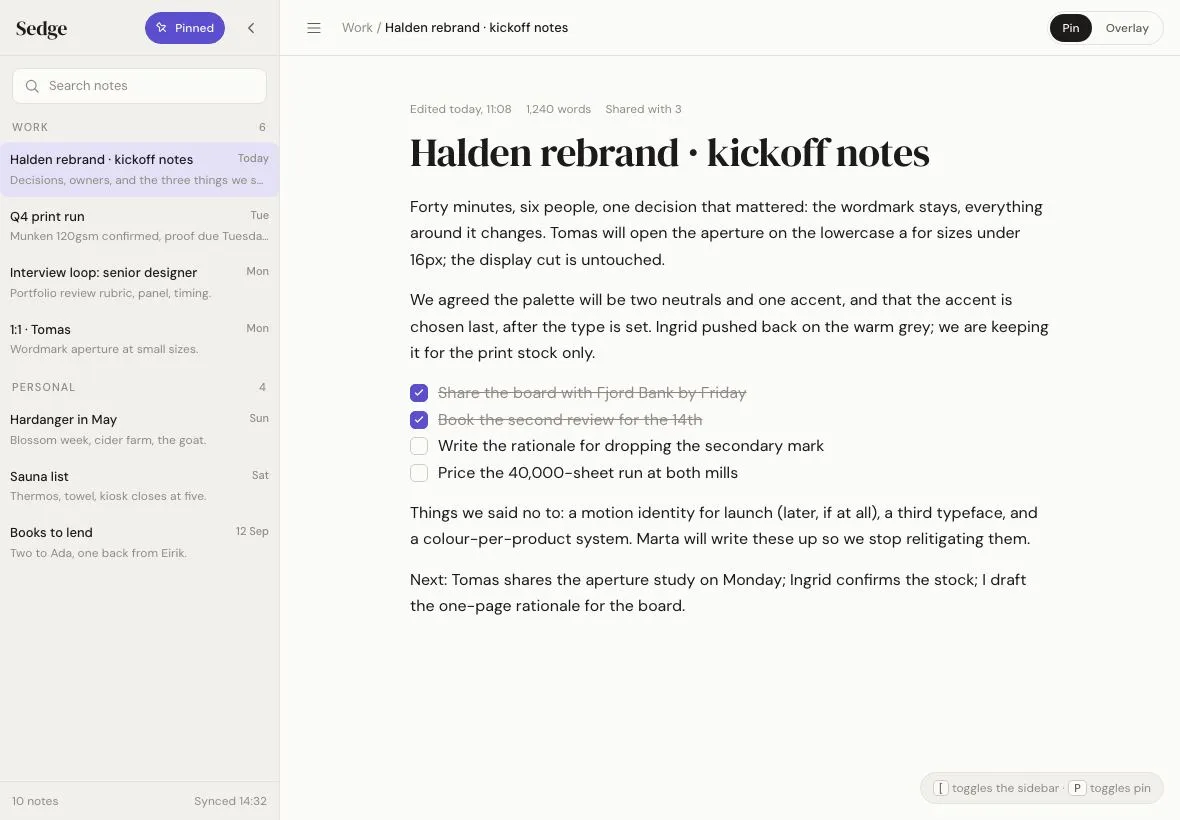
A 280px notes sidebar on a 1180×820 tablet that either overlays the page with a scrim and shadow or pins so the content reflows; a pin toggle switches modes with one 320ms transition.
Nine scrollable tabs whose 2px underline stretches to span old and new tab, then settles (180ms + 200ms), with a panel crossfade and fade masks at the strip's overflow edges.
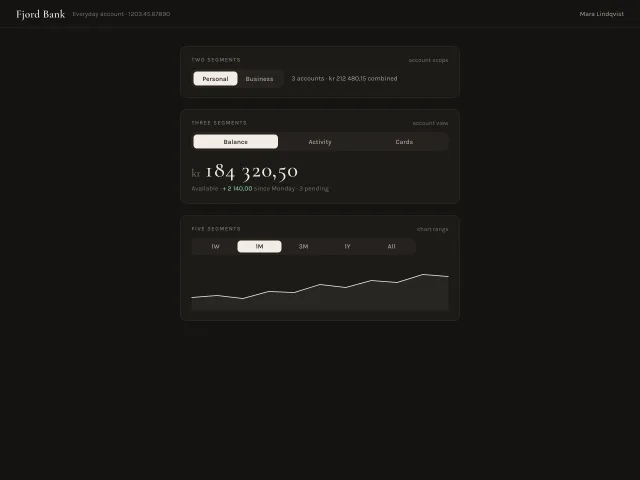
Segmented controls in 2, 3 and 5-segment variants: an ivory pill slides between options over 260ms with a mid-travel squash, arrow keys move selection, and each switches a content panel.
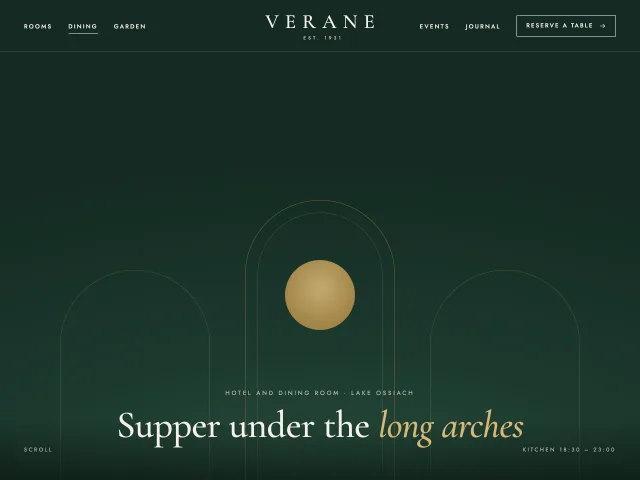
Links split left and right of a centred serif wordmark over a dark hero. After 80px of scroll it turns into a paper bar and the wordmark shrinks 40px to 24px.
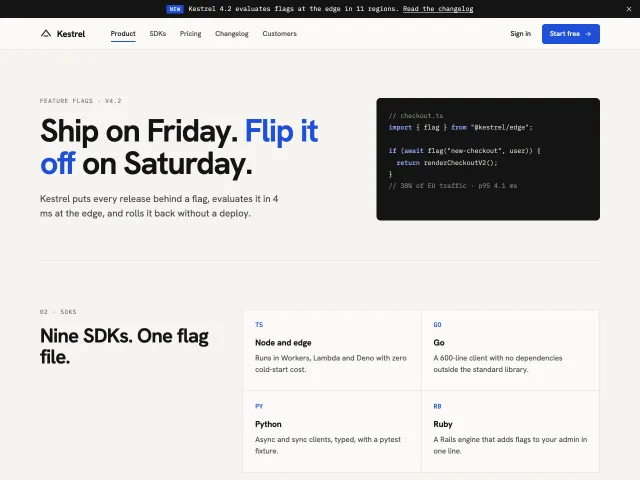
A docs-site header with a dismissible announcement bar. It slides away when you scroll down, returns with a shadow when you scroll up, and underlines the section in view.
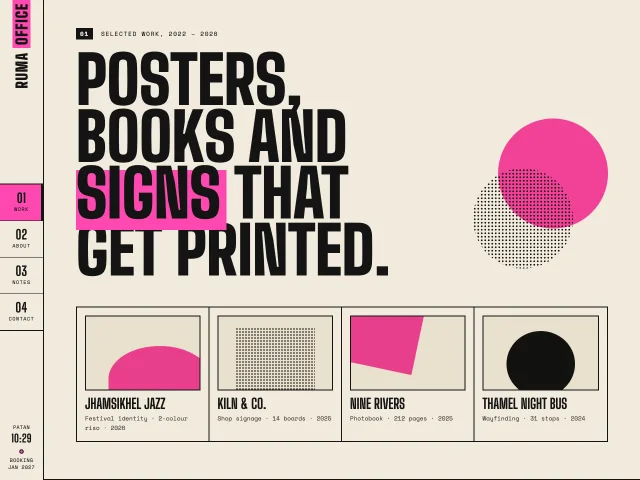
A fixed 88px left rail for a studio site: rotated wordmark, four numbered links with a pink block that follows the section in view, local time at the foot.
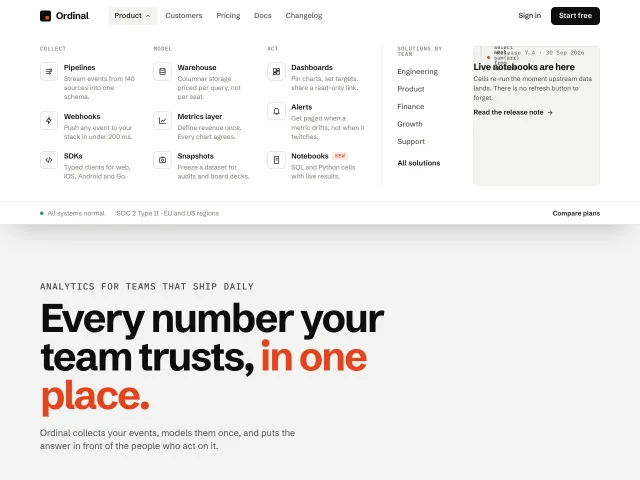
A white SaaS navbar whose Product item opens a full-width panel: three product columns, a by-team column and a release card, with hover intent and full keys.
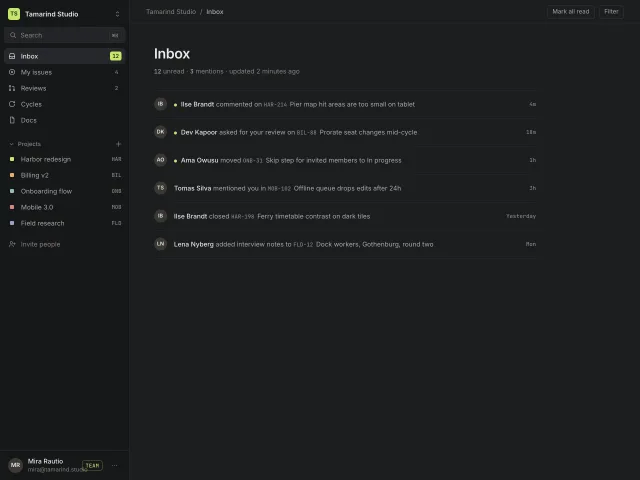
A 260px dark app sidebar: workspace switcher popover, ⌘K search, counted inbox items, a collapsing Projects group and a pinned user row with plan badge.
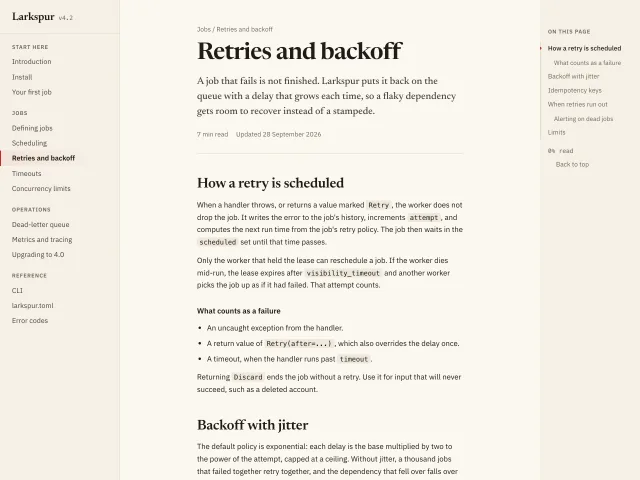
An editorial docs layout: 240px grouped nav, a 68ch serif-headed article, and a 200px On this page list with scrollspy and a red progress line.
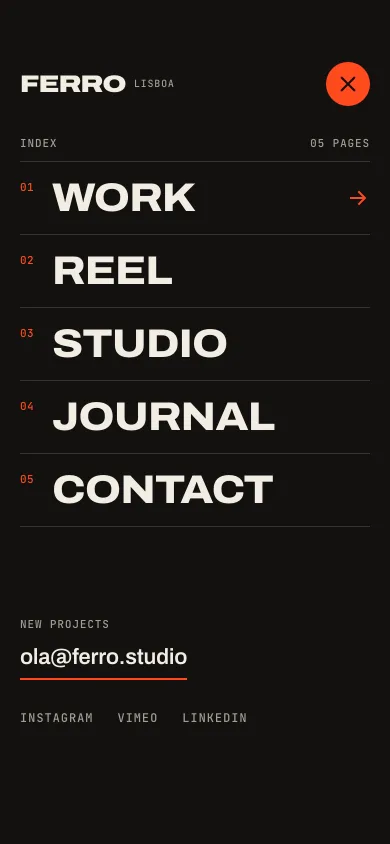
A 44px menu button morphs into an X while a black panel grows out of it as a clip-path circle, then five 40px grotesk links rise in on a 50ms stagger.
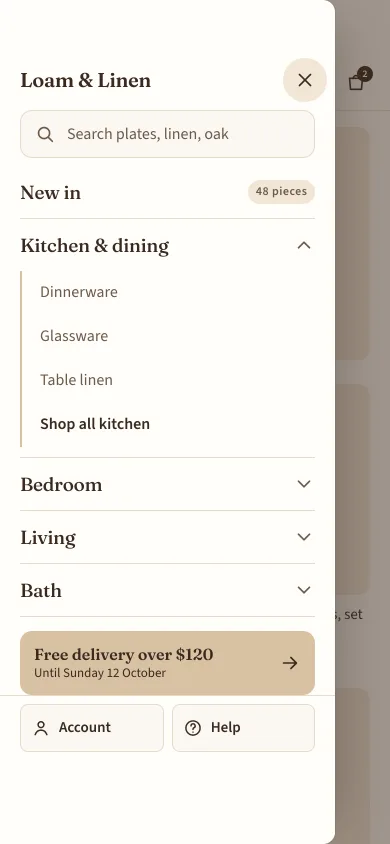
An 86%-wide shop menu drawer from the left with search, one-open-at-a-time accordion sections, a promo row and account and help pinned at the bottom.
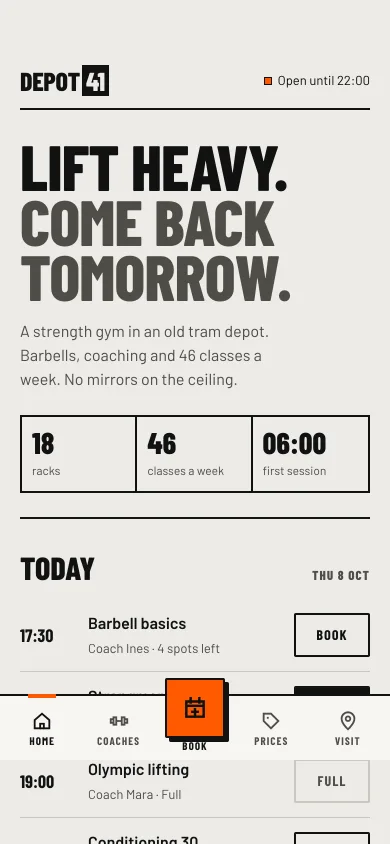
A five-item bottom bar for a phone website with a raised square Book action, a scroll-linked active state, and hide-on-scroll-down that returns on scroll up.
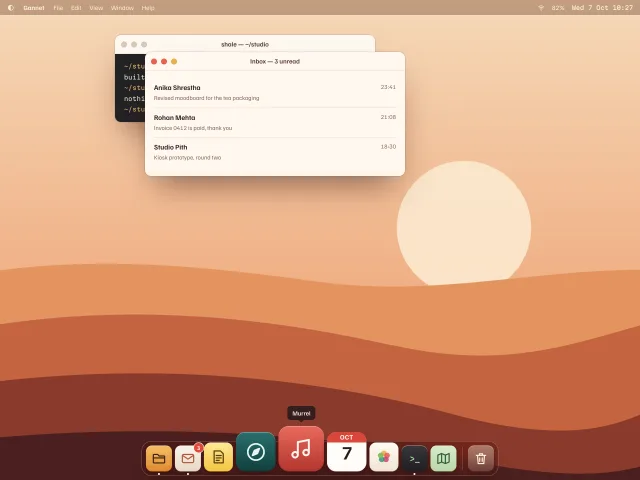
A desktop-OS dock whose icons swell by pointer distance on a cosine curve, with tooltips, a two-hop launch bounce, running dots and arrow-key navigation.
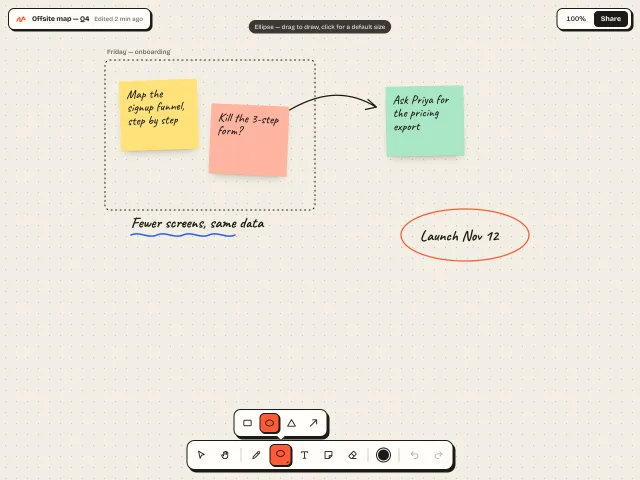
A floating hard-shadow tool dock for a whiteboard: exclusive tools, a nested shapes flyout, colour swatches, working undo/redo, and a two-row collapse on phones.
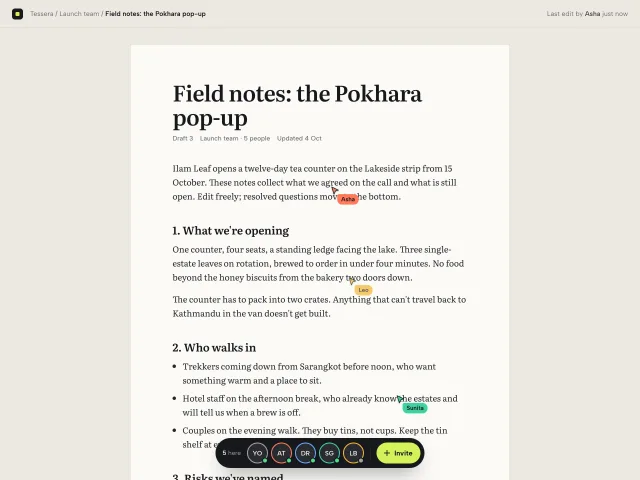
A dark pill dock of collaborator avatars over a shared doc: live named cursors drift through the text, clicking a face follows them, and Invite adds a pending seat.
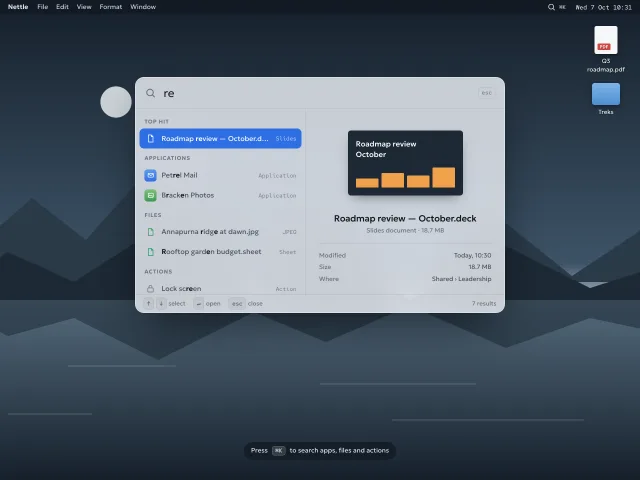
A frosted, desktop-OS spotlight bar on ⌘K: fuzzy results grouped as top hit, apps, files and actions, inline calculator, and a live preview pane.
The MCP server gives your agent 600+ pieces, the themes and the review tools. It installs the skill too. Free, no account.
claude mcp add -s user design-lounge -- npx -y design-lounge-mcp@latest For Claude Code. Cursor, Codex, VS Code and ChatGPT, or the skill alone.