Multi-step form stepper
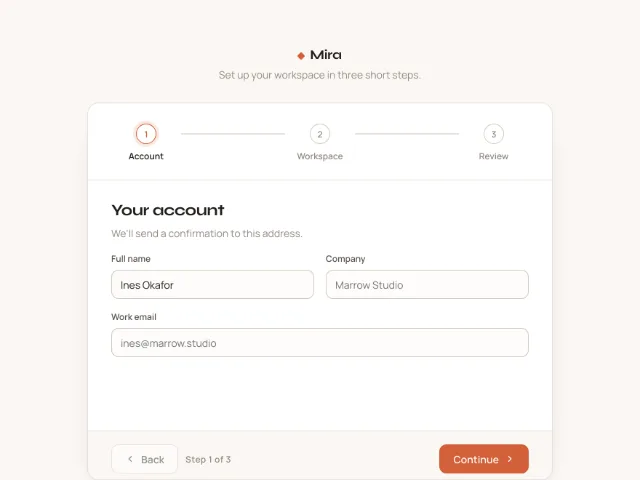
A three-step workspace setup with a horizontal stepper whose connectors fill on completion, direction-aware 40px slide transitions, validation on Continue and a review step with Edit links.
Shelf
A three-step workspace setup with a horizontal stepper whose connectors fill on completion, direction-aware 40px slide transitions, validation on Continue and a review step with Edit links.
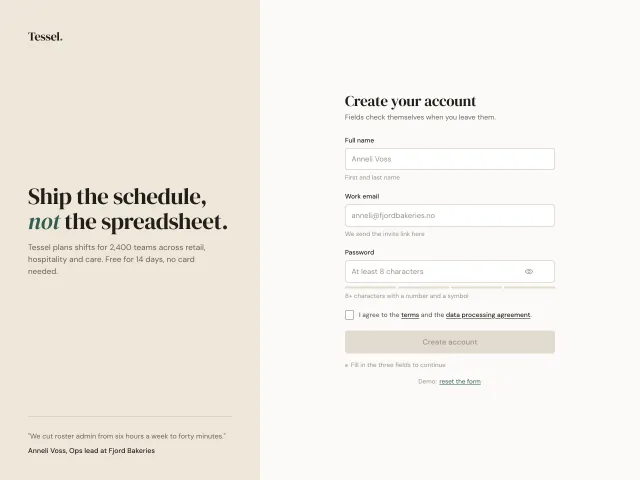
A signup form that validates each field on blur with a 6px shake for errors, a stroke-drawn tick for success, a 4-segment password meter and a submit gated until everything passes.
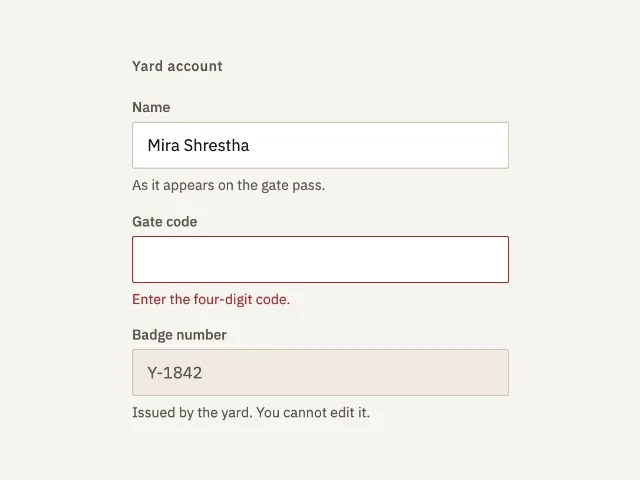
Three account fields: a name with a hint, a gate code in error until it is four digits, and a badge number that cannot be edited.
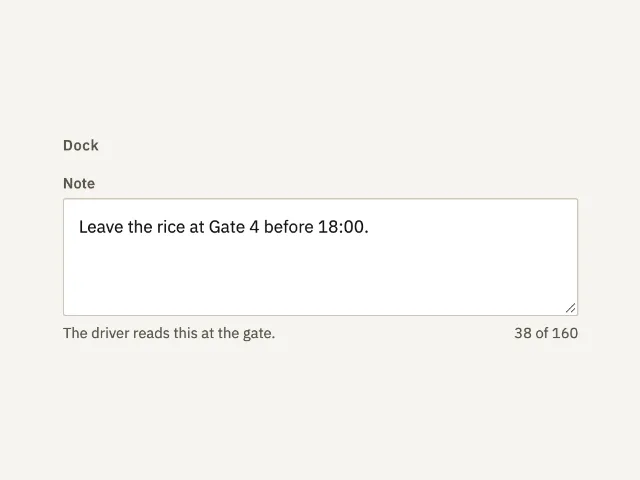
A dock note with the hint under it and a count of 160. Past 160 the hint yields to the error and the border turns danger.
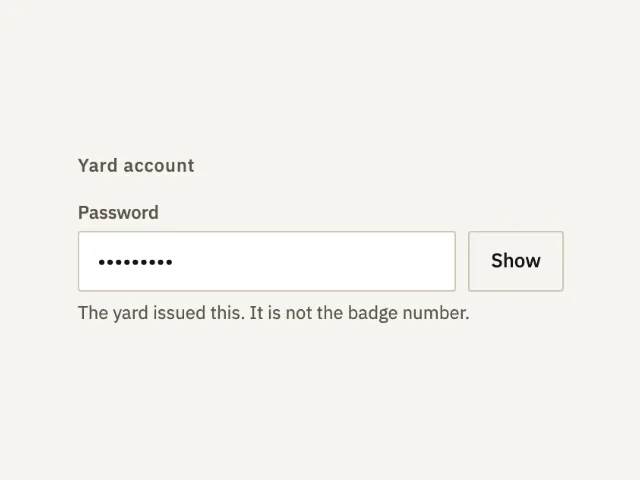
A password that starts hidden. Show reveals gate-1842. Hide puts it back. The hint says the yard issued it.
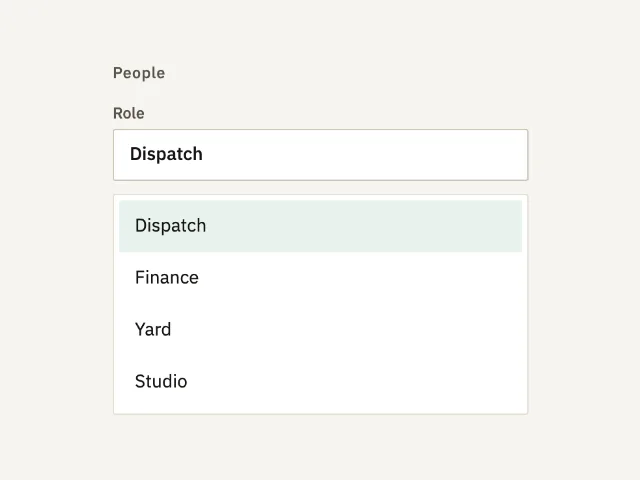
A closed list of roles. The field matches the other controls. The list uses the same radius. Empty submit puts the error under the field.
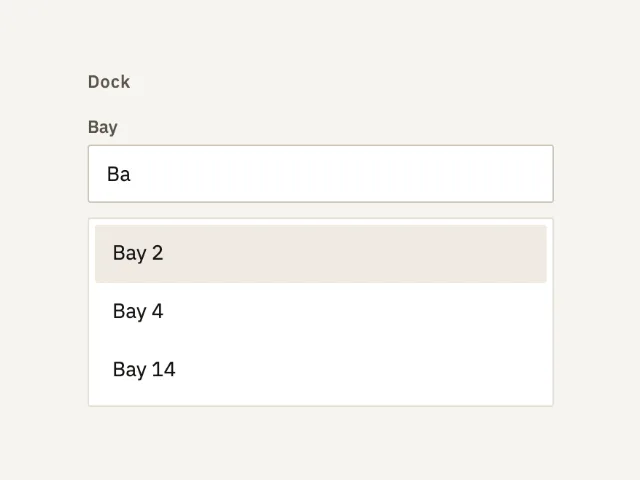
A bay field that filters eight names as you type. It opens on Ba, with Bay 2, Bay 4, and Bay 14. Enter commits the highlighted row.
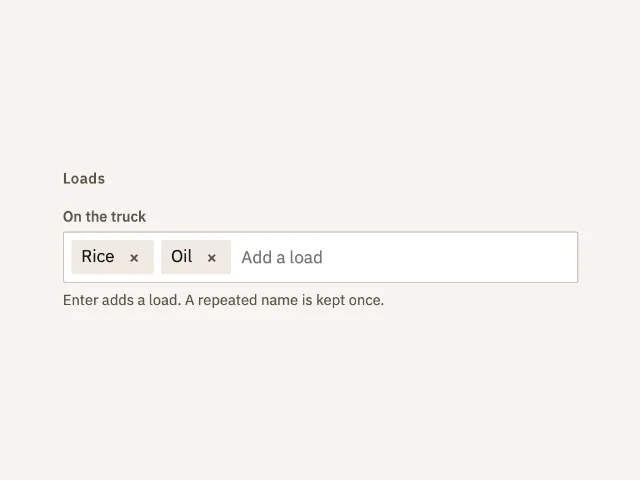
Rice and Oil start on the truck. Enter adds a load once. A remove control drops one. Backspace on an empty field drops the last.
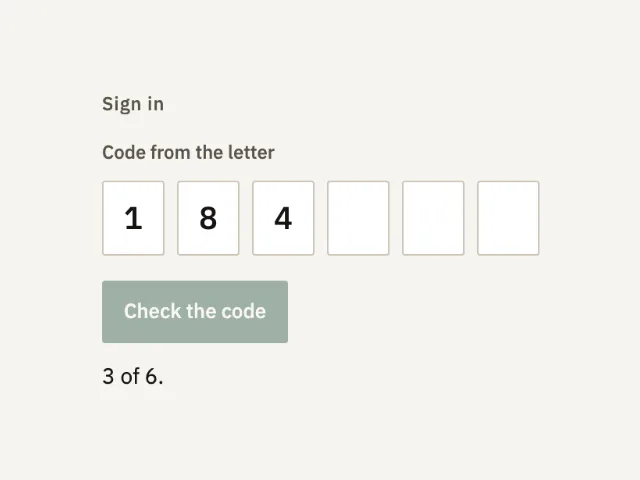
Six digits from a letter. Three are filled, so the line reads 3 of 6. The check accepts only 184219 and otherwise names that code.
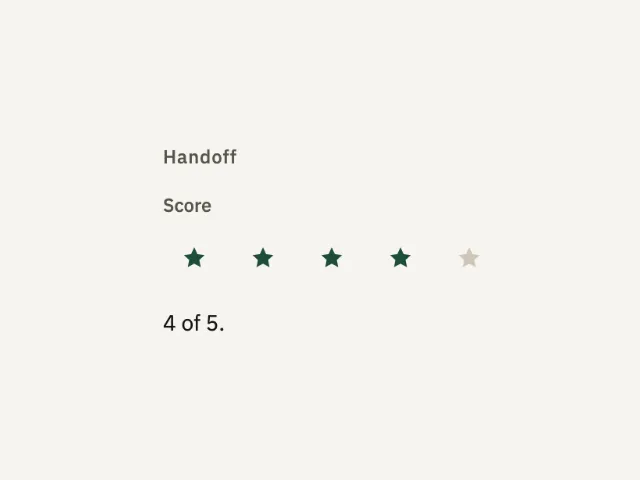
Five marks for the handoff. Four start filled. Choosing another mark rewrites the line to that score of 5.
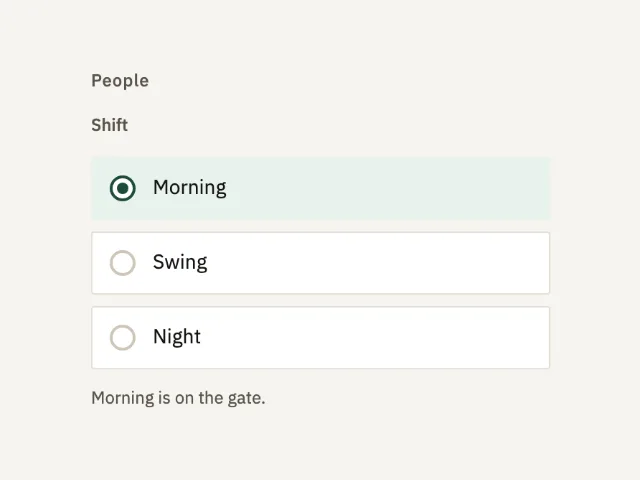
Three shifts in one fieldset. Morning starts selected. Arrow keys move the choice. The status line names the shift on the gate.
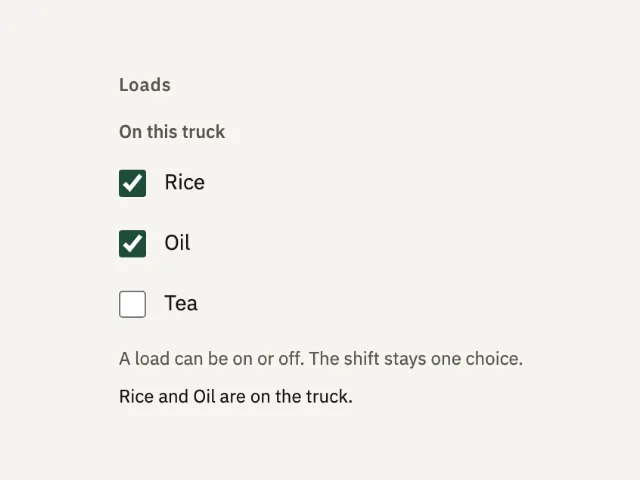
Three loads on one truck. Rice and Oil start on. Each box is its own choice, and the line names what is actually on.
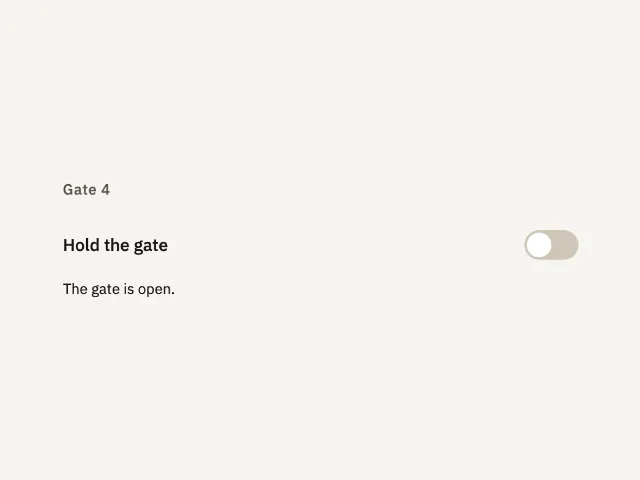
One setting, Hold the gate. It starts off, the gate stays open, and turning it on says the gate is held.
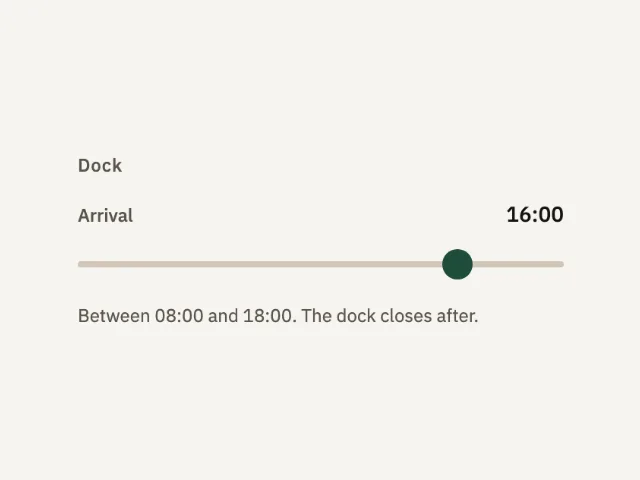
A dock arrival from 08:00 to 18:00. The thumb starts at 16:00. The value sits beside the label and updates as the thumb moves.
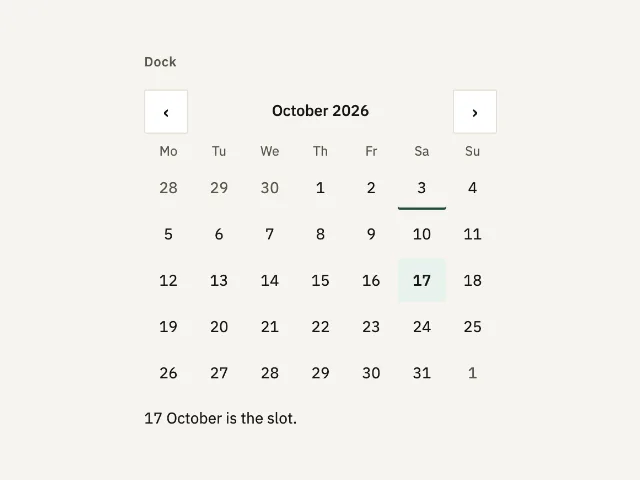
One month, one chosen day. October 2026 opens with the 17th selected and the 3rd marked as today. Previous and next move a month.
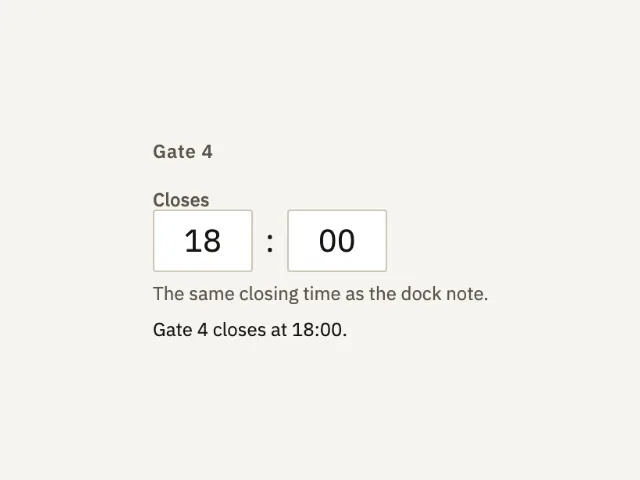
Hour and minute for when Gate 4 closes. It starts at 18:00, the same time as the dock note, and rejects an hour or minute that cannot exist.
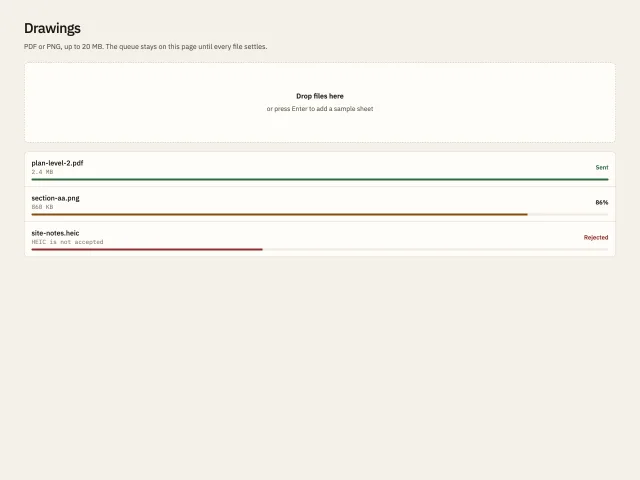
A dashed drop zone and a queue of files: one sent, one advancing, one rejected, with new sheets joining at 8 percent.
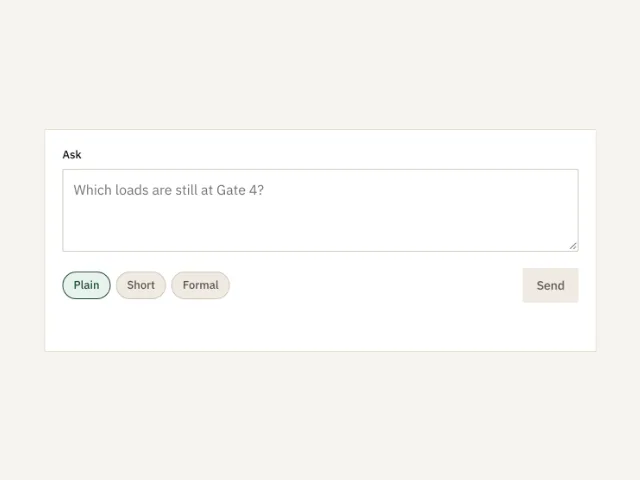
A 640px ask box. Plain, Short, or Formal. Send stays off until there is text, then reports the tone and the count.
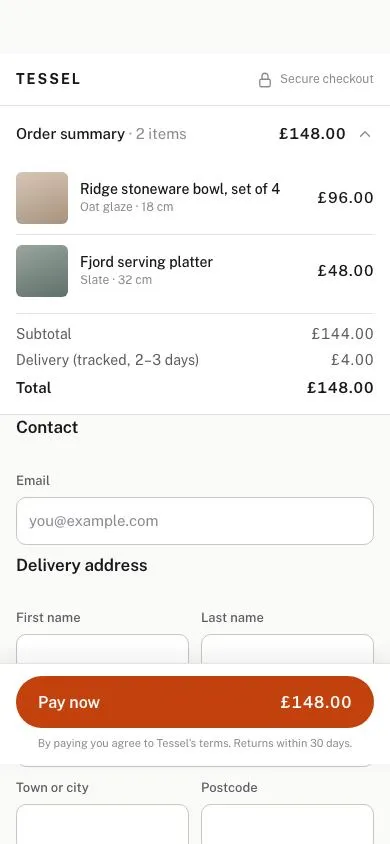
A 390px single-page checkout: collapsible order summary, address form with correct input types and autocomplete, payment radio cards, inline validation and a sticky Pay button carrying the total.
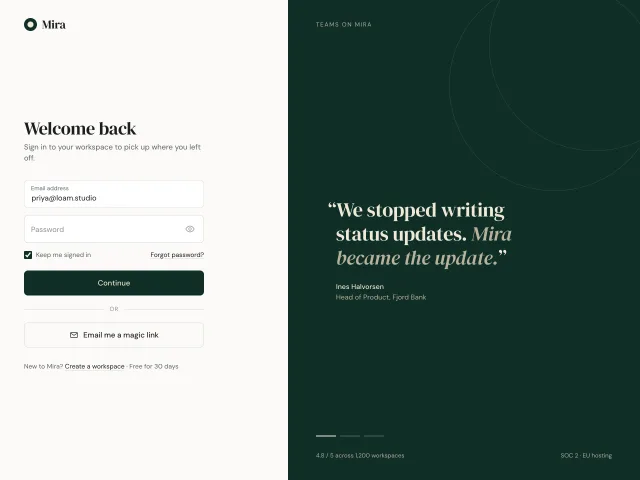
45/55 sign-in screen: floating-label fields, a password visibility toggle and a magic-link button, beside a deep-green panel with testimonials crossfading every 5 seconds.
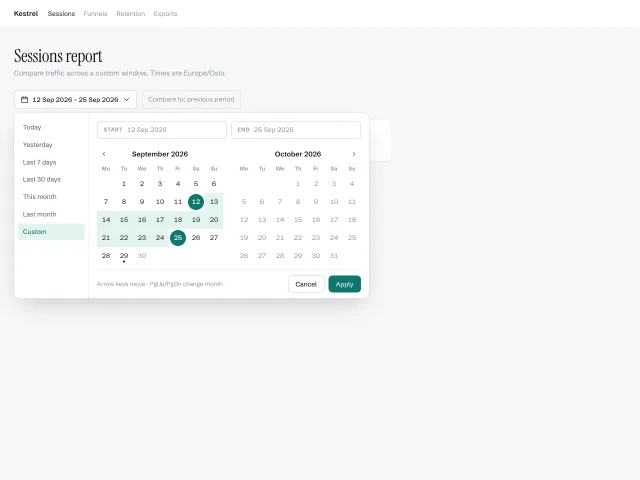
A two-month calendar popover with a presets column, start/end pills, hover-previewed ranges and full arrow-key navigation across month boundaries.
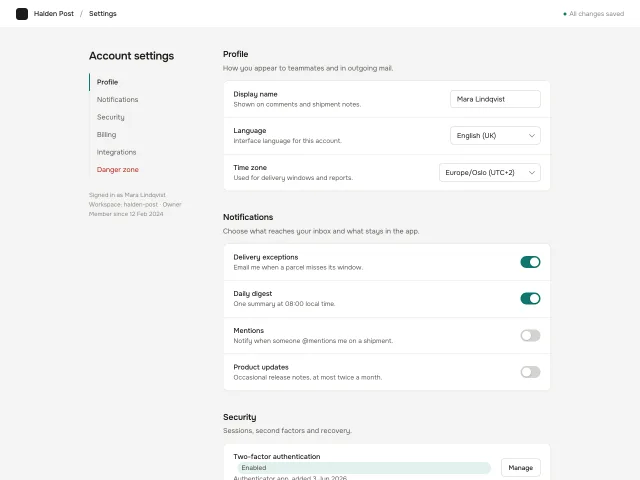
Account settings: a 220px sticky section nav with scroll-spy highlight beside a 720px column of grouped setting cards with switches, selects, text inputs and an armed danger zone.
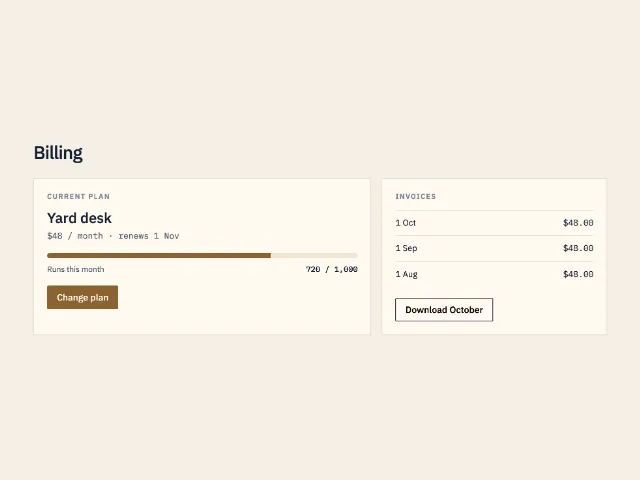
The billing screen: current plan, a 72 percent usage bar, three invoices, and one primary action to change plan.
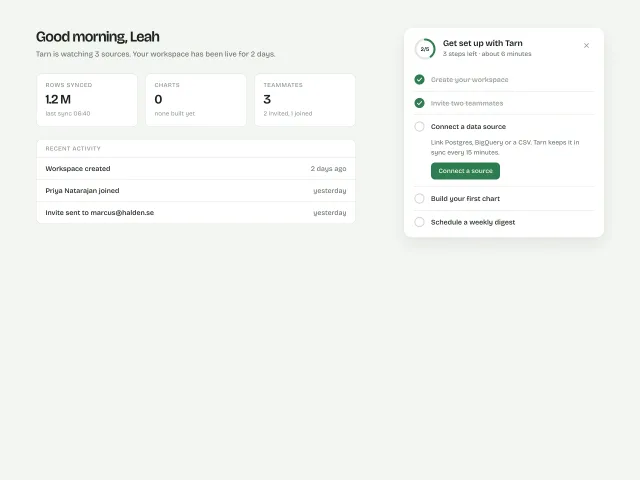
A 400px setup card with a 44px progress ring and five tasks; completing one draws a tick and collapses it, 100% dissolves into a calm 'You're set' state, and the card is dismissable.
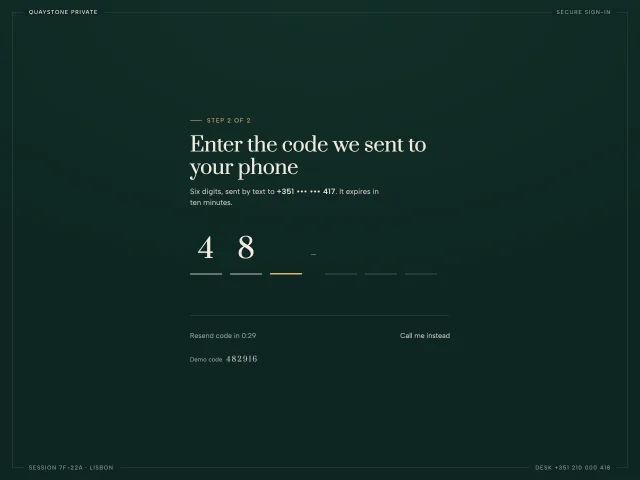
A six-digit verification code on hairline underlines: paste fills all six, typing auto-advances, a wrong code shakes coral, a resend countdown ticks, success turns gold.
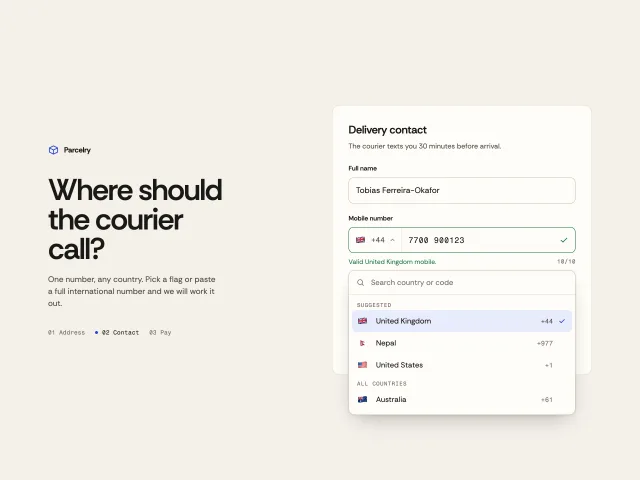
A phone field with a searchable flag-and-dial-code picker, live formatting per country, paste detection of +codes, and digit-count validation.
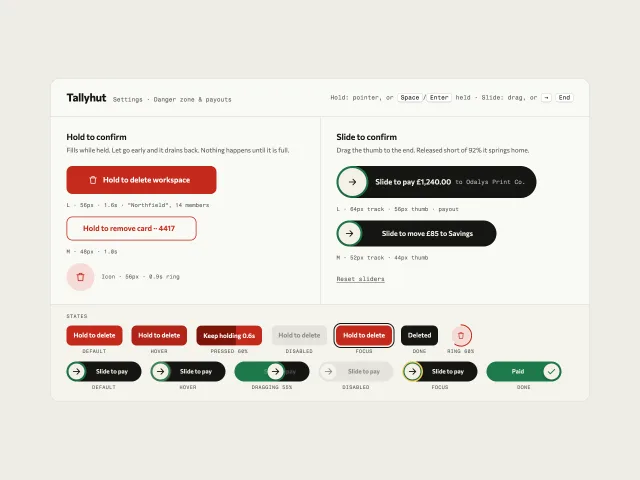
Hold-to-delete buttons that fill while held and drain on release, plus slide-to-pay tracks that spring home short of 92%, all with keyboard paths.
The MCP server gives your agent 600+ pieces, the themes and the review tools. It installs the skill too. Free, no account.
claude mcp add -s user design-lounge -- npx -y design-lounge-mcp@latest For Claude Code. Cursor, Codex, VS Code and ChatGPT, or the skill alone.