Nº 074 of 677
Terminal 404
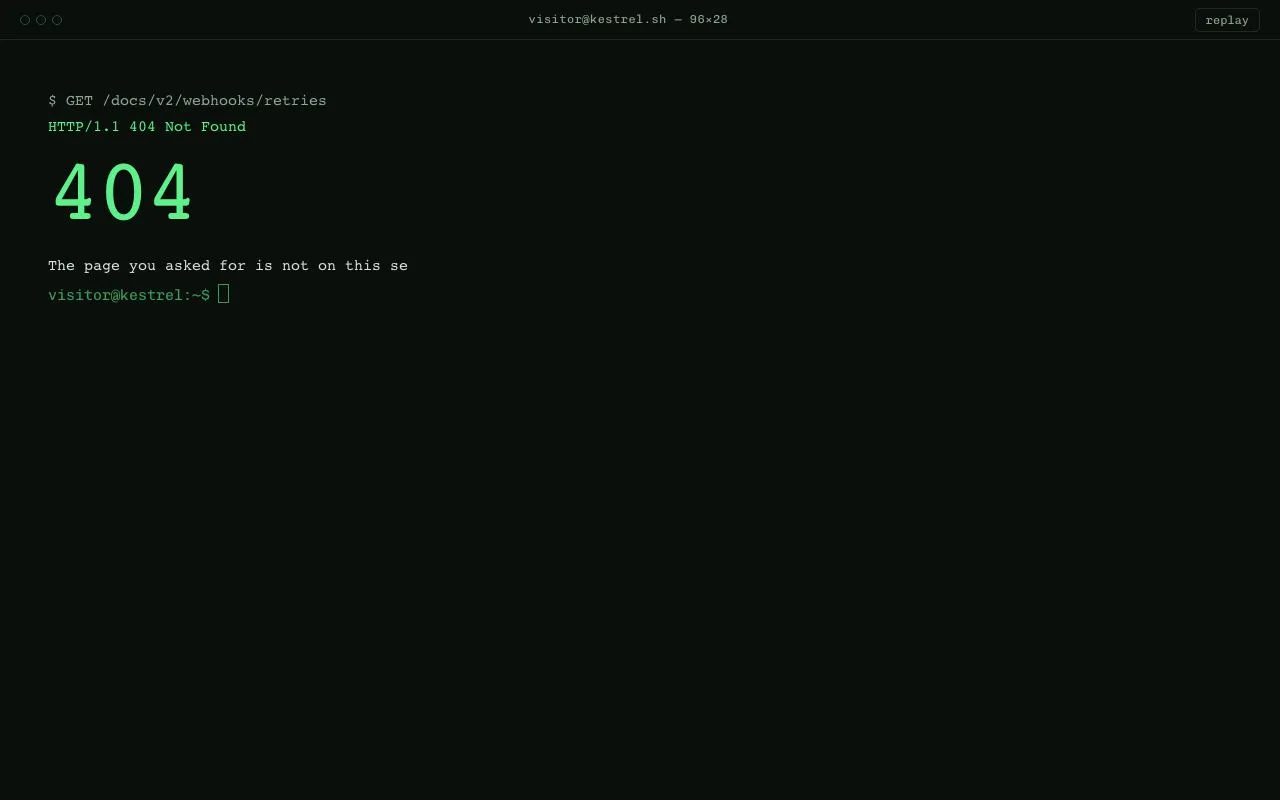
A 404 page styled as a terminal session: typewriter output at 22ms per character, a blinking block cursor, and a prompt that accepts home, back, search, help, ls and clear. Green on near-black.
Preview
Use it
Free to use · credit appreciated1 Once, in your project · Node 22.20+
npx skills add SusanAcharya/Design-Lounge 2 Then ask
Using the Design Lounge skill, build "Terminal 404" (piece terminal-404) in my stack. Match its brief; restyle it onto my product's theme.
No skill? Paste the brief instead. It carries the numbers, tokens and behaviour.
<!-- Design Lounge Nº 074 · "Terminal 404" · www.designlounge.live -->

# Terminal 404

> **Build brief for a coding agent.** Rebuild this piece in the reader's stack. If they haven't said which stack, ask once, then default to semantic HTML + CSS + a little vanilla JS. Match the numbers below; don't "improve" them.

## What it is

The not-found page for the developer docs of *Kestrel*, styled as a terminal window. A 40px title strip with three hollow dots, the session name and a "replay" button; below it, a 48px-padded log area where the 404 message types itself out line by line at 22ms per character: the failed request in grey, the status line in green, a 88px "404", three lines of explanation, and a list of four commands. A real prompt follows ("visitor@kestrel:~$ ") with a blinking 0.62em × 1.15em green block cursor that tracks the typed text. Typing `home`, `back`, `search <query>`, `help`, `ls` or `clear` produces typed responses; anything else prints an amber "command not found". No scanlines, no glow, no CRT curvature; the restraint is the point.

## Reference behaviour

1. Load: the log is empty; lines type in sequence. Line 1 `$ GET /docs/v2/webhooks/retries` (grey), line 2 `HTTP/1.1 404 Not Found` (green), then `404` appears at once (not typed) at 88px, then six body/list lines type. Total intro ≈ 4.5s. The cursor does not blink while typing.
2. When the intro finishes, the input receives focus and the cursor blinks (1s period, hard steps: 500ms on, 500ms off).
3. Typing: characters appear in `--ink`; the block cursor moves right by the measured width of the typed text (a hidden mirror span). The native caret is hidden.
4. Enter: the command echoes as a grey line `visitor@kestrel:~$ <cmd>`, the input clears, and the response types out. `help` lists six commands; `ls` prints a directory line; `home`, `back` and `search` print a green "→ redirecting …" line (navigation disabled in the demo; wire them to real navigation in your product); `clear` empties the log; unknown words print amber `command not found: <word>` and a grey hint.
5. Clicking anywhere in the log area focuses the input. When the input loses focus the cursor stops blinking and becomes a hollow outline.
6. Click "replay" in the title strip: the log clears and the intro types again. Any typing in progress is cancelled by a token check.
7. Reduced motion: lines appear whole (no per-character typing) and the cursor does not blink.

## Structure

```
1280 × 800
┌────────────────────────────────────────────────────────────────────────────┐
│ ○ ○ ○                  visitor@kestrel.sh — 96×28                [replay] │ 40  title strip
├────────────────────────────────────────────────────────────────────────────┤
│                                                                            │ 48px padding
│  $ GET /docs/v2/webhooks/retries                                           │ grey
│  HTTP/1.1 404 Not Found                                                    │ green
│  404                                                                       │ 88px green
│  The page you asked for is not on this server.                             │
│  It may have moved when the docs were reorganised on 14 Sep 2026,          │
│  or the link you followed was typed from memory.                           │
│                                                                            │
│  Try one of these:                                                         │ grey
│    home     go to the start page                                           │ green 500
│    back     return to the previous page                                    │
│    search   search the documentation                                       │
│    help     list all commands                                              │

… 168 more lines. Copy or download for the full brief. Loading the source…Brief
208 linesBuild brief for a coding agent. Rebuild this piece in the reader’s stack. If they haven’t said which stack, ask once, then default to semantic HTML + CSS + a little vanilla JS. Match the numbers below; don’t “improve” them.
What it is
The not-found page for the developer docs of Kestrel, styled as a terminal window. A 40px title strip with three hollow dots, the session name and a “replay” button; below it, a 48px-padded log area where the 404 message types itself out line by line at 22ms per character: the failed request in grey, the status line in green, a 88px “404”, three lines of explanation, and a list of four commands. A real prompt follows (“visitor@kestrel:~$ ”) with a blinking 0.62em × 1.15em green block cursor that tracks the typed text. Typing home, back, search <query>, help, ls or clear produces typed responses; anything else prints an amber “command not found”. No scanlines, no glow, no CRT curvature; the restraint is the point.
Reference behaviour
- Load: the log is empty; lines type in sequence. Line 1
$ GET /docs/v2/webhooks/retries(grey), line 2HTTP/1.1 404 Not Found(green), then404appears at once (not typed) at 88px, then six body/list lines type. Total intro ≈ 4.5s. The cursor does not blink while typing. - When the intro finishes, the input receives focus and the cursor blinks (1s period, hard steps: 500ms on, 500ms off).
- Typing: characters appear in
--ink; the block cursor moves right by the measured width of the typed text (a hidden mirror span). The native caret is hidden. - Enter: the command echoes as a grey line
visitor@kestrel:~$ <cmd>, the input clears, and the response types out.helplists six commands;lsprints a directory line;home,backandsearchprint a green ”→ redirecting …” line (navigation disabled in the demo; wire them to real navigation in your product);clearempties the log; unknown words print ambercommand not found: <word>and a grey hint. - Clicking anywhere in the log area focuses the input. When the input loses focus the cursor stops blinking and becomes a hollow outline.
- Click “replay” in the title strip: the log clears and the intro types again. Any typing in progress is cancelled by a token check.
- Reduced motion: lines appear whole (no per-character typing) and the cursor does not blink.
Structure
1280 × 800
┌────────────────────────────────────────────────────────────────────────────┐
│ ○ ○ ○                  visitor@kestrel.sh — 96×28                [replay] │ 40  title strip
├────────────────────────────────────────────────────────────────────────────┤
│                                                                            │ 48px padding
│  $ GET /docs/v2/webhooks/retries                                           │ grey
│  HTTP/1.1 404 Not Found                                                    │ green
│  404                                                                       │ 88px green
│  The page you asked for is not on this server.                             │
│  It may have moved when the docs were reorganised on 14 Sep 2026,          │
│  or the link you followed was typed from memory.                           │
│                                                                            │
│  Try one of these:                                                         │ grey
│    home     go to the start page                                           │ green 500
│    back     return to the previous page                                    │
│    search   search the documentation                                       │
│    help     list all commands                                              │
│                                                                            │
│  visitor@kestrel:~$ █                                                      │ prompt + block cursor
│                                                                            │
└────────────────────────────────────────────────────────────────────────────┘.chrome— flex, 40px, 1px--linebottom border:.dots(three 10px hollow circles),.title,<button id="replay">..term—role="log" aria-live="polite" aria-label="Terminal",flex:1; overflow-y:auto; padding:48px; cursor:text.<pre class="out">— output; each line is a<span>(classdgrey,ggreen,aamber,kgreen 500,bigfor the 404) followed by a text node\n.<form class="line">—<label class="ps" for="cmd">prompt,.inwrapper containing<input id="cmd">, a hidden mirror<span class="m">, and the.curblock.
Tokens
:root {
  /* colour — near-black with a green cast, one green, grey-green text, amber for errors */
  --bg:      #0b0f0c;  /* page */
  --panel:   #0e1410;  /* reserved: raised surfaces */
  --line:    #1c2a20;  /* title-strip rule, replay border */
  --green:   #5ef08a;  /* status, 404, commands, cursor */
  --green-2: #3d9a5c;  /* prompt, replay hover border, idle cursor outline */
  --green-3: #25553a;  /* dot outlines */
  --ink:     #d7e3da;  /* body text, typed input */
  --ink-2:   #8fa596;  /* grey lines, chrome text */
  --amber:   #e3b04b;  /* command not found */

  /* type */
  --mono: "Chivo Mono", ui-monospace, monospace;
  --fs: 15px;          /* 14 ≤820 */
  --lh: 1.7;
  --fs-big: 88px;      /* 56 ≤820 */

  /* layout */
  --chrome-h: 40px;
  --pad: 48px;         /* 24 ≤820 */
  --cursor-w: .62em;
  --cursor-h: 1.15em;
  --radius: 4px;       /* replay button only */

  /* motion */
  --char-ms: 22ms;     /* per character; total intro ≈ 4.5s */
  --blink: 1000ms;     /* steps(1): 50% duty */
  --t-micro: 140ms;
  --ease: cubic-bezier(.2, .7, .2, 1);
}
Typography
| Role | Family | Size | Weight | Line-height | Tracking | Colour |
|---|---|---|---|---|---|---|
| Body lines | Chivo Mono | 15px | 400 | 1.7 | 0 | --ink |
| Grey lines | Chivo Mono | 15px | 400 | 1.7 | 0 | --ink-2 |
| Status / redirect | Chivo Mono | 15px | 400 | 1.7 | 0 | --green |
| Command names | Chivo Mono | 15px | 500 | 1.7 | 0 | --green |
| Error | Chivo Mono | 15px | 400 | 1.7 | 0 | --amber |
| 404 | Chivo Mono | 88px | 500 | 1 | −0.04em | --green, margin: 8px 0 18px |
| Prompt | Chivo Mono | 15px | 400 | 1.7 | 0 | --green-2 |
| Chrome title | Chivo Mono | 12px | 400 | 1 | +0.04em | --ink-2 |
| Replay button | Chivo Mono | 12px | 400 | 1 | 0 | --ink-2, 1px --line border, 4px radius |
All output is white-space: pre-wrap inside a <pre> so the two-space indents and column alignment of the command list are literal.
Motion
| Element | Trigger | Property | From → To | Duration | Easing / timing | Notes |
|---|---|---|---|---|---|---|
| output line | intro / command | textContent | "" → full line | 22ms × chars | setInterval | one line at a time, sequential |
.big 404 | intro | textContent | appears whole | 0 | — | never typed |
.cur | idle, focused | opacity | 1 → 0 → 1 | 1000ms | steps(1) at 50% | paused (animation: none) while .typing |
.cur | typing | transform | translateX(--x) | 0 | — | --x = mirror span width |
.term | each character | scrollTop | → scrollHeight | 0 | — | keeps the prompt visible |
| replay button | hover | color, border-color | --ink-2/--line → --green/--green-2 | 140ms | --ease |
Reduced motion: reduce flag short-circuits the typer (s.textContent = text immediately) and .cur { animation: none }.
States
- Typing (
.term.typing): cursor solid, no blink; input still accepts keystrokes but its submit will echo after the current response. - Idle, focused: cursor blinking solid green.
- Idle, unfocused (
.term:not(:focus-within)): cursor transparent with a 1px--green-2outline, no blink. - Replay hover: text and border go green. Focus-visible (any control): 1px
--greenoutline, 3px offset. - Unknown command: amber line + grey hint.
- Cleared: log empty, prompt at the top of the padded area.
- No loading or disabled states.
Accessibility
- The log is
role="log"witharia-live="polite", so responses are announced once complete; because lines are inserted as spans and filled character by character, setaria-busy="true"on the log while typing if your screen reader reads partial text, and clear it when done. - The prompt is a real
<label for="cmd">, the input is a real<input aria-label="Command">inside a<form>, so Enter submits natively and the on-screen keyboard appears on touch devices. - The native caret is hidden with
caret-color: transparent; the block cursor isaria-hiddenand purely visual. Do not hide the input itself. - Clicking the log area focuses the input; keyboard users Tab directly to it. Focus order: replay → command input.
- Colour is never the only signal: errors say “command not found”, redirects start with ”→”.
- Contrast on
#0b0f0c:--ink14.2:1;--ink-27.3:1;--green13.1:1;--green-25.6:1 (prompt);--amber9.5:1. spellcheck="false" autocapitalize="off"on the input so mobile keyboards behave like a shell.
Responsive rules
- ≥ 1280: as specified.
- 1024–1279: identical; lines wrap naturally with
pre-wrap. - 768–1023: identical; the title text may truncate — give
.titleoverflow:hidden; text-overflow:ellipsis. - < 820: padding 24px, body 14px, 404 at 56px; the command list keeps its two-space indent; long lines wrap.
- Height: the log scrolls internally; the prompt is always scrolled into view after each line.
Acceptance checklist
- Background
#0b0f0c; body text#d7e3da; green#5ef08a; no gradients, glow, scanlines or text-shadow anywhere. - Title strip is 40px with three 10px hollow circles (
#25553aborder) and a 1px#1c2a20bottom rule. - Intro types at 22ms per character, one line at a time, in the order listed; the
404appears whole at 88px, weight 500, tracking −0.04em. - Cursor is a
.62em × 1.15emgreen block that blinks withsteps(1)over 1000ms, stops blinking while output types, and becomes a hollow outline when the input is unfocused. - Cursor position equals the pixel width of the typed text (mirror-span measurement), including spaces.
- Enter echoes
visitor@kestrel:~$ <cmd>in grey and clears the input. -
help,ls,home,back,search x,cleareach produce the specified output; unknown input prints ambercommand not found: <word>plus a grey hint. - Clicking the empty log area focuses the input.
- Replay clears the log and cancels any in-progress typing before restarting (no interleaved characters).
- The log auto-scrolls so the prompt stays visible after long output.
- Reduced motion: lines appear instantly and the cursor is static.
- No timer runs faster than 16ms; no
consoleoutput; no errors when submitting an empty command.
Implementation notes
Cancellable sequential typer. A monotonically increasing token lets a replay or clear abandon an in-flight sequence without clearing intervals from the outside:
let token = 0;
function type(lines, done) {
  const my = ++token; term.classList.add('typing'); let li = 0;
  (function next() {
    if (my !== token) return;
    if (li >= lines.length) { term.classList.remove('typing'); done && done(); return; }
    const [cls, text = ''] = lines[li++]; const s = span(cls, ''); out.appendChild(s);
    if (reduce || cls === 'big') { s.textContent = text; out.appendChild(document.createTextNode(cls === 'big' ? '' : '\n')); return next(); }
    let ci = 0;
    const id = setInterval(() => {
      if (my !== token) { clearInterval(id); return; }
      s.textContent = text.slice(0, ++ci); term.scrollTop = term.scrollHeight;
      if (ci >= text.length) { clearInterval(id); out.appendChild(document.createTextNode('\n')); next(); }
    }, 22);
  })();
}
Block cursor that follows the input. Hide the native caret and measure a mirror span with identical font metrics:
.in { position: relative; display: flex; }
.in input { caret-color: transparent; background: transparent; border: 0; font: inherit; }
.in .m { position: absolute; left: 0; top: 0; visibility: hidden; white-space: pre; }
.cur { position: absolute; top: .18em; left: 0; width: .62em; height: 1.15em; background: var(--green);
       transform: translateX(var(--x, 0)); animation: blink 1000ms steps(1) infinite; }
.typing .cur { animation: none; }
.term:not(:focus-within) .cur { animation: none; background: transparent; outline: 1px solid var(--green-2); }
@keyframes blink { 50% { opacity: 0; } }
function sync() { m.textContent = cmd.value; cur.style.setProperty('--x', m.offsetWidth + 'px'); }
cmd.addEventListener('input', sync);white-space: pre on the mirror is required or trailing spaces collapse and the cursor lags one character.
Common mistakes: typing with setTimeout per character without a cancel token (replay interleaves two intros); using ease on the blink (a terminal cursor is binary); adding text-shadow glow “for realism”; contenteditable instead of an input (breaks mobile keyboards and form submit).
Details
- Palette
- Type
- Chivo Mono
- Motion
- Rich motion
- Stack
- Plain HTML, CSS and vanilla JS. No framework or packages, so nothing to clash with your versions.
- Build
- One session
- Tags
On the shelves
Similar
Dark devtool landing page
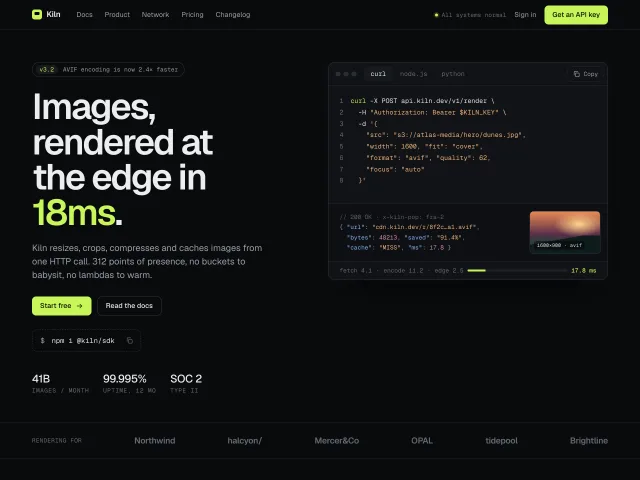
A full landing page for an edge image API: lime-on-graphite, tabbed curl/Node/Python samples with copy, a hairline feature grid, giant latency numerals and pricing.
Editorial 404 with search
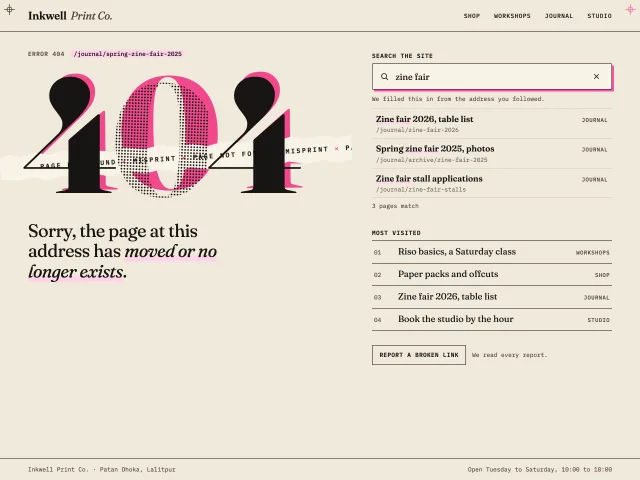
A riso-print 404: a huge serif 404 with a fluoro pink plate out of register, a torn strip, one plain apology, live search, four popular links and inline reporting.
File upload manager
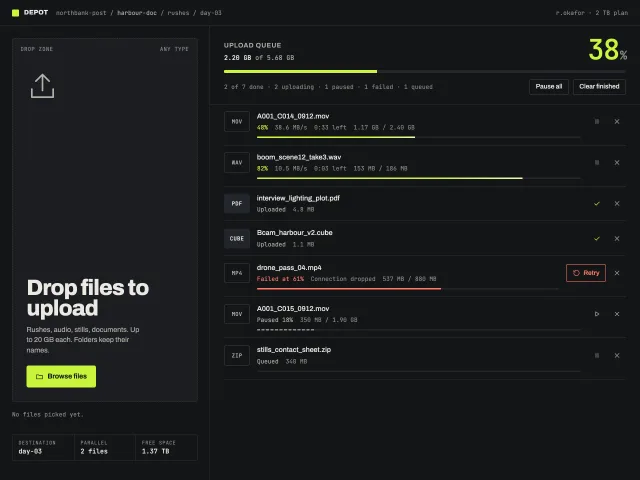
A dark upload screen: a tall dropzone that inverts on drag, a real file picker, and a queue with live speed, time left, pause, cancel, and retry.
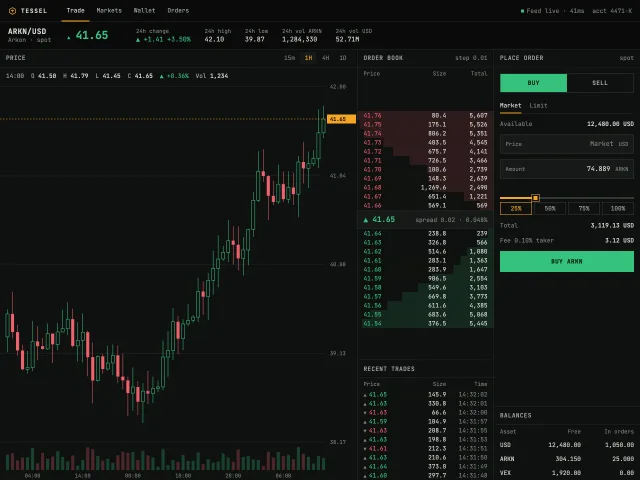
Terminal crypto trading screen
A dense near-black spot trading screen: pair header, SVG candles with a crosshair, a live order book that ticks every 800ms, trades, and a buy/sell panel.
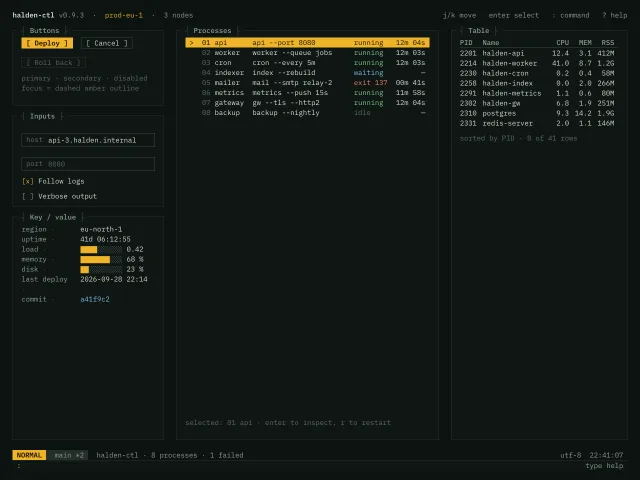
Terminal UI style sheet
A monospace 1ch-grid style sheet for a terminal-style ops UI: box-drawing panel titles, bracketed buttons, key-value rows, an amber-highlighted list, a table, a status line and a : command input.
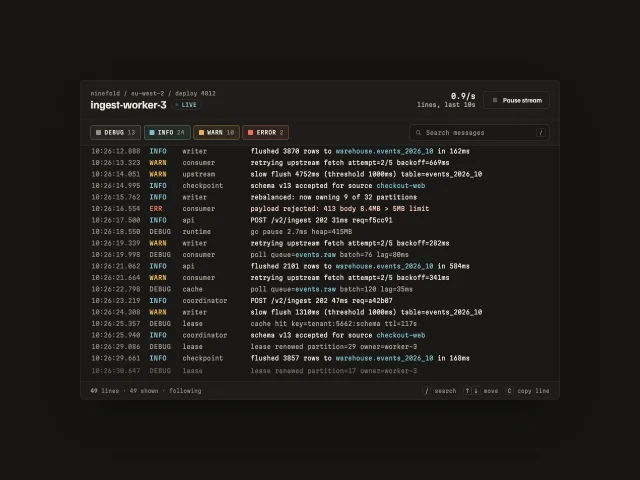
Live terminal log card
A streaming service log in a card: coloured levels, multi-select level filters, search highlight, hover-to-hold autoscroll, and copy any line.